What the carpet boost sensor on a robot vacuum actually does
Carpet boost raises suction only on rugs. I explain how robots detect carpet, what boost costs in battery and noise, where it helps, where it misfires, and how I set it up.
We choose products independently. We may earn a commission through links on this page; your price stays the same. Affiliate policy
On this page
The short answer
- Carpet boost automatically raises suction when the robot detects carpet, then drops it again on hard floors.
- Robots sense carpet with an ultrasonic sensor, an infrared floor sensor or brush-motor resistance. Ultrasonic is the most reliable.
- Boost costs battery and noise, but only while the robot is on a rug, which makes it far more efficient than running Max everywhere.
- It helps most on low and medium pile. On mopping robots, the same sensor also keeps rugs dry.
What carpet boost actually does
Carpet boost is one of those settings that sounds like marketing until you watch it work. The robot rolls off the kitchen tile onto a living room rug, the motor note jumps, and a few seconds later it drops back down when it leaves the rug.
In plain terms, carpet boost tells the robot to raise its suction automatically when it detects carpet, then lower it again on hard floors.
Roborock's own support article describes it as the robot automatically increasing suction to maximum while it is on carpet. Dreame describes its version in its help center the same way, and eufy calls its version BoostIQ.
In this guide I explain how robots actually sense carpet, what the boost costs in battery and noise, where it helps and where it does nothing, and how I set it up in my own home.
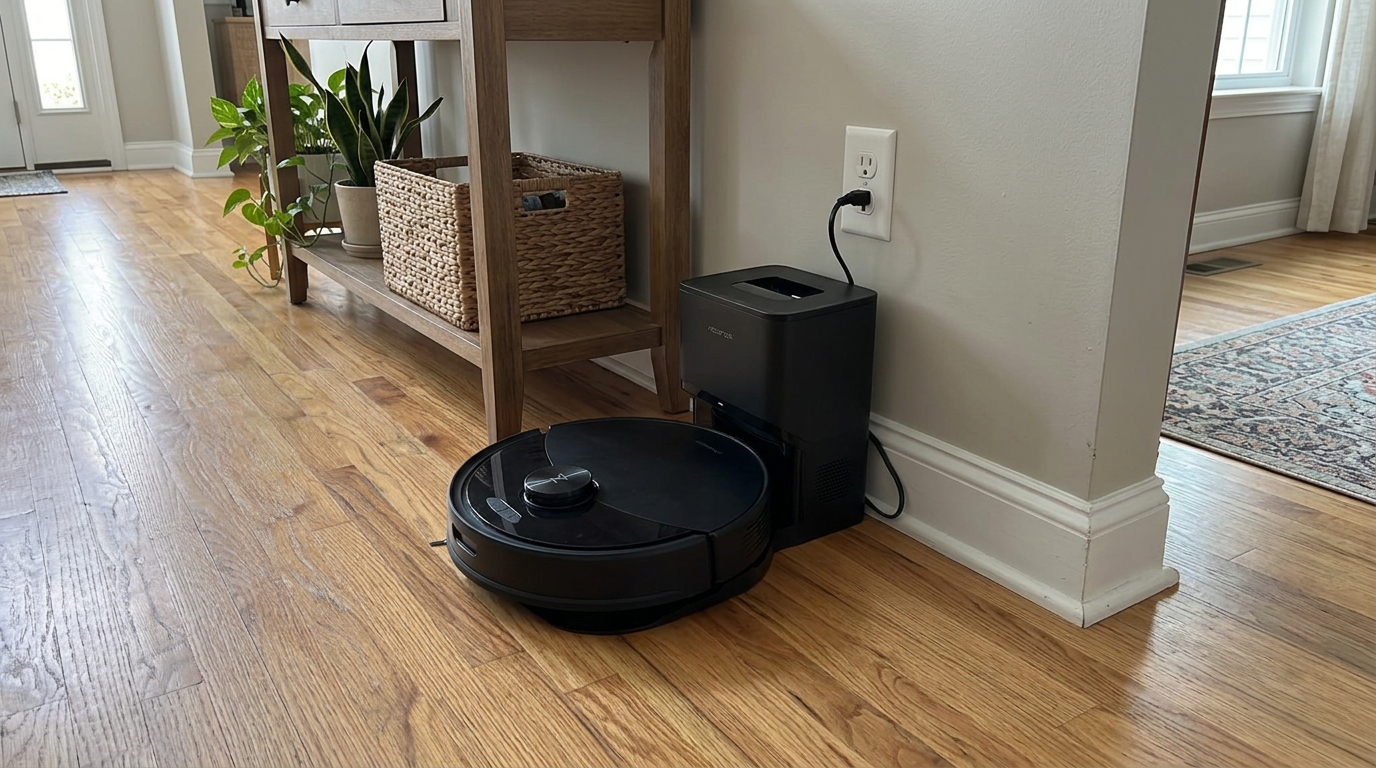
Budget-friendly robots like the Q10 S5+ often include carpet boost, which is one of the most useful settings to switch on. Read my Roborock Q10 S5+ review →
How a robot knows it is on carpet
There are three common ways a robot knows it has rolled onto carpet. They differ a lot in accuracy.
| Method | How it works | Strengths | Weak spots |
|---|---|---|---|
| Brush resistance | The robot notices the brush motor working harder | No extra hardware | Reacts late; thick thresholds or a towel can trigger it |
| Infrared floor sensor | Measures how the floor reflects infrared light | Cheap and fast | Fooled by very dark floors and light, flat rugs |
| Ultrasonic sensor | Bounces a sound pulse off the floor and reads the echo | Accurate across colors and lighting | Adds cost; can miss very thin flat-weave mats |
Roborock's support page explains that its earlier robots recognized carpet by the increase in brush resistance compared with wood or tile. Its newer flagships, such as the S8, use ultrasonic sound to identify carpet.
A European patent application for an ultrasonic carpet sensor sums up why the industry moved on: robots that relied on a single infrared cliff sensor to spot carpet were easily thrown off by floor color and ambient light.
Ultrasonic works more like a bat. Hard floors return a sharp, strong echo. Carpet fibers soak up and scatter the sound, so the echo comes back softer and messier. The robot compares the two and decides which surface it is on.
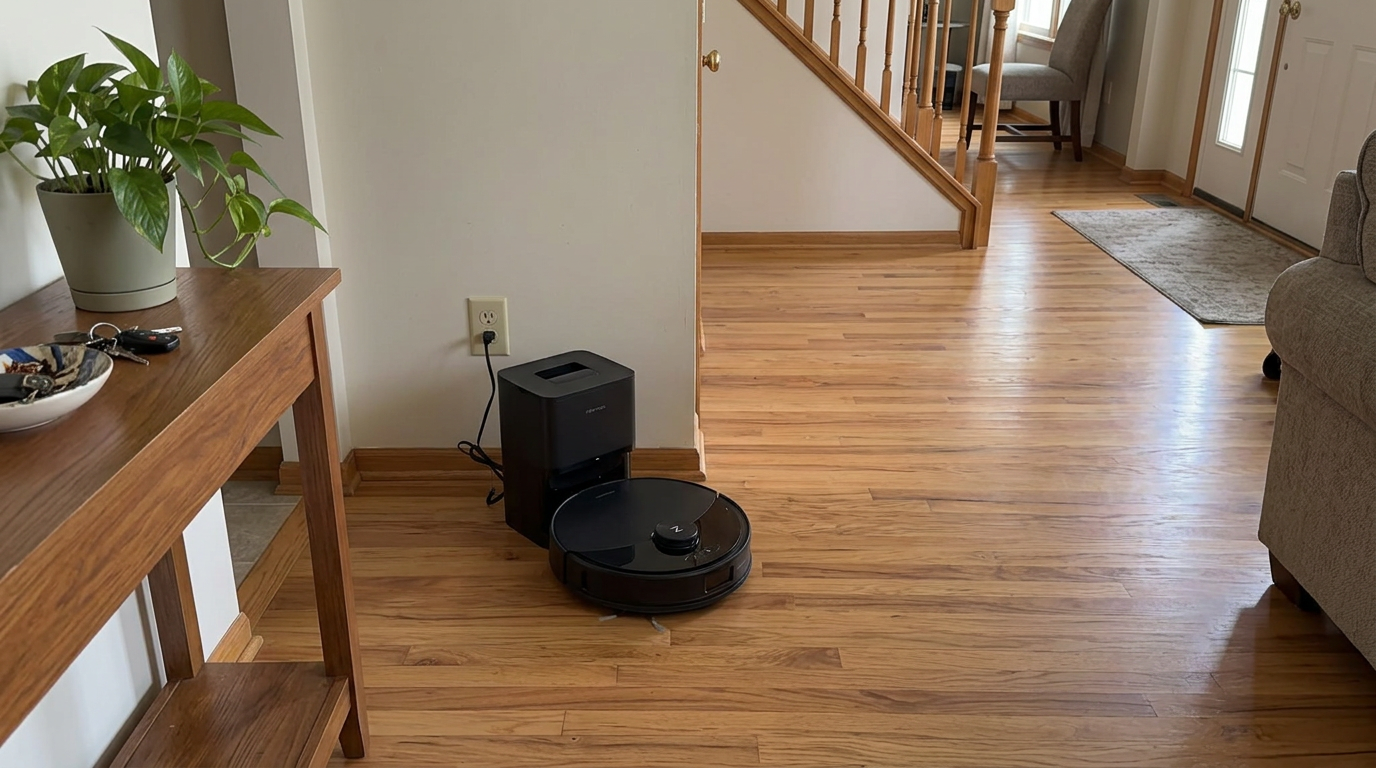
Many mid-range robots, including the Qrevo S Pro, use carpet detection both to boost suction and to lift the mops off rugs. Read my Roborock Qrevo S Pro review →
What carpet boost costs in battery and noise
Carpet boost is not free. Higher suction means a faster fan, and as I covered in my guide to battery life by suction mode, fan power rises much faster than suction does.
Eufy's older G20 manual gives a clear example of how much floor type and suction setting change runtime on the same robot.
Max on carpet ran for less than a third of the time that Quiet ran on hardwood. That is the extreme case, because carpet adds drag on the brush and wheels on top of the extra suction.
The clever part of carpet boost is that you only pay that price on the rugs. A home with a few area rugs and mostly hard floors barely notices the battery hit. A home with wall-to-wall carpet will see much shorter runs.
Vacuum-only robots like the Roomba 105 Vac spend their whole battery on vacuuming, so carpet boost has a clear effect on how many rooms they finish. Read my iRobot Roomba 105 Vac review →
Where carpet boost helps, and where it does not
Whether carpet boost makes a visible difference depends mostly on your carpet. Here is how I think about it by pile height.
| Carpet type | Does boost help? | Why |
|---|---|---|
| Flat-weave and thin rugs | A little | Debris sits on top; standard suction already reaches it |
| Low-pile carpet | Yes, moderately | Fine dust and sand settle between short fibers |
| Medium-pile carpet | Yes, clearly | This is where extra airflow pulls up grit and pet hair |
| High-pile and shag | Limited | Many robots struggle to drive on it; avoidance is often better |
| Bath mats and fringe rugs | Often makes it worse | Strong suction can pull up loose fibers and tassels |
Roborock leans hard on carpet results in its marketing. On its S8 MaxV Ultra page, it credits its Carpet Boost+ system with a 99.5% hair pick-up rate. I treat a figure like that as a best-case lab number, but it shows how central boost has become to carpet cleaning.
Suction alone won't fix a weak brush or a poor seal. If a robot still leaves grit in a medium-pile rug with boost on, the brush and cleaning head design are more likely the problem.
My setting: On medium-pile rugs I pair carpet boost with a second pass. Two passes at boosted suction beat one pass at Max almost every time.
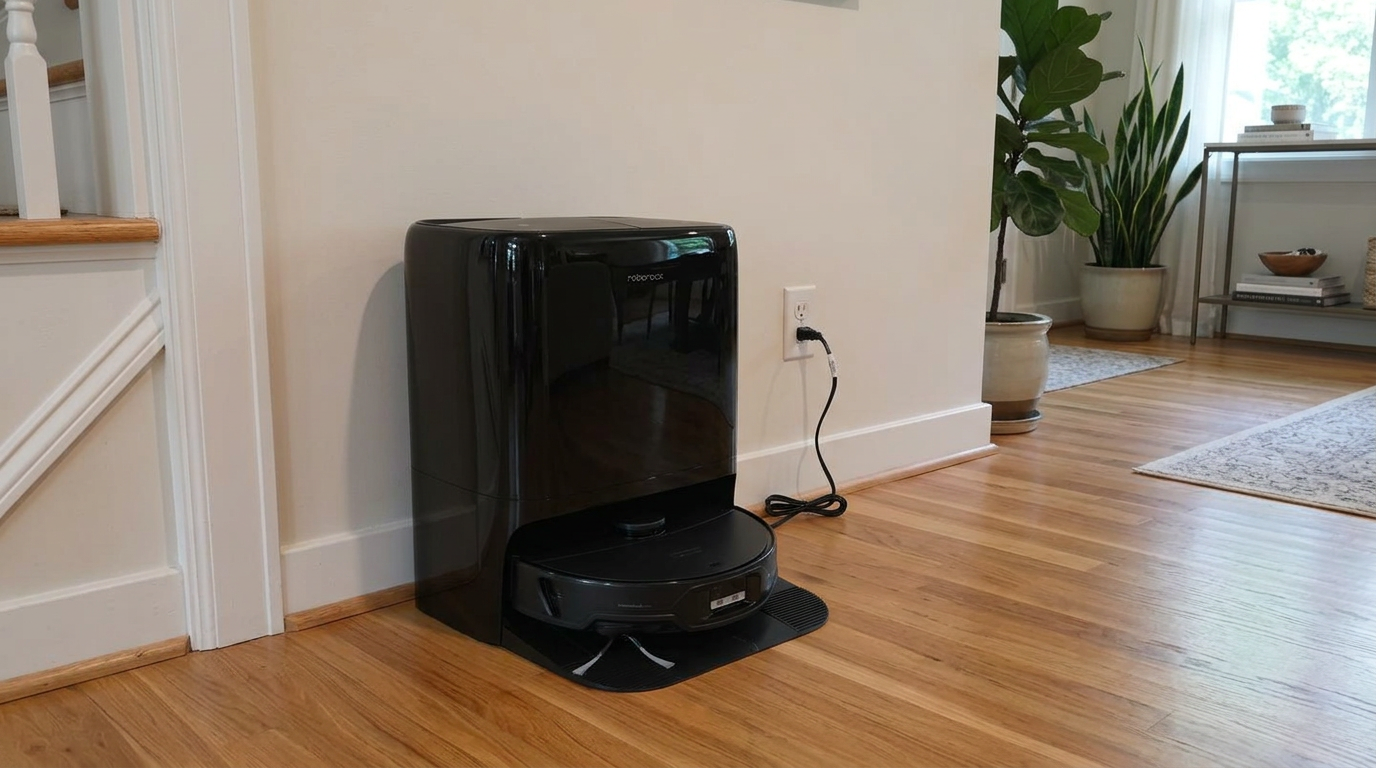
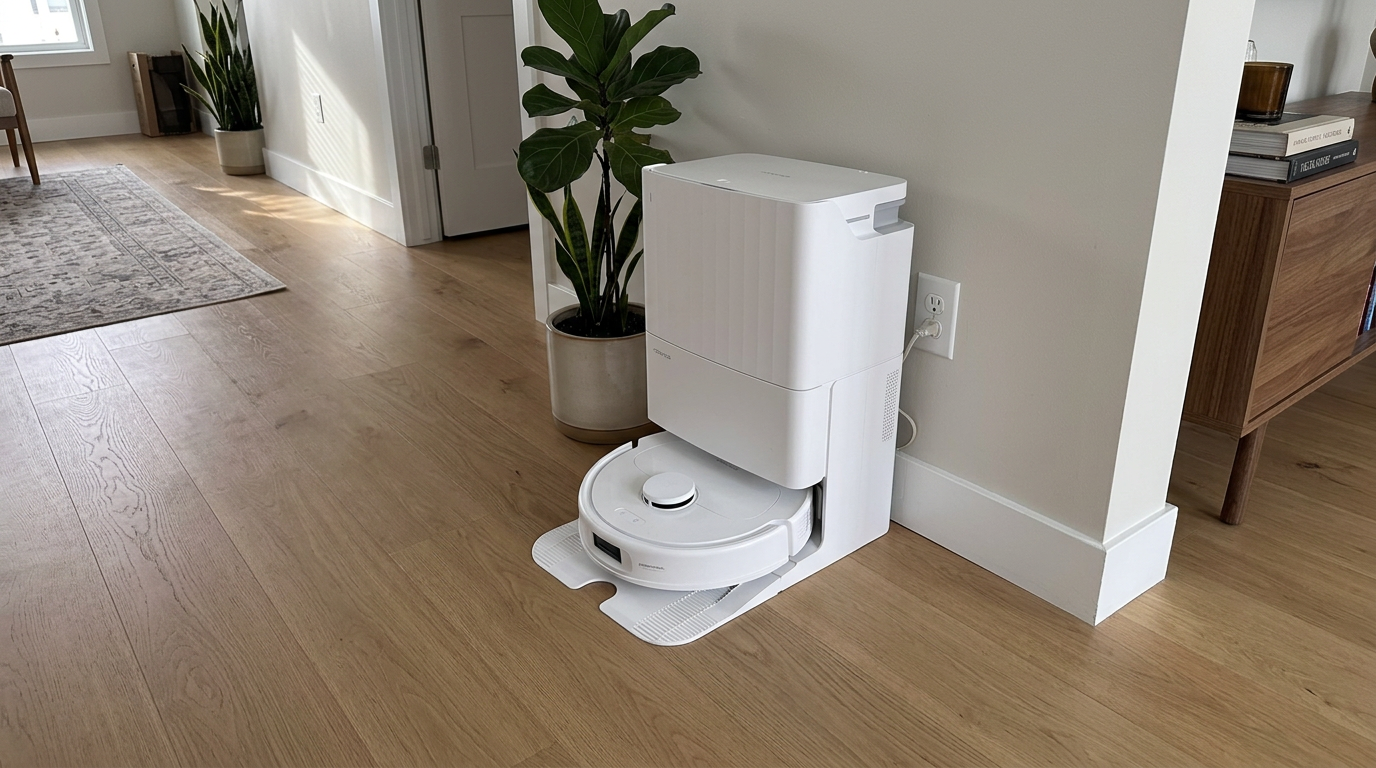
High-suction flagships like the Qrevo Edge 3 Pro give carpet boost more headroom, which shows most on medium-pile rugs. Read my Roborock Qrevo Edge 3 Pro review →
Carpet detection and mopping: the second job
On robots that mop, carpet detection does a second, arguably more important job: it decides what happens to the wet mop.
Depending on the model and your settings, the robot may lift the mop pads a few millimeters, detach them entirely, skip the rug until mopping is done, or simply avoid carpet altogether.
Roborock's Qrevo S page shows how granular this has become. You can set different strategies for different rugs, such as avoiding high-pile carpets, driving across entrance mats, boosting suction on carpet and cleaning carpets twice per room.
This is why I care more about detection accuracy on a mopping robot than a vacuum-only one. A missed rug on a vacuum means a weaker clean. A missed rug on a mop means a damp rug.
- Carpet boost on for living room and bedroom rugs
- Mop lift or avoid for any rug while mopping
- Deep clean (two passes) for high-traffic rugs
- Boost on for bath mats with loose fibers
- Letting a mopping robot cross a thick rug
- Assuming detection works on very thin rugs without checking
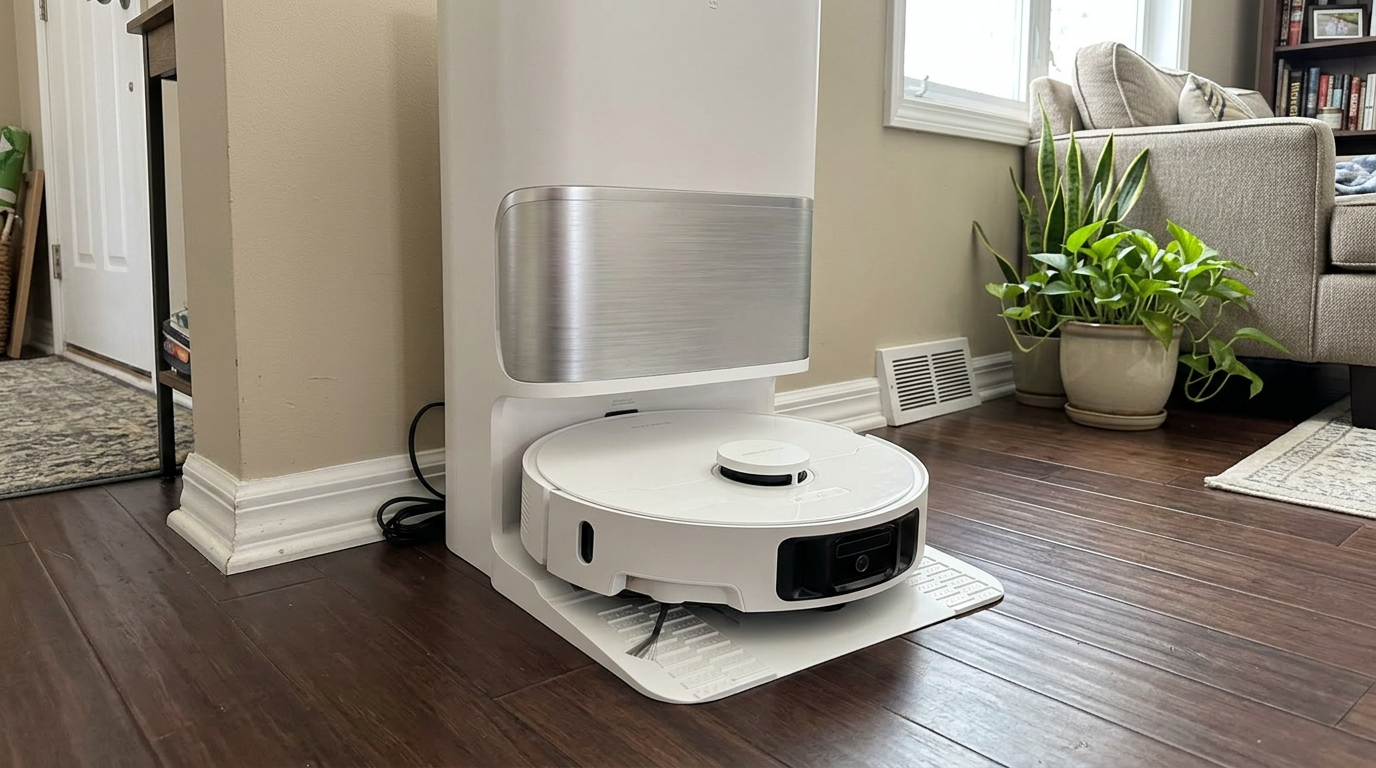
Mopping robots like the L40 Ultra Gen 2 rely on carpet detection to keep rugs dry while they mop the hard floors around them. Read my Dreame L40 Ultra Gen 2 review →
When carpet detection gets it wrong
Even good carpet detection gets it wrong sometimes. These are the situations where I see it misfire most.
| Situation | What happens | Fix |
|---|---|---|
| Very dark hardwood or black tile | IR-based sensors may read it as carpet and boost for no reason | Mark the area as hard floor in the app if it lets you |
| Thin, light flat-weave rug | Robot treats it as hard floor, no boost and possibly mopping | Draw the rug manually on the map as carpet |
| Thick door threshold | Brush-resistance robots may boost briefly | Usually harmless; ignore it |
| Towel or clothing on the floor | Robot boosts and may suck it in | Pick up fabric before runs |
| Rug that moves between runs | Saved carpet zone no longer matches | Re-draw the zone or rely on live detection |
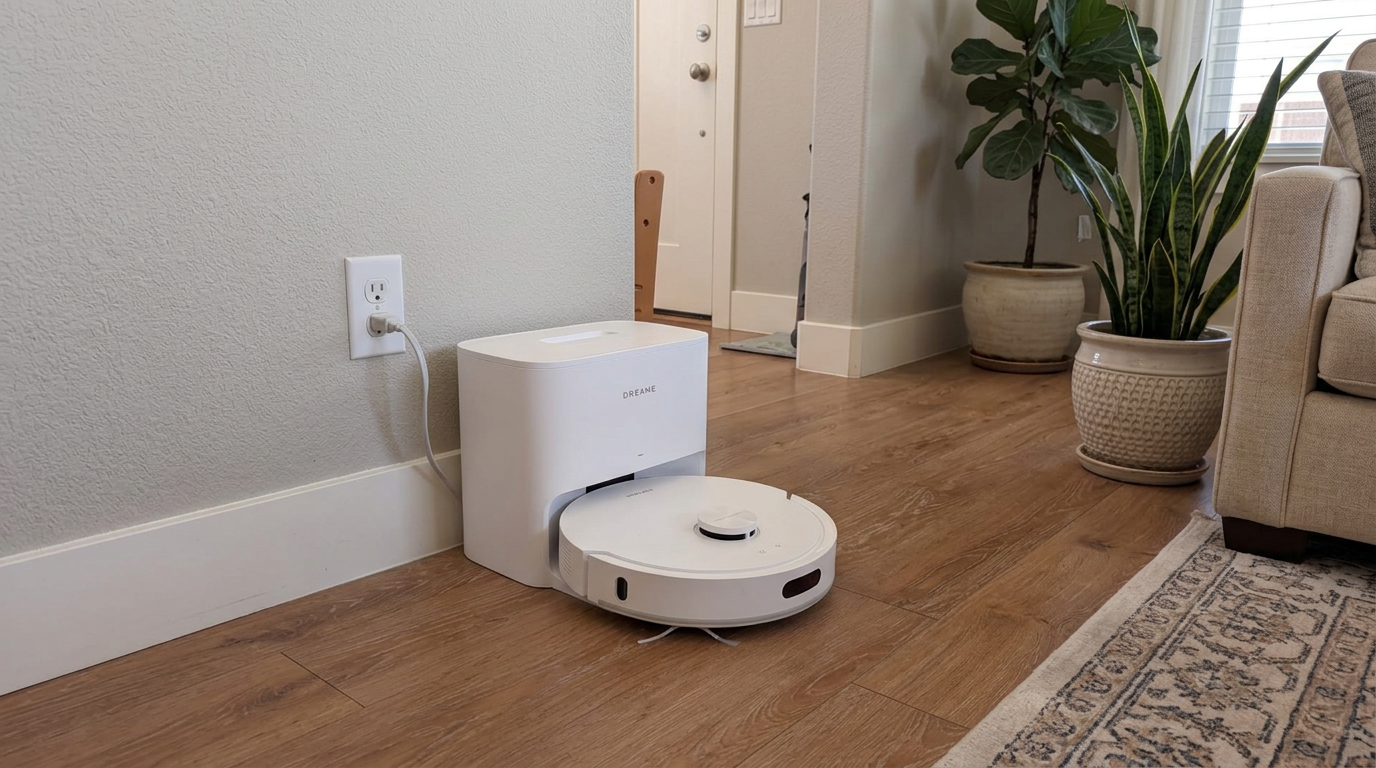
Mid-range robots like the D20 Air Plus are worth checking in the app after the first run, to confirm every rug was picked up correctly. Read my Dreame D20 Air Plus review →
Carpet boost vs. running Max everywhere
People often ask me whether they should just run the whole house in Max instead of relying on carpet boost. For most homes, the answer is no.
Running Max everywhere spends battery and makes noise on tile and wood, where extra suction does almost nothing. Carpet boost spends it only where it matters.
The exception is a home that is almost entirely carpet. If 80% or more of your floor is carpet, boost is on most of the time anyway, so a fixed higher mode can be simpler and more predictable.
For mixed floors, my default is Standard suction with carpet boost on. It is the closest thing robot vacuums have to a setting that is right for nearly everyone.
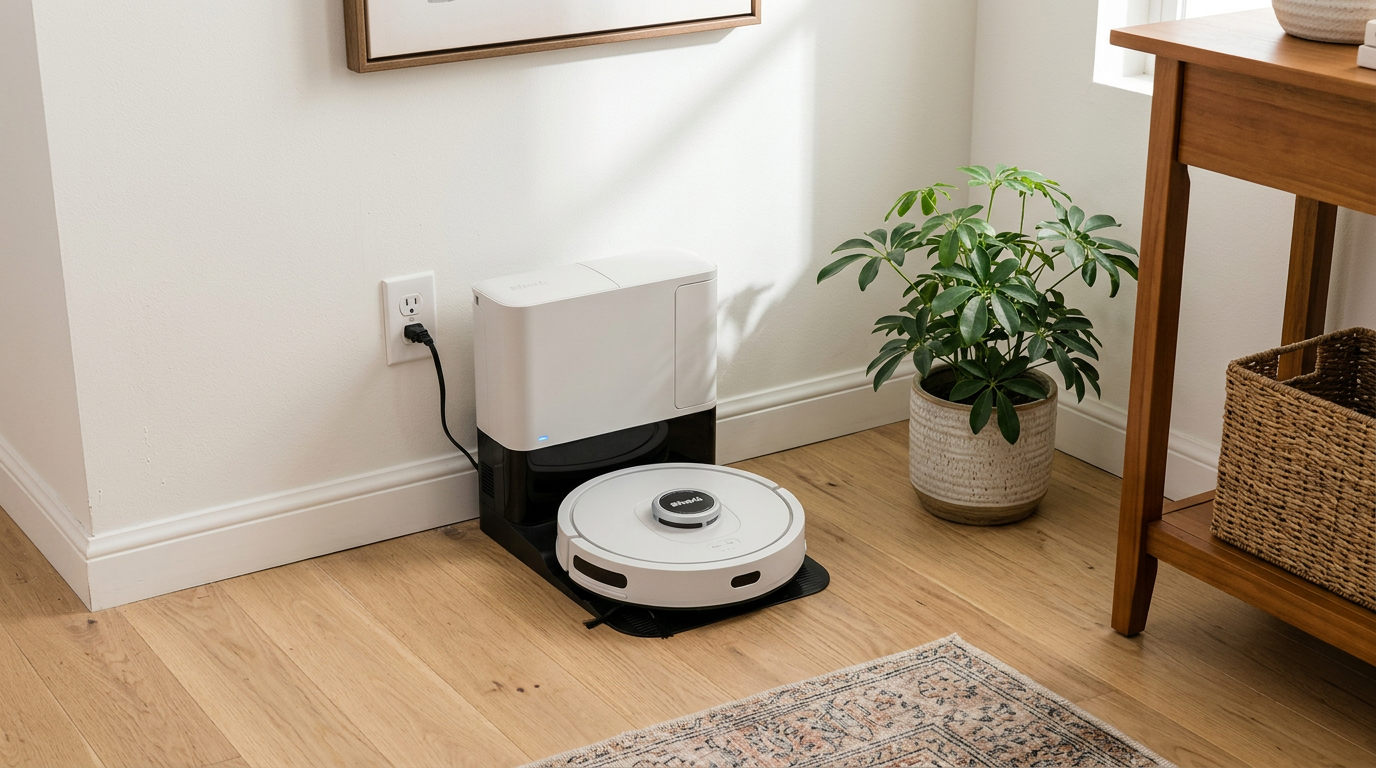
Self-emptying robots like the Shark AV2501S AI Ultra handle the bigger debris loads that boosted carpet runs can produce. Read my Shark AV2501S AI Ultra review →
How I set up carpet boost in a new home
- Turn carpet boost on in the appLook under suction or carpet settings. Some apps call it Carpet Boost, Carpet Mode, BoostIQ or Auto suction.
- Check every rug on the mapAfter the first full run, open the map and confirm each rug shows as carpet. Draw any missing rugs manually.
- Choose a rule for each rugSet entrance mats to cross, living room rugs to boost, and shaggy or fringed rugs to avoid. Bath mats are often better avoided.
- Protect rugs while moppingSet the robot to lift, detach or avoid mops on carpet. On robots with only a small lift, avoid thicker rugs during mop runs.
- Add a second pass where it countsTurn on deep carpet cleaning or two passes for high-traffic rugs instead of jumping to Max.
- Clean the carpet sensor monthlyWipe the sensor window under the front of the robot with a dry cloth so detection stays reliable.
Frequently asked questions
What does carpet boost do on a robot vacuum?
How does a robot vacuum detect carpet?
Should I leave carpet boost on?
Does carpet boost drain the battery?
Why does my robot boost on hard floors?
Is carpet boost the same as Max mode?

Sarah has tested vacuums, mops, air purifiers and dehumidifiers since 2017. Before joining BrasQ, she spent five years as a test coordinator at a national consumer advocacy group. She studied industrial design at Ohio State and lives in Columbus with her family and a long-haired cat.
- First published.
- Roborock support: what carpet boost mode means
- Roborock: S8 product page (ultrasonic carpet recognition)
- Roborock US: S8 MaxV Ultra product page (Carpet Boost+ system)
- Roborock US: Qrevo S product page (per-carpet strategies)
- Dreame support: how to use carpet boost
- Eufy support: how to use BoostIQ
- European Patent Office: EP 4111929, carpet recognition method for a robot cleaner
- Eufy G20 series user manual, runtime by floor type and mode
- Dreame: L40 Ultra Gen 2 vs. L10s Pro Ultra comparison (noise by mode)