Does higher suction drain a robot vacuum battery faster? Runtime per suction mode
Yes, and by more than most people expect. I lined up official runtime tables for every suction mode, ran the math on watts and square feet, and explain when Max mode is worth the battery.
We choose products independently. We may earn a commission through links on this page; your price stays the same. Affiliate policy
On this page
The short answer
- Yes, higher suction drains the battery faster, and not in a straight line. In official runtime tables, the top mode usually lasts only 40% to 60% as long as the quietest mode.
- The reason is fan physics: suction pressure rises with the square of fan speed, but the power the fan needs rises with the cube of fan speed.
- Mopping and carpet cut runtime further. Adding a mop can shave a third off a vacuum-only runtime, and carpet in Max mode can cut it by more than half again.
- For most homes, I run a standard or quiet mode on hard floors and let carpet boost or a room-specific setting handle rugs. Max is a spot tool, not a daily default.
Why I started timing suction modes
Every robot vacuum I have lived with came with a runtime number on the box. It is usually a big, round, comforting figure like 180 or 240 minutes.
What the box rarely says is that this figure almost always comes from the gentlest setting on a smooth floor. The moment I switched a robot to Max for a deep clean, that number fell apart.
So I went looking for hard data instead of marketing copy. Several manufacturers publish runtime per suction mode in their support pages, and those tables tell a much clearer story than any spec sheet.
In this guide, I pull those official numbers together, explain the physics behind them, and translate minutes into square feet you can actually clean on one charge.
I also cover whether running Max all the time hurts the battery in the long run, and how I set modes room by room so I never come back to a dead robot in the hallway.
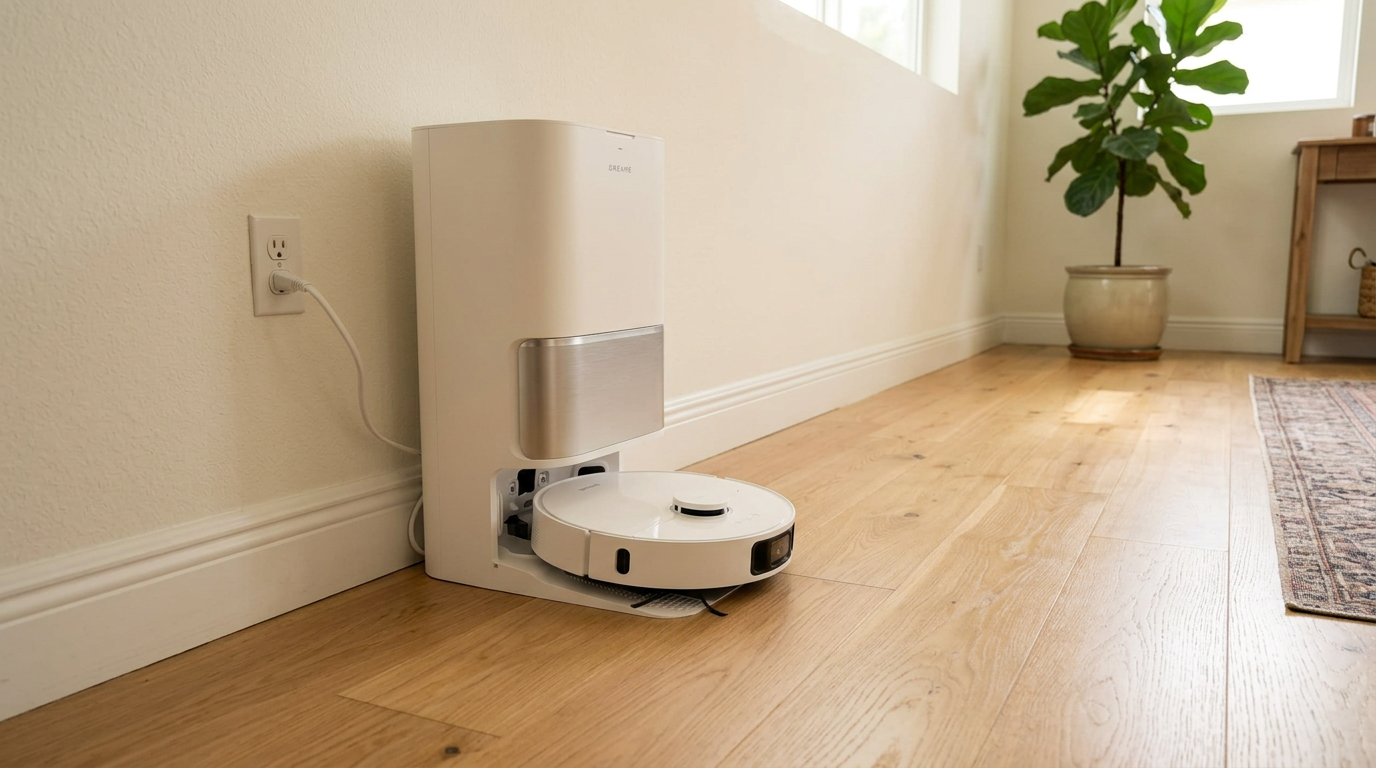
Dreame rates the L40 Ultra Gen 2 at up to 231 minutes in Quiet mode, vacuum only, which is the longest official figure I found for this guide. Read my Dreame L40 Ultra Gen 2 review →
The physics: why more suction costs so much battery
A robot vacuum creates suction with a small centrifugal fan. Turn the fan faster and it moves more air and creates a deeper pressure drop at the intake.
Engineers describe this with the fan affinity laws. Airflow scales with fan speed, pressure scales with the square of speed, and the power the motor needs scales with the cube of speed.
That last part is the one that hurts your battery. If a robot spins its fan 25% faster, it gets roughly 56% more suction pressure, but it needs close to twice the power to do it.
Robot vacuums don't follow the ideal curve perfectly, because a sealed brush roll on carpet behaves differently from an open fan. Still, the shape holds: every step up in suction costs more battery than the step before it.
The fan is not the only thing drawing current. The drive wheels, brush roll, side brush, LiDAR turret, cameras and Wi-Fi radio all take a slice. That fixed overhead is why Quiet mode never doubles runtime compared with Standard, even though the fan itself is barely trying.
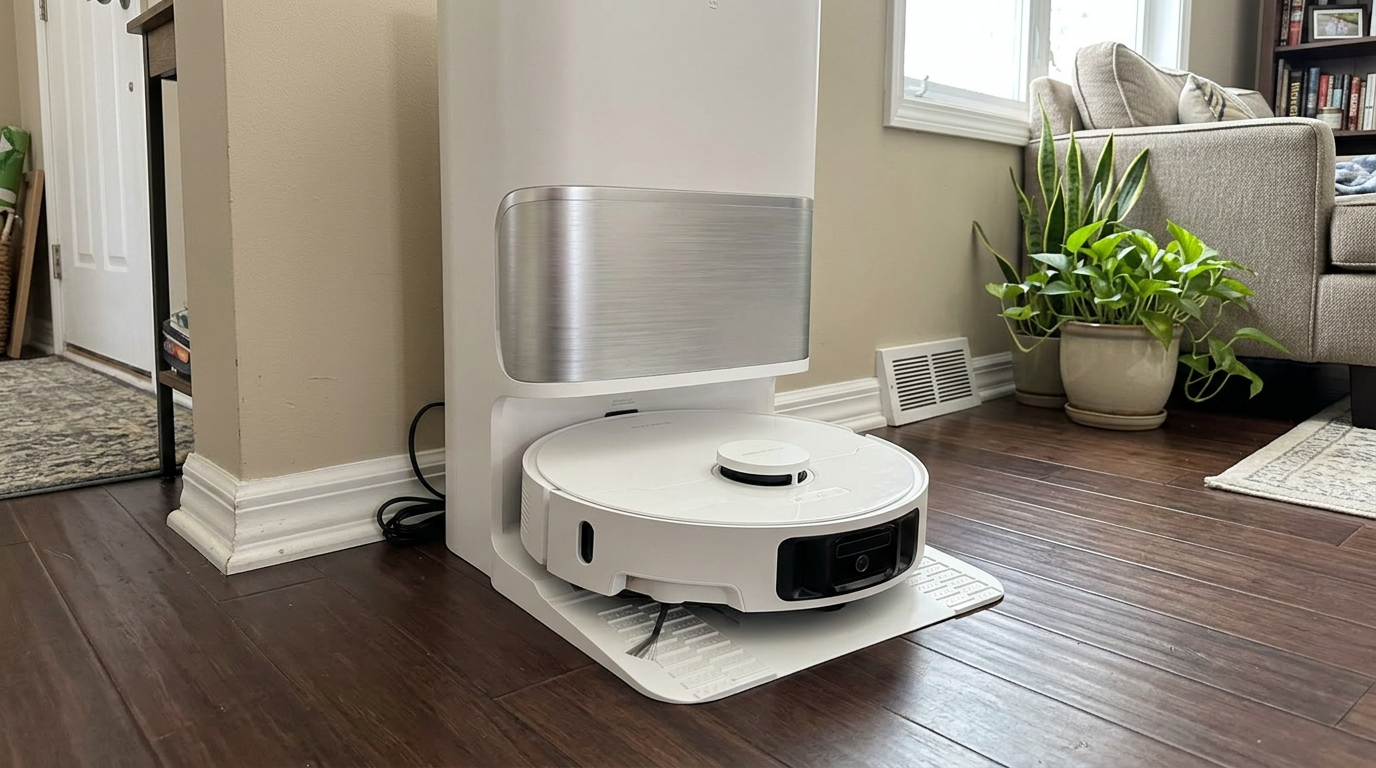
Robots with a full-size dock, like the Qrevo S Pro, can recharge mid-job and resume, which softens the hit when you clean in a high-suction mode. Read my Roborock Qrevo S Pro review →
Runtime per suction mode: the official numbers
Here is what manufacturers themselves publish. I picked brands that list a separate runtime for every mode, under the same conditions, so the numbers are fair to compare within each robot.
Xiaomi lists four modes for its X20+ in a support FAQ. Eufy publishes similar tables for its S1 and E25/E28 robots, measured on hard floors in vacuum-only mode.
| Robot (vacuum only, hard floor) | Quiet | Standard | Turbo / Strong | Max |
|---|---|---|---|---|
| Xiaomi X20+ | 210 min | 190 min | 150 min (Strong) | 85 min (Turbo) |
| Eufy S1 | 277 min | 216 min | 149 min | 122 min |
| Eufy E25 / E28 | 218 min | not listed | not listed | 124 min |
| Dreame L40 Ultra Gen 2 | 231 min | not listed | not listed | not listed |
The pattern is the same across brands. The first step up from Quiet costs very little, sometimes just 10%. The top step is brutal.
On the X20+, going from Strong to Turbo drops runtime from 150 to 85 minutes. That single click costs 43% of the battery life.
If I flip that around into power, it is even clearer. With the same battery, a mode that lasts 85 minutes draws about 2.5 times more average power than a mode that lasts 210 minutes.
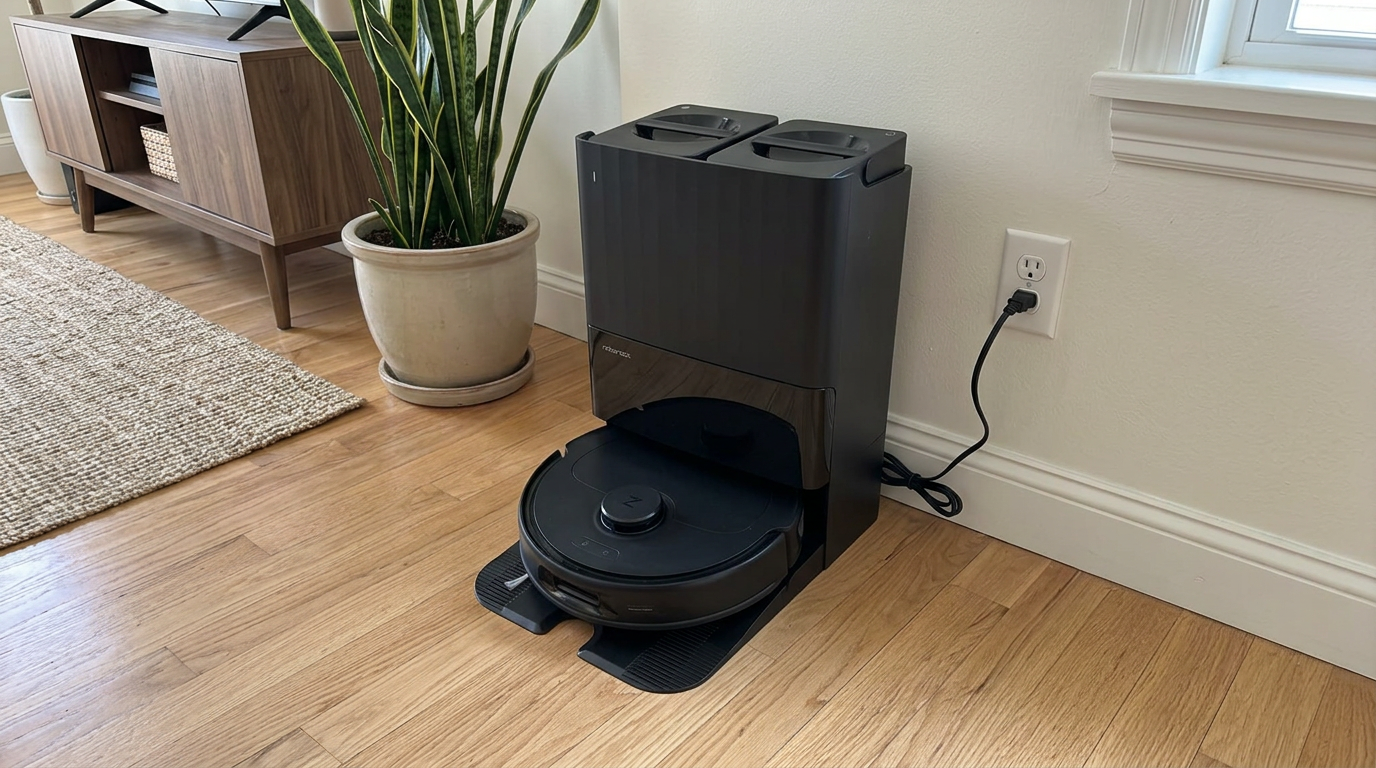
Budget robots like the Q10 S5+ follow the same rule: the highest suction setting is the fastest way to empty the battery. Read my Roborock Q10 S5+ review →
Mopping and carpet cut runtime even more
Suction mode is only one of three big battery drains. The other two are mopping and floor type.
Mopping adds drag from the pad and, on many robots, a pump or a pair of spinning mop motors. Xiaomi's own numbers show the X20+ dropping from 210 to 140 minutes in Quiet mode once the mop is working.
Eufy reports the same effect. The S1 runs about 184 minutes in Quiet with the mop attached versus 277 minutes vacuuming only, a loss of roughly one third.
| Robot and mode | Vacuum only | Vacuum + mop | Runtime lost |
|---|---|---|---|
| Xiaomi X20+, Quiet | 210 min | 140 min | 33% |
| Xiaomi X20+, Turbo | 85 min | 70 min | 18% |
| Eufy S1, Quiet | 277 min | 184 min | 34% |
| Eufy S1, Max | 122 min | 102 min | 16% |
Notice that mopping hurts the low modes the most in percentage terms. In Quiet, the mop system is a big share of total power. In Max, the fan already dominates, so the mop adds relatively less.
Carpet is the other runtime killer. The brush roll has to push through pile, the wheels work harder, and most robots raise suction automatically when they detect carpet.
Eufy's older G20 manual spells it out: about 120 minutes in Quiet on hardwood, about 70 minutes in Standard on medium-pile carpet, and about 36 minutes in Max on medium-pile carpet.
That is a 70% drop from the best case to the worst case on the same robot. If you have wall-to-wall carpet, the headline runtime on the box is not your number.
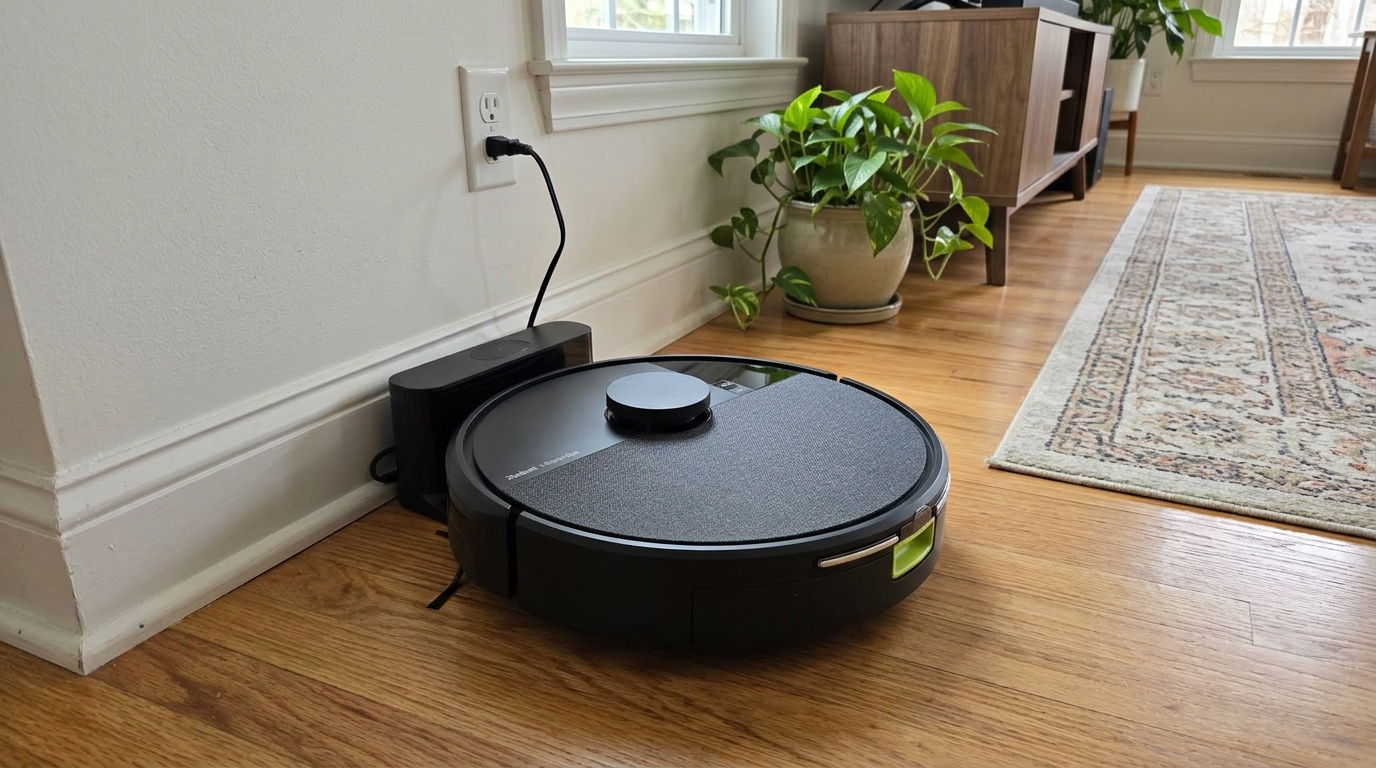
Two-in-one robots like the Roomba 105 Combo spend extra energy dragging a mop pad, so vacuum-only runs always last longer. Read my iRobot Roomba 105 Combo review →
What the modes mean in square feet
Minutes are abstract. Square feet tell me whether a robot will finish my home before it needs the dock.
Dreame is one of the few brands that publishes both numbers for the same run. The L40 Ultra Gen 2 is rated at 231 minutes and 1,679 square feet in Quiet mode, vacuum only. That works out to about 7.3 square feet per minute.
Robots cover ground at a fairly similar pace because they all follow tight zigzag lanes about one robot wide. So I used that 7.3 sq ft per minute as a rough planning rate and applied it to the Xiaomi mode table.
| Mode (X20+ runtime) | Runtime | Estimated area per charge | Typical fit |
|---|---|---|---|
| Quiet | 210 min | about 1,500 sq ft | Most single-floor homes |
| Standard | 190 min | about 1,390 sq ft | Most single-floor homes |
| Strong | 150 min | about 1,100 sq ft | Smaller homes or one floor of a two-story |
| Turbo | 85 min | about 620 sq ft | Two or three rooms |
These are estimates, not lab results, and real homes add furniture, doorways and rug edges that slow a robot down. But they show why I never run a whole-home job in Max.
At Turbo, a typical 1,500 sq ft single-floor home would need at least one recharge break. At Quiet, the robot has room to spare for a second pass.
If your robot supports room-by-room settings, this is where they shine. I give the entry rug and the kitchen a higher setting and leave bedrooms and hallways on Quiet.
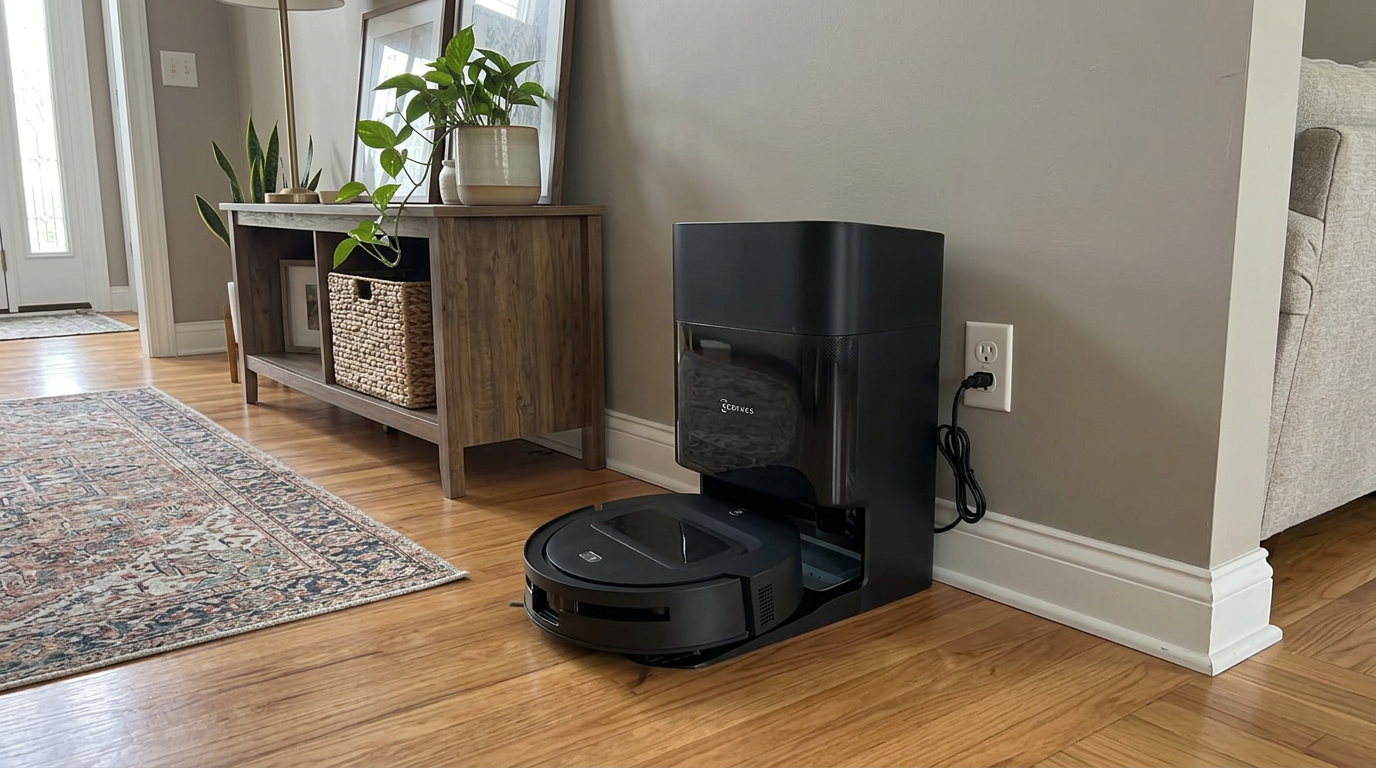
Docks that refill water and empty the bin, like the DEEBOT T90 PRO OMNI's, make recharge-and-resume runs painless on bigger floor plans. Read my ECOVACS DEEBOT T90 PRO OMNI review →
Does Max mode wear out the battery faster?
This is the question I get most, and the honest answer is: a little, mostly through heat and deeper discharges.
Battery engineers describe current draw with a C-rate. A robot that empties its battery in about four hours runs near 0.25C. One that empties it in 85 minutes runs closer to 0.7C. Both are gentle by lithium-ion standards, since power tools and drones routinely run far higher.
Research from the University of Maryland's CALCE battery lab shows that higher discharge rates speed up capacity fade, partly from extra heat and partly from mechanical stress inside the cells.
The bigger factor for a robot is depth of discharge. Max mode tends to run the pack all the way down to the dock-return threshold every single time.
| Depth of discharge per cycle | Approximate cycles to 70% capacity |
|---|---|
| 100% | 300 to 500 |
| 50% | 1,200 to 1,500 |
| 25% | 2,000 to 2,500 |
| 10% | 3,750 to 4,700 |
Those figures come from Battery University, and they are for typical lithium-ion cells under average conditions. The takeaway for robot owners is simple: shorter, shallower cleaning runs are kinder to the battery than one long run to empty.
- Quiet or Standard mode for daily runs
- Cleaning a few rooms per run instead of the whole home
- Letting the robot charge in a cool spot, not next to a heat vent
- Max mode across the whole home every day
- Running until the robot forces a low-battery return
- A dock in direct sun or a hot garage
Robot batteries are wear parts either way. iRobot's own support guide says many of its newer series should run at least 75 minutes on a hard-floor test, and suggests replacing the battery once it falls below that.
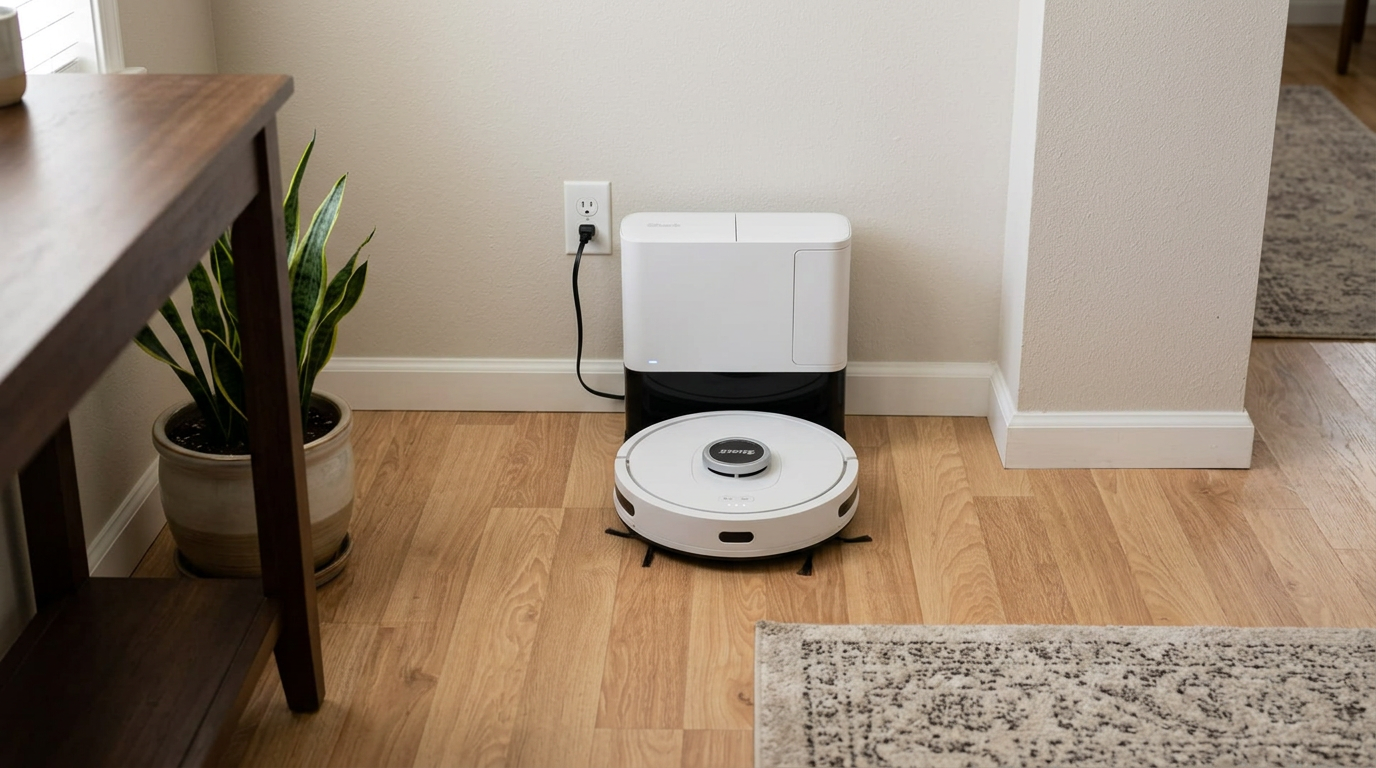
Self-emptying robots like the Shark AV2501S AI Ultra spend a lot of time on the dock, so where you place the base matters for battery temperature. Read my Shark AV2501S AI Ultra review →
Recharge and resume: the hidden cost of Max mode
Most robots with mapping can return to the dock, top up, and finish the job. That sounds like it solves the runtime problem, and in a way it does.
The catch is time. A 5,200 mAh pack often takes three to five hours for a full charge, and even a partial top-up can add an hour or more to a whole-home clean.
Some robots only charge as much as they need to finish the remaining area, which helps. But in Max mode across a big home, I have seen a one-hour job stretch into the afternoon.
That matters if you schedule cleaning while you are at work. I would rather finish in one pass in Standard than leave half the house unvacuumed when I get home.
Those wattages are tiny compared with an upright vacuum, which is why running a robot in Max barely moves an electric bill. The real cost is runtime, coverage and long-term battery health, not electricity.
Standards bodies treat this seriously too. The IEC/ASTM 62885-7 test standard for robot vacuums includes a separate energy-consumption method, and Roborock notes on its Qrevo S product page that some figures come from testing in Max+ mode with a full battery.
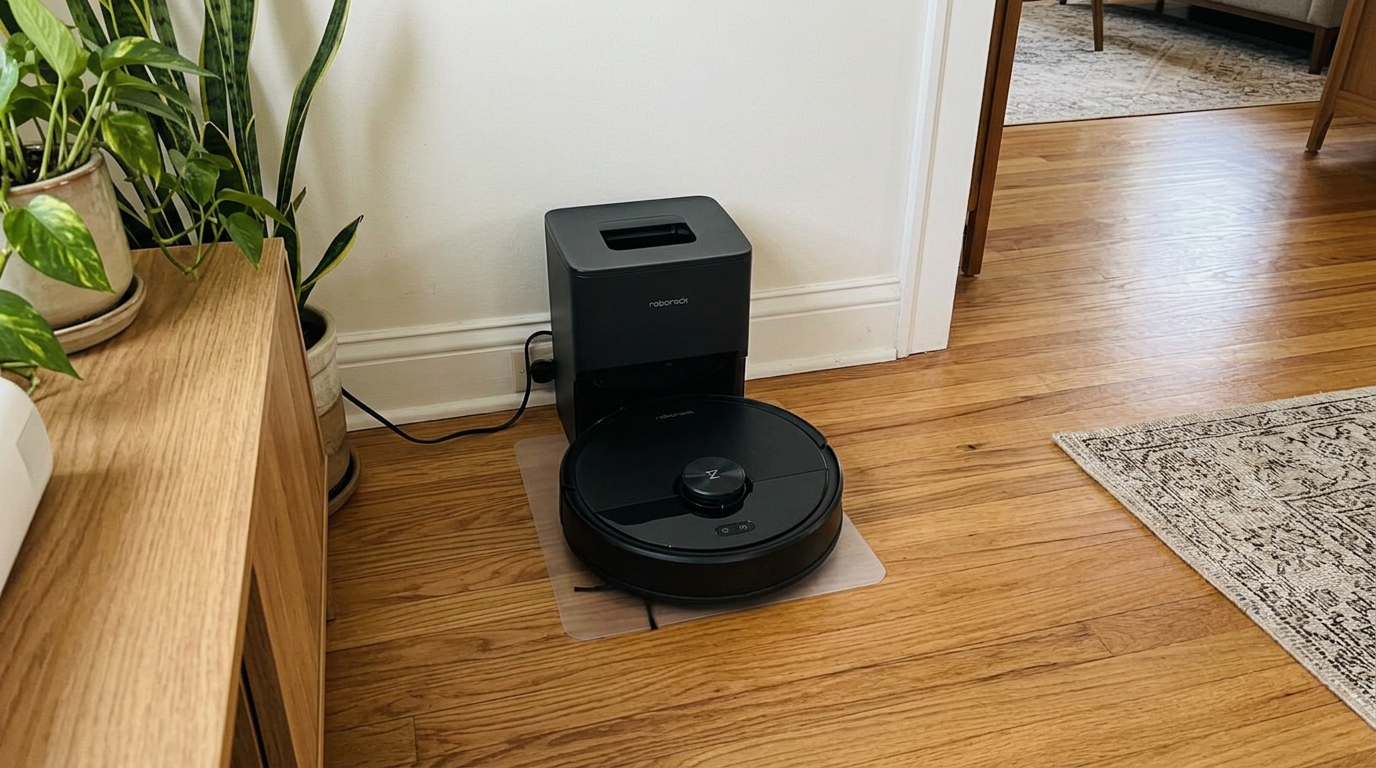
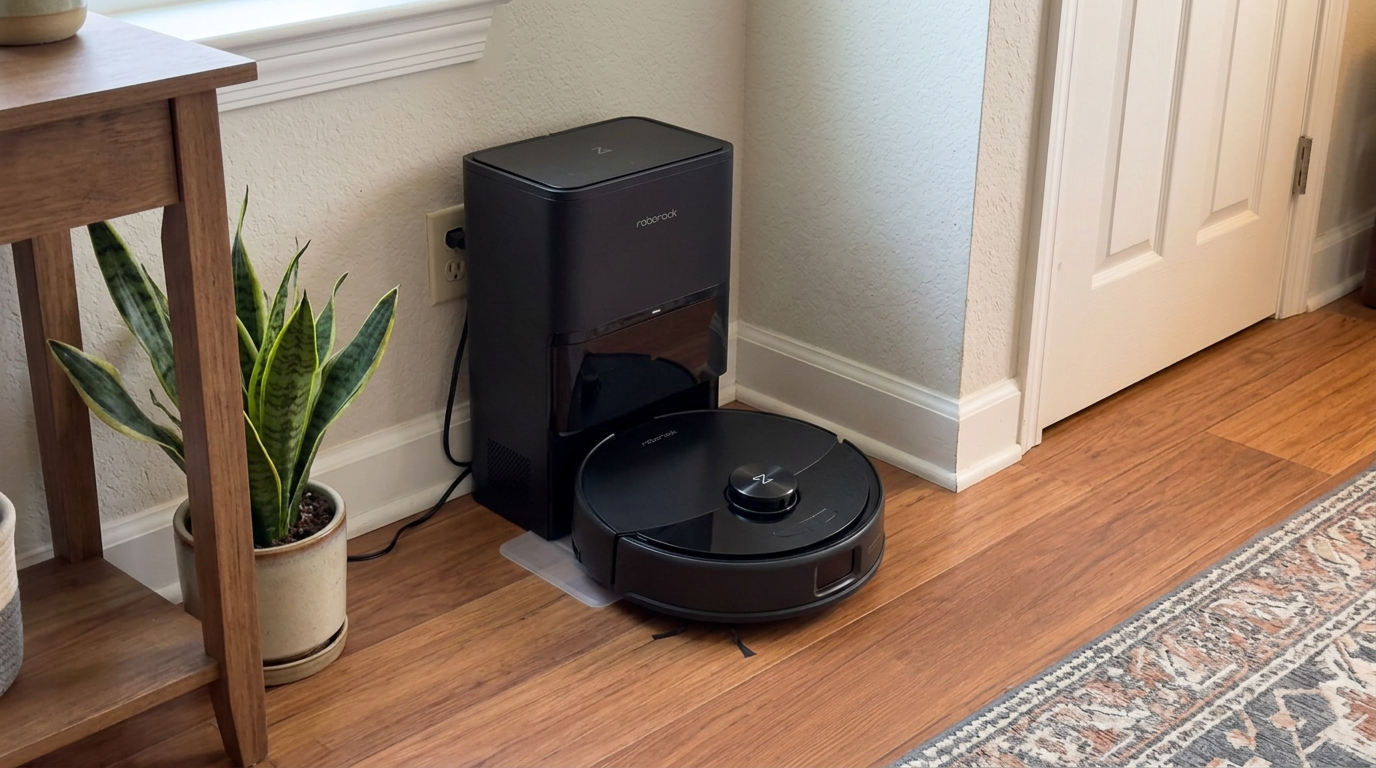
Mid-range robots like the Q7 M5+ benefit most from recharge-and-resume when you push them into a higher suction mode. Read my Roborock Q7 M5+ review →
The same rule applies to every cordless vacuum
If you own a cordless stick vacuum, you have probably felt this already. The effect is even more dramatic there, because the motor is much more powerful and the battery is smaller.
Vorwerk publishes a full matrix for its VB100 cordless vacuum. On the lowest suction stage with the brush off, it runs about 80 minutes. On the highest stage with the turbo brush, it runs about 11 minutes. You can see the whole table on Vorwerk's support page.
That is an 86% drop from one end of the dial to the other. Robots are gentler because their fans are smaller, but the physics is identical.
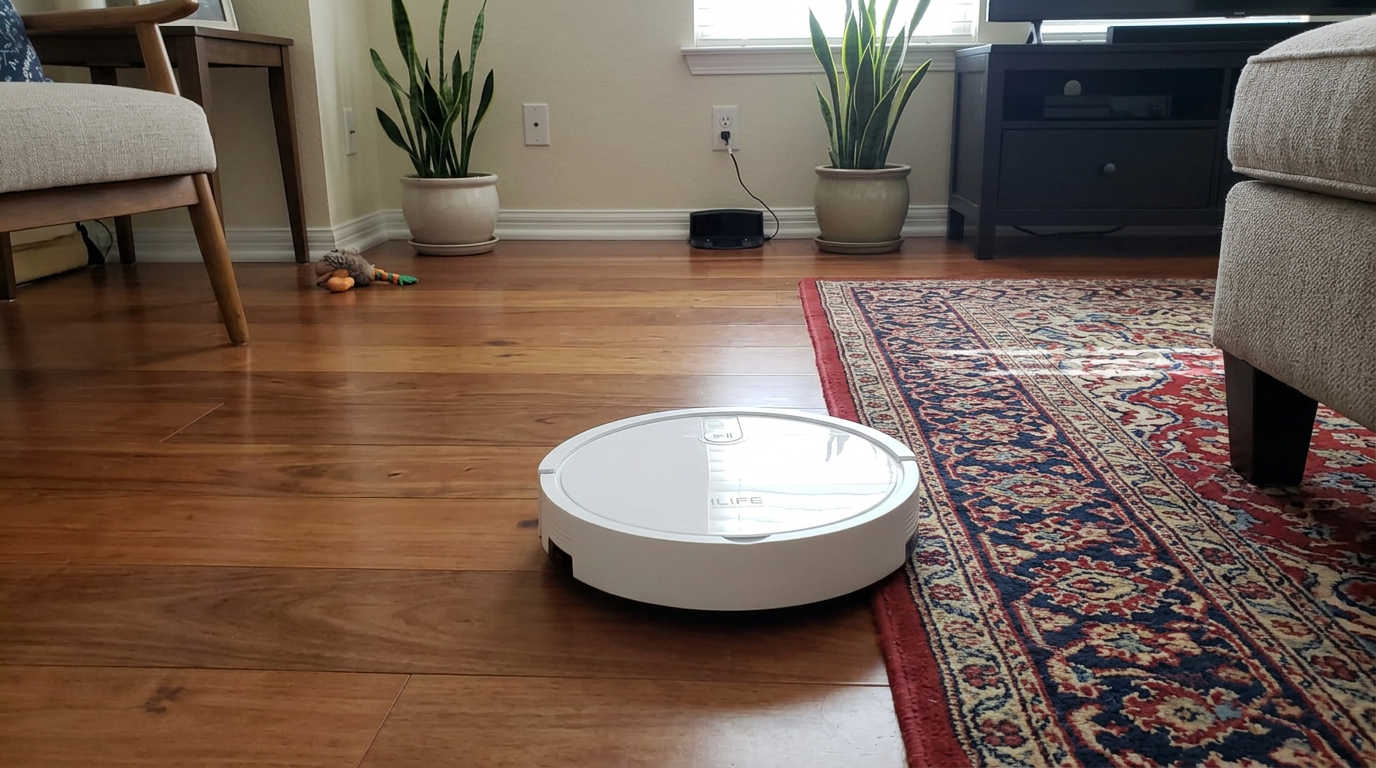
Entry-level robots such as the ILIFE V2 usually list one runtime figure, so assume it is for the gentlest setting on a hard floor. Read my ILIFE V2 review →
How I set suction modes to get the most out of every charge
- Start every robot in StandardStandard is the sweet spot on almost every model. It costs only about 10% runtime compared with Quiet, but picks up noticeably more on rugs and along edges.
- Turn on carpet boost instead of MaxCarpet boost raises suction only when the robot is on a rug, then drops back down. You get Max-like pickup where it matters without paying for it on tile and wood.
- Set rooms individuallyIf your app supports it, give the kitchen, entry and pet areas a higher setting. Bedrooms and hallways rarely need more than Quiet.
- Vacuum first, mop separately on big jobsMopping can cut runtime by a third. On large homes, I run a vacuum-only pass and schedule a separate mop run so neither has to stop for a recharge.
- Keep the battery cool and topped upLeave the robot on its dock in a shaded, room-temperature spot. Heat is the enemy of lithium-ion, and a dock beside a radiator shortens battery life.
- Re-test runtime once a yearRun a full clean in Quiet on hard floors and time it. If it falls well short of the original spec, the battery is wearing out, and a replacement is usually cheap.
Frequently asked questions
Does Max mode drain a robot vacuum battery faster?
How long should a robot vacuum battery last on one charge?
Does carpet reduce robot vacuum runtime?
Is it bad to always run a robot vacuum in Max mode?
Does mopping use more battery than vacuuming?
How much electricity does Max mode use?

Sarah has tested vacuums, mops, air purifiers and dehumidifiers since 2017. Before joining BrasQ, she spent five years as a test coordinator at a national consumer advocacy group. She studied industrial design at Ohio State and lives in Columbus with her family and a long-haired cat.
- First published.
- Xiaomi support: battery endurance of the Xiaomi Robot Vacuum X20+ by mode
- Eufy support: S1 and E25/E28 runtime by suction mode
- Eufy G20 series user manual, runtime by floor type and mode
- Dreame: L40 Ultra Gen 2 product page, Quiet mode runtime and coverage
- iRobot support: short battery runtime, all Roomba and Braava models
- Fabrico: pump and fan affinity laws
- CALCE, University of Maryland: thermal and non-thermal effects of discharge C-rate on capacity fade (Journal of Power Sources, 2021)
- Battery University: BU-808, how to prolong lithium-based batteries
- IEC/ASTM 62885-7: dry-cleaning robots for household use, methods for measuring performance
- Vorwerk support: VB100 runtime by suction stage and brush mode
- Roborock: Qrevo S product page testing notes