Average lifespan of a robot vacuum: how long do robot vacuums last?
Manufacturers quote 4 to 6 years, but brushes, filters, batteries and software age on different schedules. I break lifespan down by part, show the cost per year and share the habits that make a robot last.
We choose products independently. We may earn a commission through links on this page; your price stays the same. Affiliate policy
On this page
The short answer
- Most robot vacuums last about 4 to 6 years, according to manufacturers like Dreame and ECOVACS.
- Parts age at different speeds: side brushes and pads every few months, main brushes and filters yearly, batteries after about 2 to 3 years.
- Software matters too. When one brand's cloud shut down early, its robots lost app features while still cleaning by button.
- A maintained mid-range robot usually costs about $2 a week over its life, often less per year than a cheap robot that dies early.
How long do robot vacuums last? The short version
When I recommend a robot vacuum, one of the first follow-up questions is always the same: how long will it last before I have to buy another one?
Manufacturers themselves tend to quote the same range. Dreame says most robot vacuums last 4 to 6 years, and ECOVACS gives an identical 4-to-6-year range in its own guide, depending on build quality, how often you run it and how well you maintain it.
That matches my experience, with one important clarification: the robot rarely fails all at once. Its battery, brushes, filters and dock age on different schedules, and how you handle those parts decides whether you get three years or seven.
In this guide, I break lifespan down part by part, explain what shortens it, show what a robot costs per year over its life, and share the habits that push mine toward the long end.
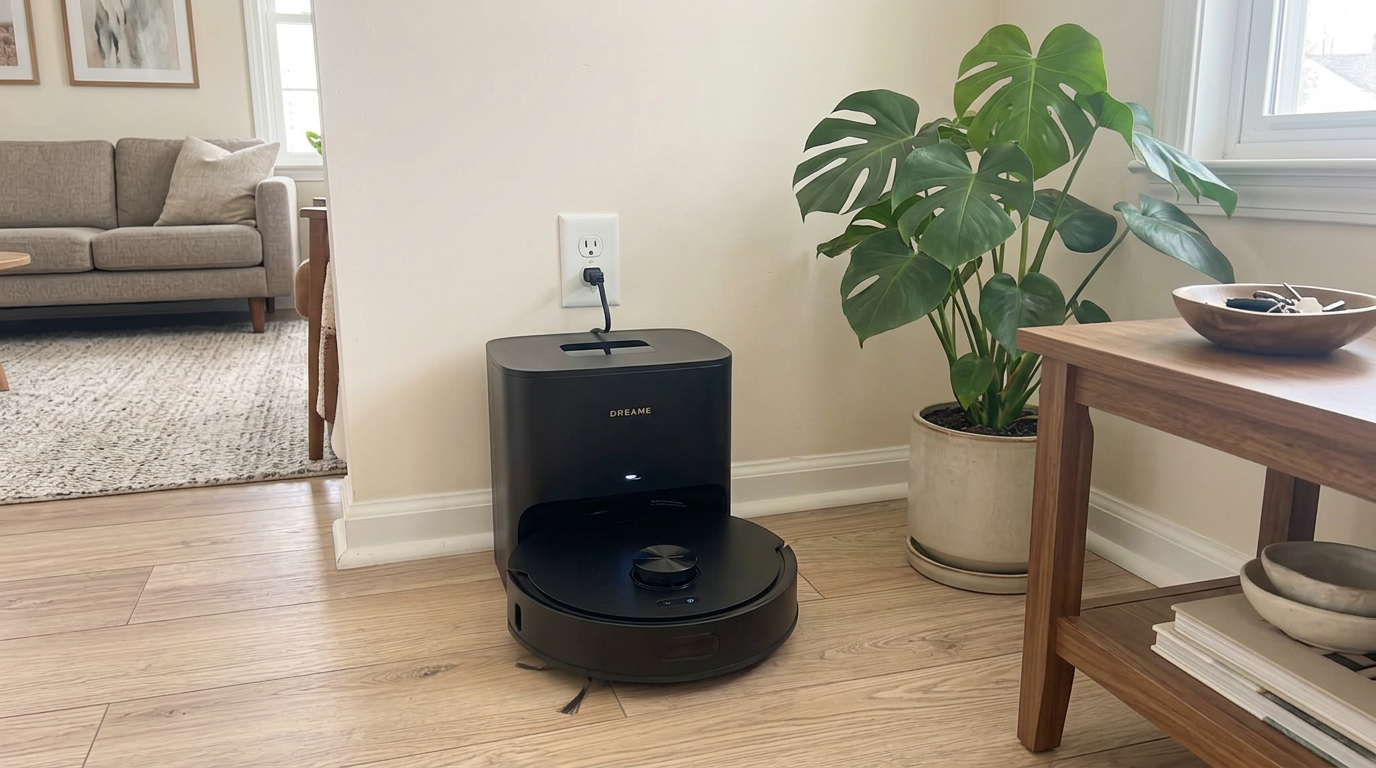
A well-maintained mid-range robot like the Q7 M5+ can realistically reach the 4-to-6-year range manufacturers quote. Read my Roborock Q7 M5+ review →
Robot vacuum lifespan, part by part
A robot vacuum is really a collection of parts with different lifespans. Here is how I think about each one, based on manufacturer maintenance schedules and what I see wear out in real homes.
| Part | Typical life | Replaceable? | Source or note |
|---|---|---|---|
| Main brush | 6 to 12 months | Yes, cheap | Roborock manual; iRobot support |
| Side brush | 3 to 6 months | Yes, cheap | Roborock manual |
| Filter | 6 to 12 months | Yes, cheap | Roborock manual |
| Mop pads | 3 to 6 months | Yes, cheap | Roborock manual |
| Battery | About 2 to 3 years before noticeable capacity loss | Usually | Roborock AU blog |
| Wheels and caster | Several years | Usually, as modules | Wear depends on floors and hair |
| Motors, LiDAR, mainboard | Often the full life of the robot | Sometimes, via service | Failure here often ends the robot's life |
| Software and cloud support | Varies by brand | No | Depends on the manufacturer staying committed |
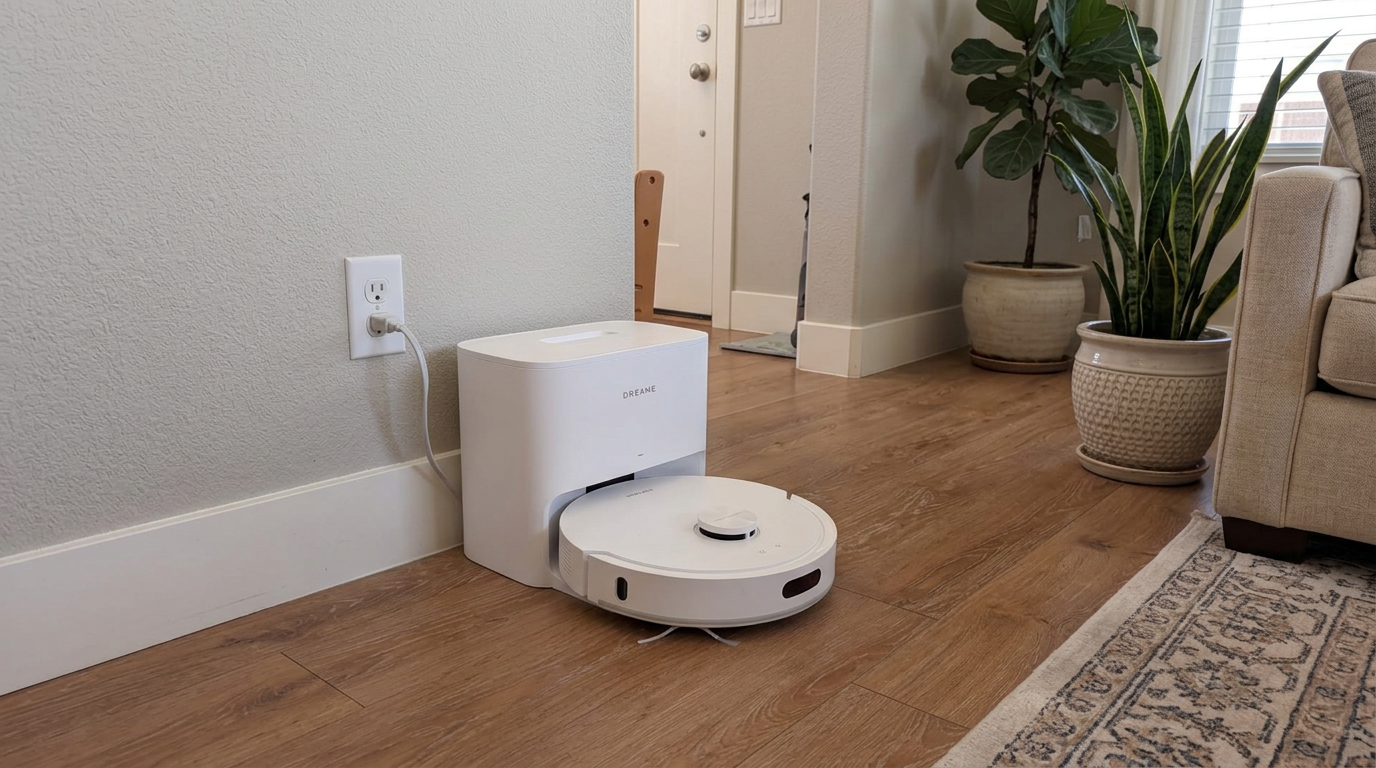
Mid-range robots like the D20 Air Plus have the same wear parts as flagships: brushes, filters and a battery that need refreshing over time. Read my Dreame D20 Air Plus review →
What shortens or extends a robot's life
Two robots of the same model can have very different lives. These are the factors I see make the biggest difference.
| Factor | Shortens life | Extends life |
|---|---|---|
| How often it runs | Multiple full-home runs a day | Daily or every other day, room by room |
| Pets and long hair | Hair in wheels, brushes and bearings | Regular hair removal |
| Floor types | Thick carpet, many thresholds | Mostly hard floors and low rugs |
| Maintenance | Clogged filters, worn brushes | Parts replaced on schedule |
| Dock location | Hot, sunny or humid spots | Cool, dry, ventilated |
| Debris | Sand, construction dust, wet messes | Normal household dust |
| Software support | Brand stops updates or cloud | Brand keeps updating |
Construction dust deserves a special mention. Fine drywall or concrete dust can clog filters fast and wear motors and bearings. If you are renovating, I would put the robot away until the dust is gone.
Roborock's own lifespan tips come back to the same theme: regular maintenance after use is what keeps a robot running longer.
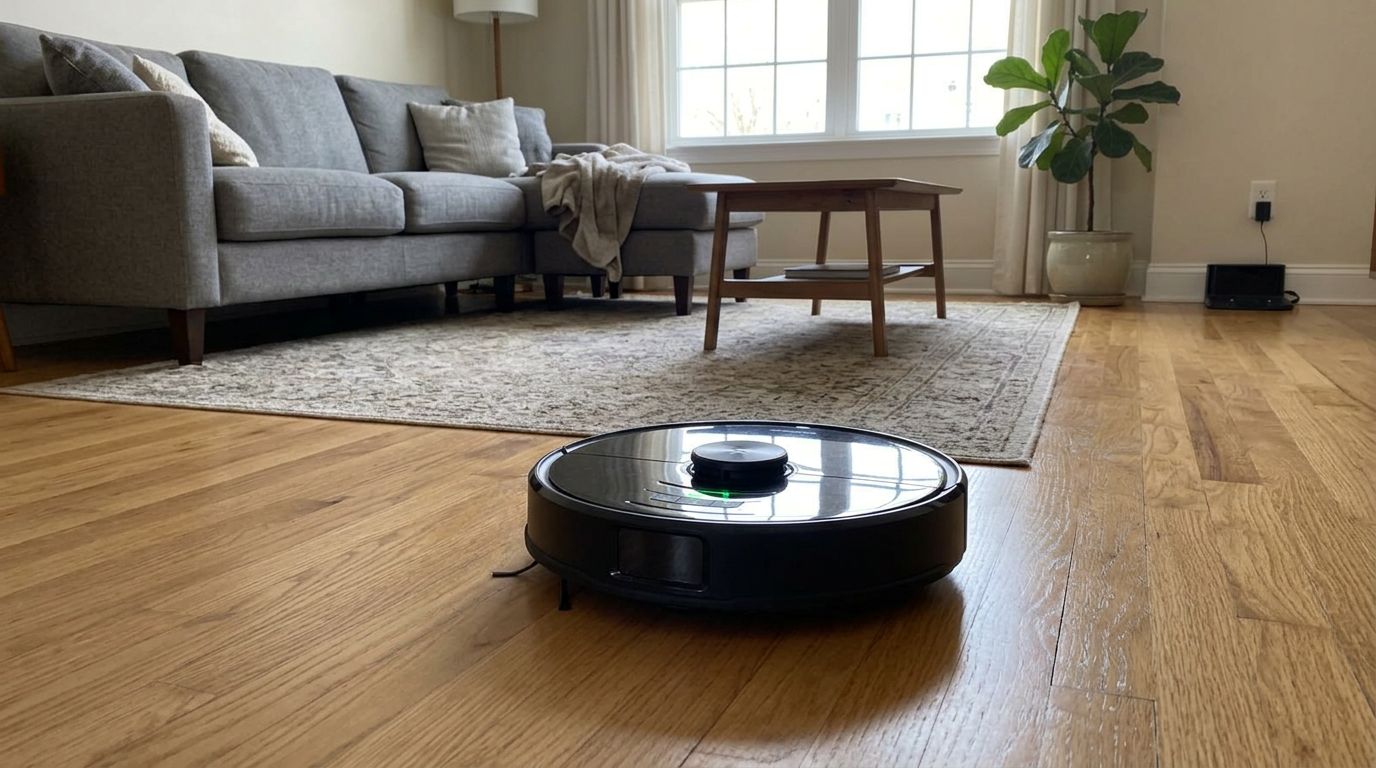
A vacuum-only robot like the Roomba 105 Vac on mostly hard floors tends to wear its parts more slowly than a robot pushing through thick carpet daily. Read my iRobot Roomba 105 Vac review →
Do expensive robots really last longer?
Price is not a guarantee of longevity, but it does change the odds in a few predictable ways.
Higher-end robots from established brands usually have better parts availability, more modular designs and longer firmware support. That makes it far easier to keep them running after year three, when batteries and wheels start to wear.
Budget robots can absolutely last, especially in small homes with light use. The risk is that a single failed part can end their life, because replacement parts are hard to find or cost a large share of the robot's price.
All-in-one docks add a twist. They bring more convenience but also more moving parts, such as pumps, heaters and valves, so the dock can need attention before the robot does.
| Budget robot | Mid-range robot | Premium with all-in-one dock | |
|---|---|---|---|
| Typical life with care | 2 to 4 years | 4 to 6 years | 4 to 6+ years |
| Parts availability | Hit or miss | Good | Good |
| Software support | Often shorter | Usually several years | Usually several years |
| Extra failure points | Few | Basic dock | Pumps, heaters and tanks in the dock |
The budget row reflects what I see in practice rather than a manufacturer figure; the mid-range and premium rows line up with the 4-to-6-year range brands quote.
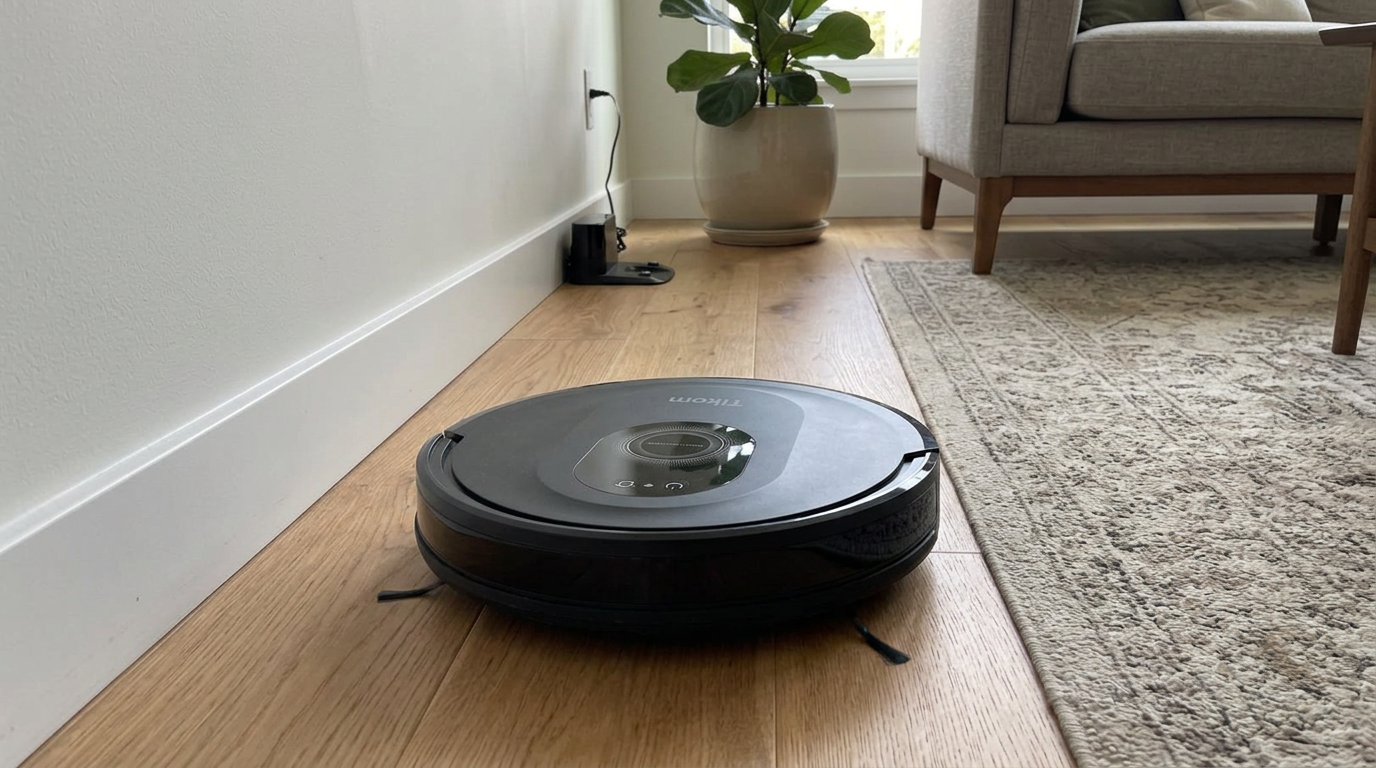
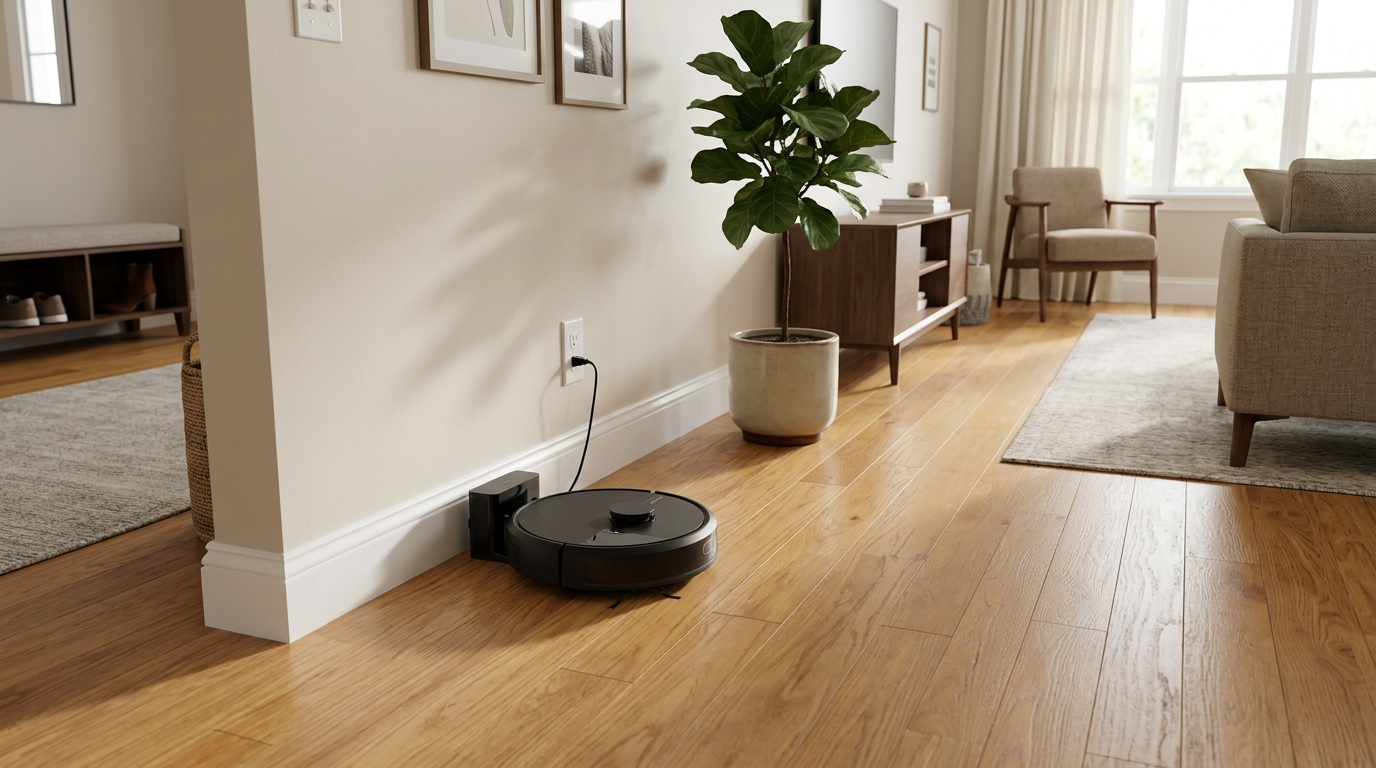
Budget combos like the Tikom can be great value, but check how easy it is to buy replacement parts before you rely on one for years. Read my Tikom Robot Vacuum and Mop Combo review →
The software lifespan nobody puts on the box
Hardware is only half of a modern robot's lifespan. The other half is whether the app and cloud keep working.
Neato owners learned this the hard way. When the company shut down in 2023, its parent company promised at least five years of cloud support; Engadget reported that customers were later told cloud services would be phased out in late 2025 instead. The robots kept cleaning with their buttons, but app control and maps went away.
That doesn't mean you should avoid connected robots. It means brand health and update history are part of a robot's expected lifespan, just like battery chemistry.
How I factor it inFor a robot I expect to keep five years or more, I favor brands that are still releasing new models and pushing regular firmware updates to older ones. A long track record of updates is the best predictor I have of long software life.
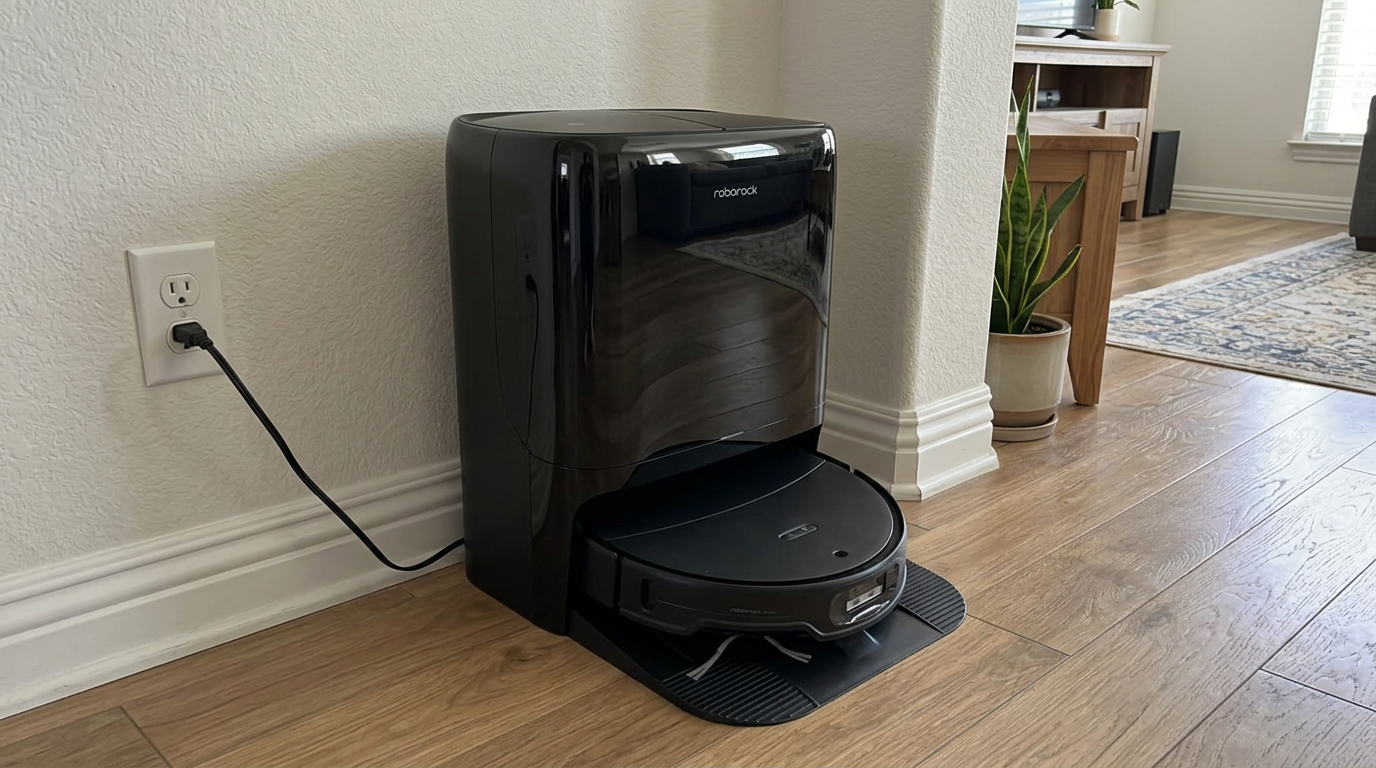
Current flagships like the Qrevo Edge 3 Pro are at the start of their software support window, which is part of their long-term value. Read my Roborock Qrevo Edge 3 Pro review →
What a robot costs per year of life
Lifespan matters most when you turn it into a cost per year. Here is how different price points compare if each robot reaches a typical lifespan for its tier. These are planning numbers, not quotes.
| Robot price | Assumed lifespan | Cost per year | Cost per week |
|---|---|---|---|
| $200 budget robot | 3 years | ~$67 | ~$1.28 |
| $400 mid-range robot | 5 years | ~$80 | ~$1.54 |
| $800 robot with all-in-one dock | 5 years | ~$160 | ~$3.08 |
| $1,200 flagship | 6 years | ~$200 | ~$3.85 |
The pattern I see is that cheap robots aren't always cheaper per year, because they often don't last as long or can't easily be repaired. A solid mid-range robot that you maintain is usually the best value per year of cleaning.
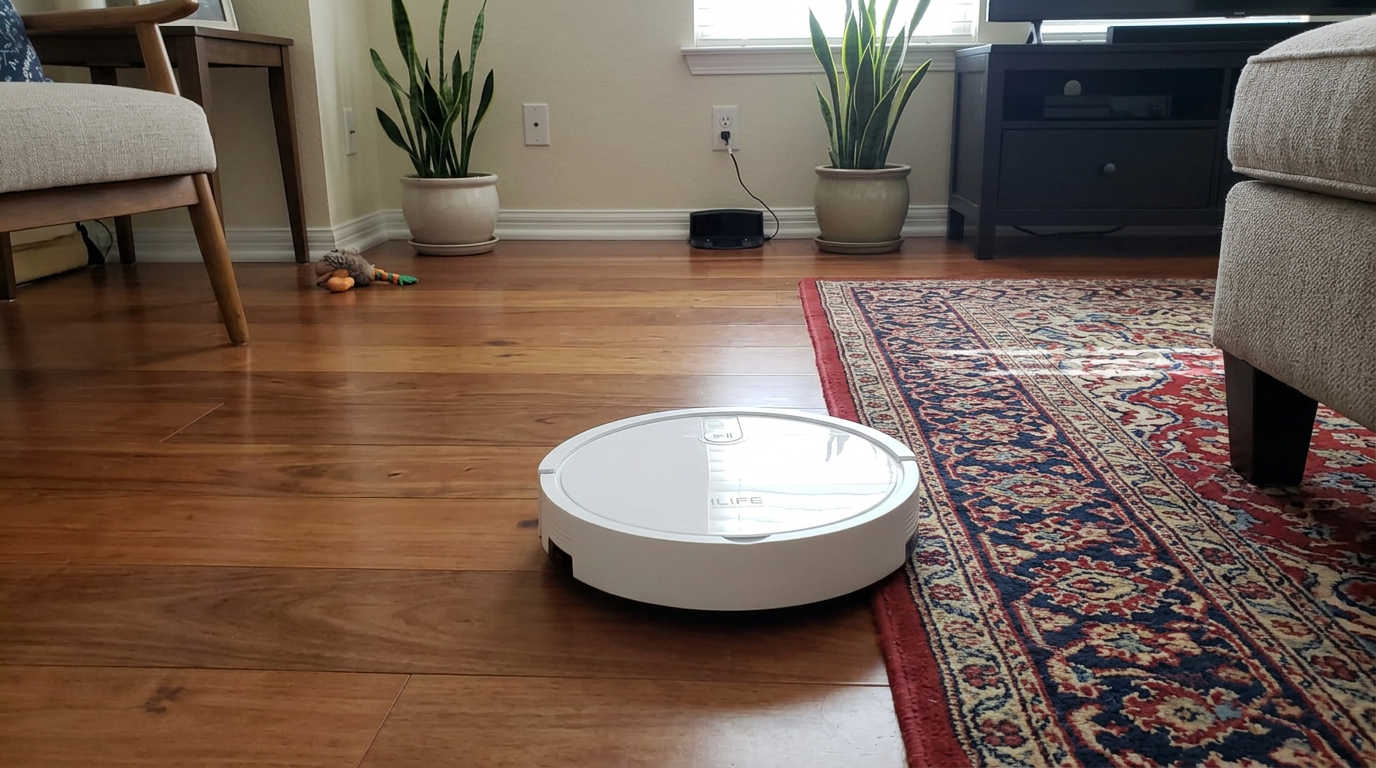
Budget robots like the ILIFE V2 have a low upfront cost, but cost per year depends on how long they keep running. Read my ILIFE V2 review →
Signs your robot is nearing the end, and signs it isn't
Most robots don't "die." They become frustrating. These are the signs I use to judge whether a robot is near the end or just needs a refresh.
| Sign | Usually fixable? | What to try |
|---|---|---|
| Short runtime | Yes | Replace the battery |
| Weak pickup | Usually | New brushes and filter; clear airflow path |
| Getting lost or bumping | Usually | Clean sensors, clear wheel hair, re-map |
| Grinding noises from wheels | Often | Replace wheel module |
| LiDAR errors or not spinning | Sometimes | Service; may be costly |
| Mainboard or motor failure | Rarely worth it | Compare repair quote with a new robot |
| App no longer supported | No | Use buttons only or replace |
- Problems fixed by consumable parts
- Brand still sells parts and updates
- Navigation recovers after cleaning and re-mapping
- Motor or mainboard failure out of warranty
- Parts no longer sold
- Software support ended and you rely on the app
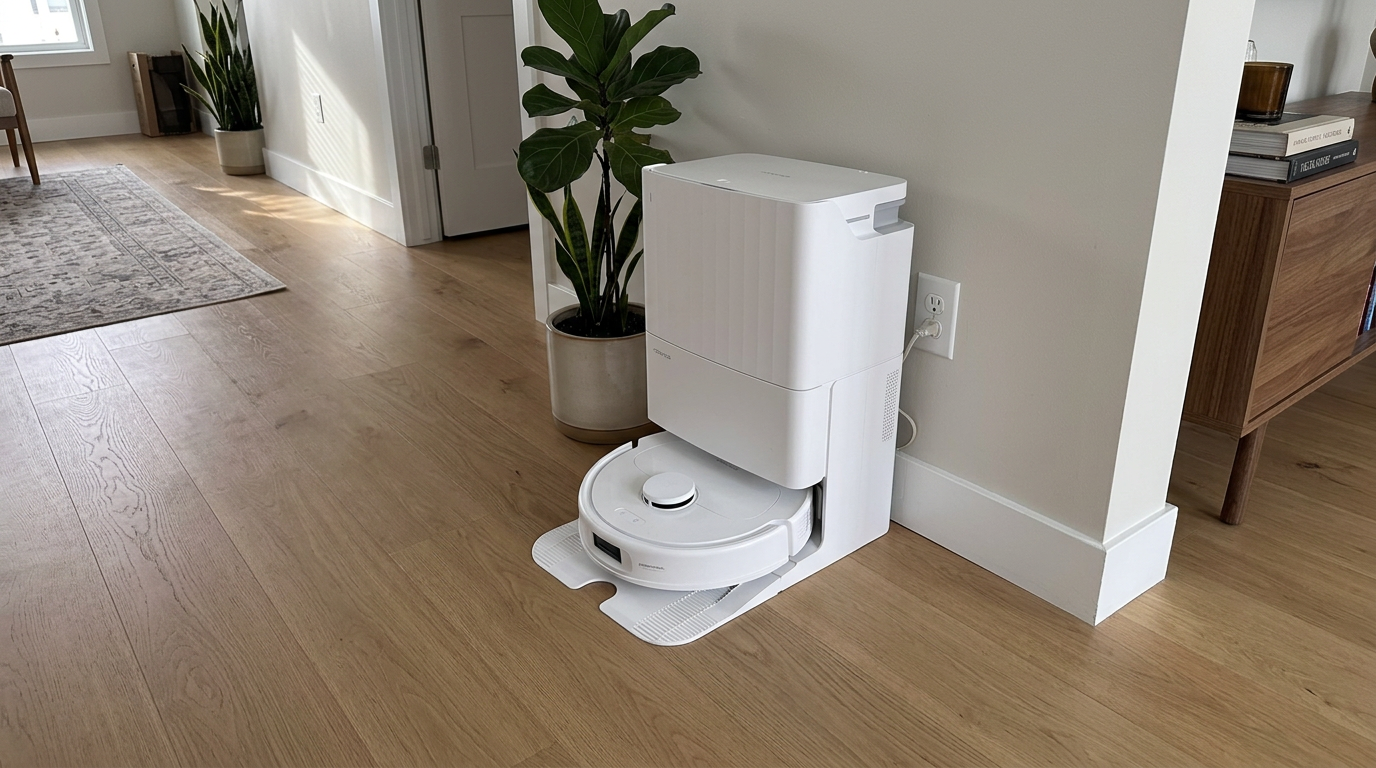
Most problems on a robot like the Qrevo S Pro in its first few years are solved with consumable parts, not a new robot. Read my Roborock Qrevo S Pro review →
When it is time: recycling or a second life
When a robot truly reaches the end, it deserves a responsible exit. It contains a lithium-ion battery and electronics that should not go in the trash.
The U.S. EPA says lithium-ion batteries and the devices that contain them should go to separate recycling or household hazardous waste collection points rather than household garbage or recycling bins. Many electronics retailers and municipal programs accept small electronics.
Before recycling, I remove the robot from my app account, factory reset it to clear saved maps and Wi-Fi details, and take out the battery if the design allows it.
If the robot still works but you are upgrading, consider giving it a second life: a basement, a garage workshop, a relative's small apartment or a vacation home. An older robot with a fresh battery can keep a simple space clean for years.
Keep the dock and parts together: If you pass a robot on, include the dock, spare brushes and filters. A robot without its dock is far less useful to the next owner.
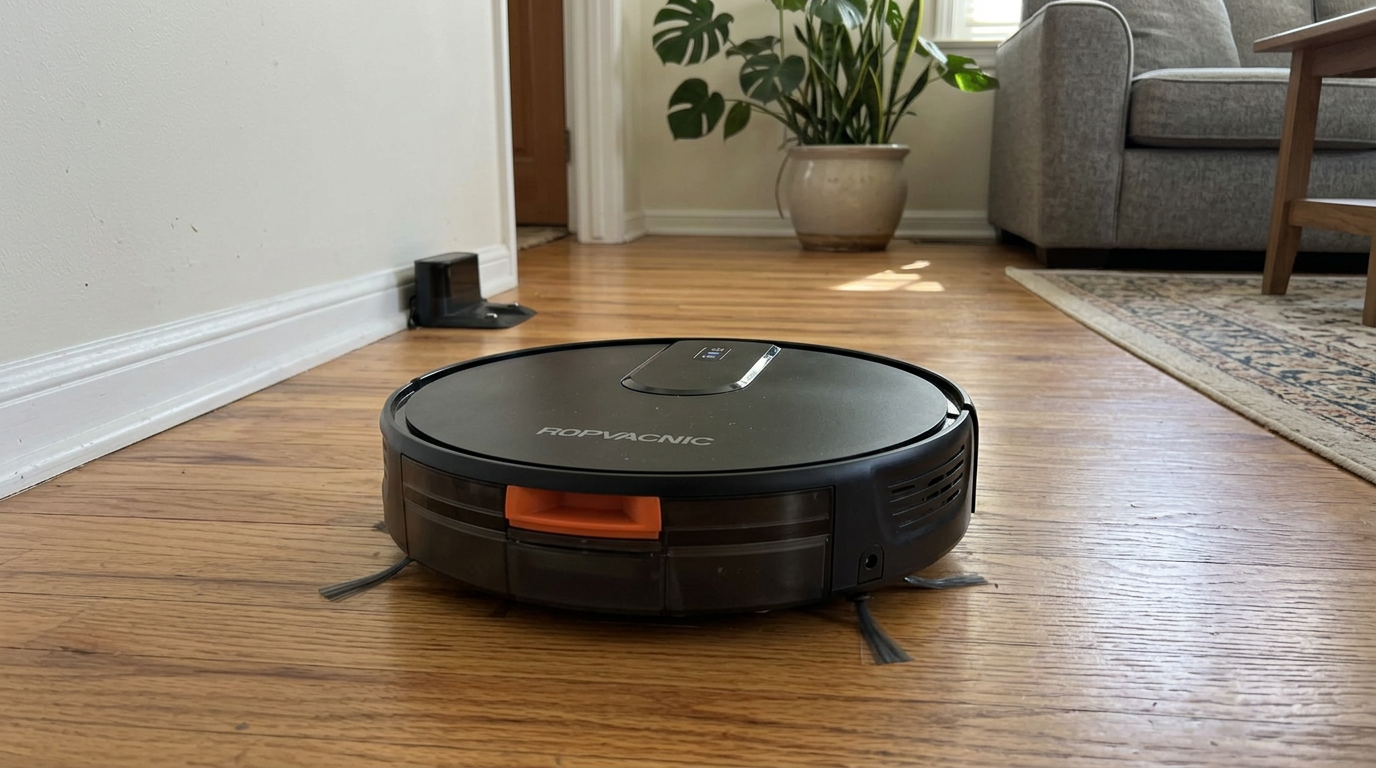
Even a simple robot like the ROPVACNIC combo can have a useful second life in a garage or small apartment. Read my ROPVACNIC Robot Vacuum and Mop Combo review →
How I push a robot toward the long end of its lifespan
- Clean the bin and brushes on a scheduleEmpty the bin and clear hair from brushes and end caps at least every couple of weeks. Hair at the bearings is a top cause of brush motor strain.
- Replace consumables on timeSwap brushes, filters and mop pads at the manufacturer's intervals. Worn parts make the motor and fan work harder.
- Keep wheels and sensors cleanClear hair from axles and wipe sensors monthly. Clean wheels and sensors reduce strain and navigation errors.
- Protect the batteryKeep the dock cool and dry, favor Standard or Quiet modes and avoid leaving the robot drained for long periods.
- Update firmwareInstall updates when they arrive. They often improve navigation and fix bugs that cause unnecessary wear.
- Avoid construction dust and wet messesPut the robot away during renovations and never vacuum up liquids unless it is designed to mop.
Frequently asked questions
How long do robot vacuums last?
What part of a robot vacuum wears out first?
Can I make my robot vacuum last longer?
Is it worth buying an expensive robot vacuum for longevity?
What happens when a robot vacuum brand stops supporting it?
How should I dispose of an old robot vacuum?

Sarah has tested vacuums, mops, air purifiers and dehumidifiers since 2017. Before joining BrasQ, she spent five years as a test coordinator at a national consumer advocacy group. She studied industrial design at Ohio State and lives in Columbus with her family and a long-haired cat.
- First published.
- Dreame: how long do robot vacuums last
- ECOVACS US: how to improve robot vacuum lifespan
- Roborock Australia: how long do robot vacuums last (battery life)
- Roborock US: six tips to improve your robot vacuum's lifespan
- Roborock Q7 user manual: replacement intervals
- iRobot support: main brush care and replacement interval
- Engadget: Neato ending cloud services sooner than planned
- U.S. EPA: used lithium-ion batteries