Robot vacuum cameras and privacy: what data is stored, and how to control it
Robot vacuums collect maps, cleaning logs and, on camera models, photos of your floor. I explain what is collected, two real incidents, what brands say they do with images, and the settings I change on every robot.
We choose products independently. We may earn a commission through links on this page; your price stays the same. Affiliate policy
On this page
The short answer
- Connected robots typically store a floor plan, cleaning history and device logs. Camera models can also capture obstacle photos and offer remote video.
- Where data lives varies by brand. Some say maps and photos stay on the robot; others also store maps in the cloud.
- Real incidents involved development-robot images leaking through a data contractor (2022) and security flaws in some models (2024).
- The best protections: a strong password with two-factor login, firmware updates, and turning off remote video and photo sharing you don't use.
A robot that sees your home: why privacy matters
A robot vacuum knows a lot about your home. It knows the size and shape of every room, when you clean and when you don't, and on camera-equipped models, what is on your floor.
That is not a reason to panic, but it is a reason to understand what data your robot collects, where it is stored and what you can switch off.
Most of the time, this data stays boring: maps, cleaning logs, error codes. The concern is what happens when a camera is involved, when data leaves your home, and when a company's security doesn't hold up.
In this guide, I go through what robot vacuums collect, two real incidents worth knowing about, what manufacturers say they do with camera images, and the settings I change on every robot I set up.
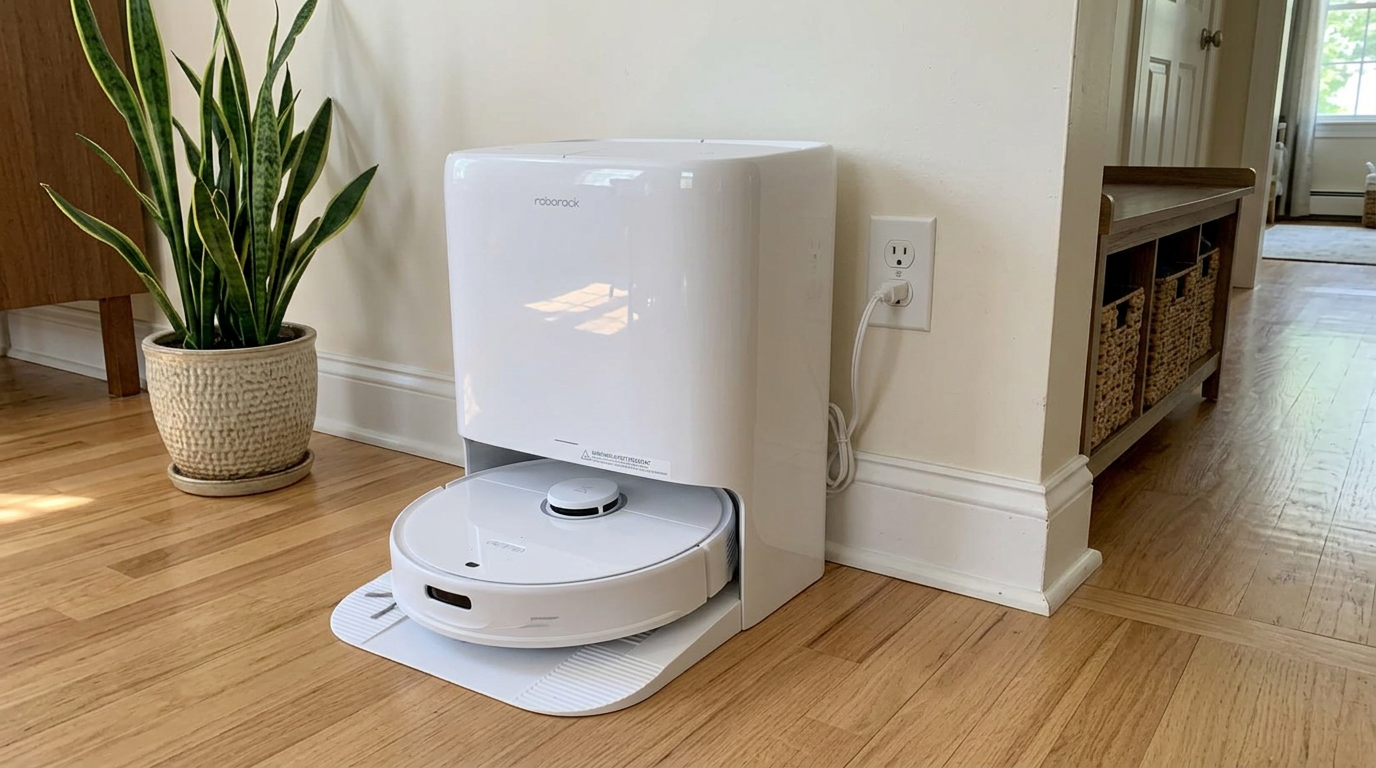
Camera-equipped robots like the Qrevo S Pro make privacy settings worth reviewing during setup. Read my Roborock Qrevo S Pro review →
What data a robot vacuum can collect
Here are the main types of data a connected robot vacuum can handle. Not every robot collects all of them; it depends on the hardware and the features you turn on.
| Data type | What it reveals | Where it usually lives |
|---|---|---|
| Floor plan map | Room layout, size of your home | On the robot, often synced to the app or cloud depending on brand |
| Cleaning history and schedules | When you are home or away | App and cloud |
| Device logs and error codes | How and where the robot struggled | Cloud, for support and diagnostics |
| Obstacle photos | Objects on your floor | On the robot or cloud, depending on brand and settings |
| Live camera or video calls | Real-time view of your home | Streamed to your phone when enabled |
| Voice commands | What you say to the robot | On-device for built-in assistants; cloud for third-party assistants |
| Wi-Fi network details | Your network name and access | On the robot |
Where maps live varies by brand. A Swiss retailer, Galaxus, asked several manufacturers directly for an in-depth article and found differing answers: some said maps stay on the device, others store maps both locally and in the cloud, and at least one lets you disable cloud map storage in privacy settings.
My advice is not to assume. Read your brand's privacy policy and app privacy settings for your exact model.
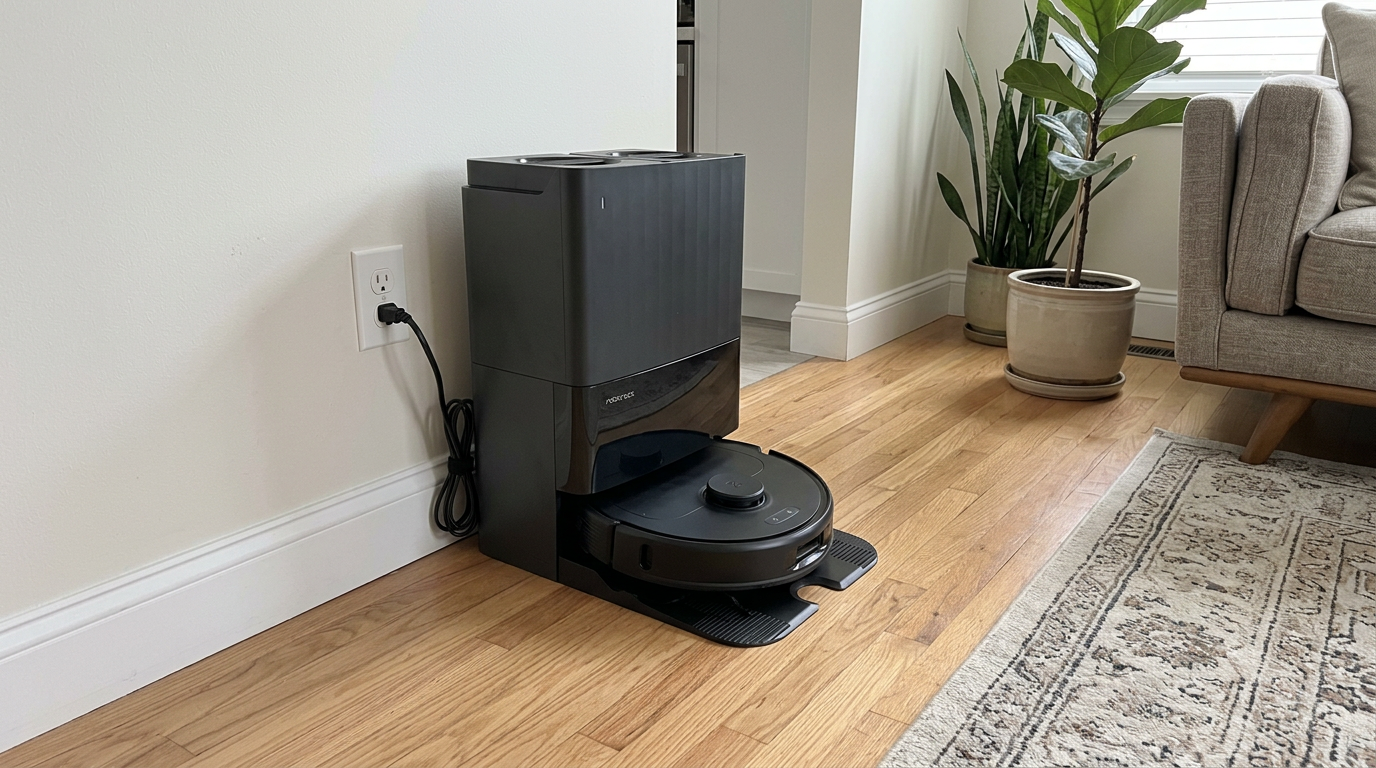
LiDAR-mapping robots like the Qrevo Edge 3 Pro build a detailed floor plan, which is personal data even without a camera. Read my Roborock Qrevo Edge 3 Pro review →
Two incidents worth knowing about
Two well-documented incidents shaped how I think about robot vacuum privacy. Both are worth understanding, because they show two different kinds of risk.
The first was about training data. In 2022, MIT Technology Review reported that images captured by development versions of a camera-equipped Roomba had been shared with a data-labeling company and then posted online by contract workers. iRobot said the images came from special development robots used by paid participants who had consented to data collection, not from consumer robots, and that it ended its relationship with the service provider.
The second was about security. In 2024, researchers presented vulnerabilities in some ECOVACS robots, and Australia's ABC demonstrated remotely accessing a robot's camera after an initial Bluetooth connection, as described in its report. Coverage summarized by Gigazine noted the company said fixes were being rolled out, including an update scheduled for the affected flagship model.
My takeawayData can leak through the supply chain, and devices can have security flaws. Neither is a reason to avoid robots altogether, but both are reasons to limit what a robot collects and to keep its firmware updated.
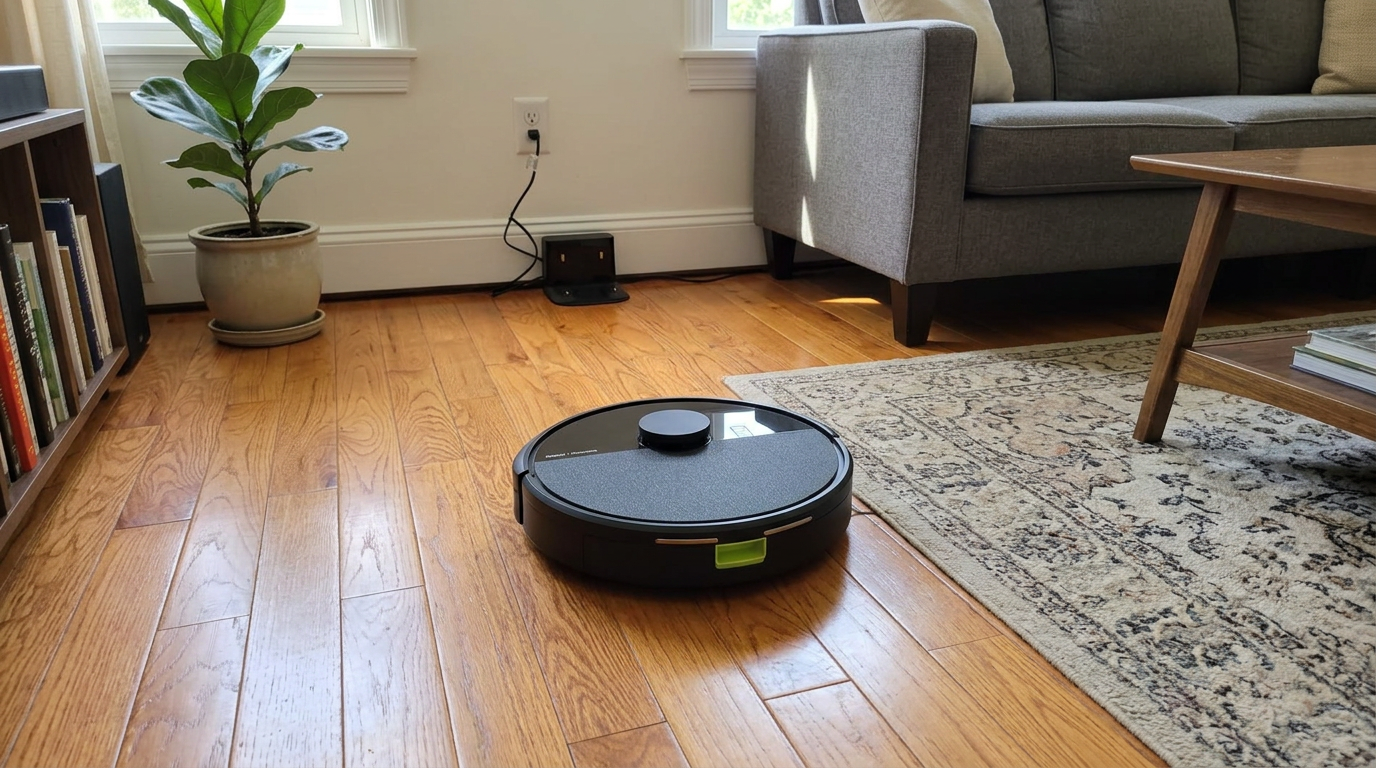
LiDAR-mapping robots like the Roomba 105 Combo still build a floor plan of your home that is worth protecting with good account security. Read my iRobot Roomba 105 Combo review →
What manufacturers say they do with camera data
Manufacturers have responded with more detailed privacy commitments. Here is what two major brands publicly say about their camera features. These are company statements, not independent audits.
| Topic | What the brand says | Source |
|---|---|---|
| Turning cameras off | Roborock says you can disable its AI obstacle recognition and built-in voice assistant, after which the camera and microphone remain inactive | Roborock Trust Center |
| AI training data | Roborock says its AI training uses data from simulated home environments, not real users | Roborock Trust Center |
| Obstacle photos | Roborock says obstacle photos are off by default and, if enabled, are encrypted, stored locally and deleted after the next clean | Roborock AU blog |
| Video calls | Roborock says remote video is encrypted for live viewing and not stored by the device, cloud or app | Roborock Trust Center |
| Security certification | Roborock says the Qrevo S is certified by TÜV Rheinland to ETSI EN 303 645 | Roborock Qrevo S page |
| Camera navigation | iRobot says its PrecisionVision camera robots were designed with security in mind and carry a TÜV Trusted IoT Device certification | iRobot support |
ETSI EN 303 645 is a European baseline security standard for consumer internet-connected devices. A certification against it doesn't make a device hack-proof, but it means an independent lab checked it against a published set of security requirements.
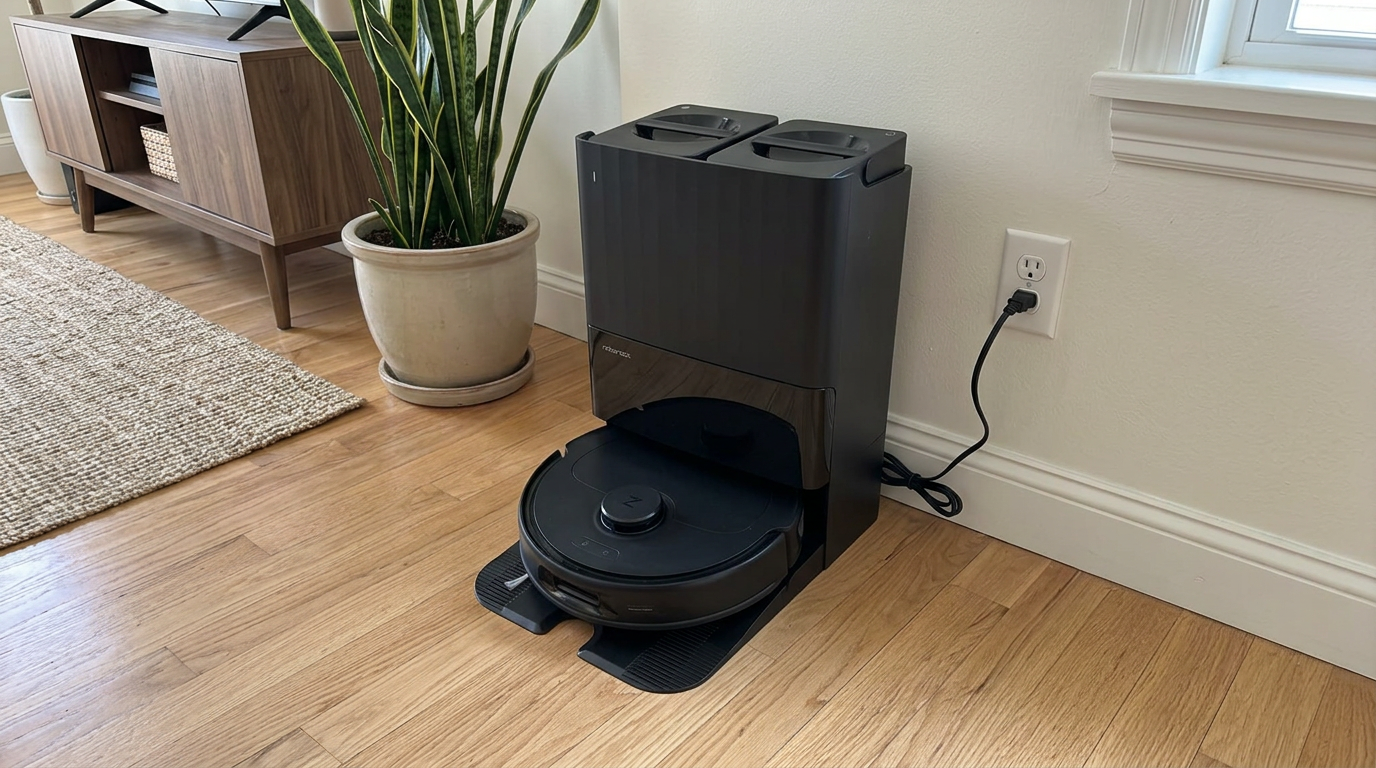
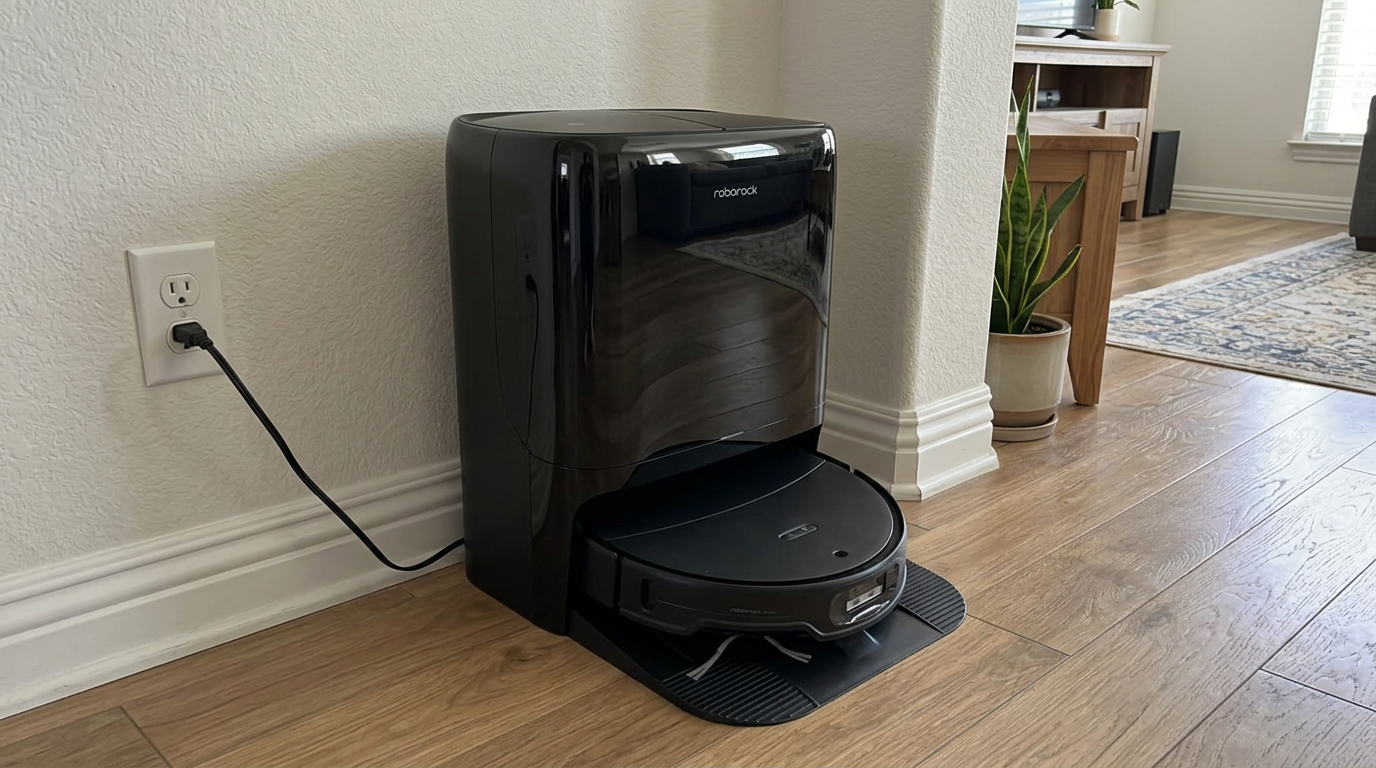
Roborock's Qrevo line is among the robots the brand says carry independent IoT security certification. Read my Roborock Qrevo S Pro review →
Do you need a camera robot at all?
The biggest privacy decision happens before you buy: do you need a camera at all?
Cameras make robots better at recognizing cables, socks and pet messes, and some add remote viewing or pet monitoring. LiDAR-only and structured-light robots still map and avoid many obstacles, but they don't capture photographs of your home.
If privacy is your top priority, a robot without an RGB camera removes the most sensitive data type entirely. If obstacle recognition matters more, a camera robot with strong, well-documented privacy controls is a reasonable middle ground.
- Better recognition of cables, socks and pet waste
- Obstacle photos help you see what it avoided
- Some offer remote viewing
- No photos of your home to store or leak
- Simpler privacy settings
- Still map and avoid many obstacles with laser sensors
You can also split the difference. Many camera robots let you turn off photo uploads, remote viewing and AI recognition, which keeps the robot's camera inactive while it still navigates with its other sensors.
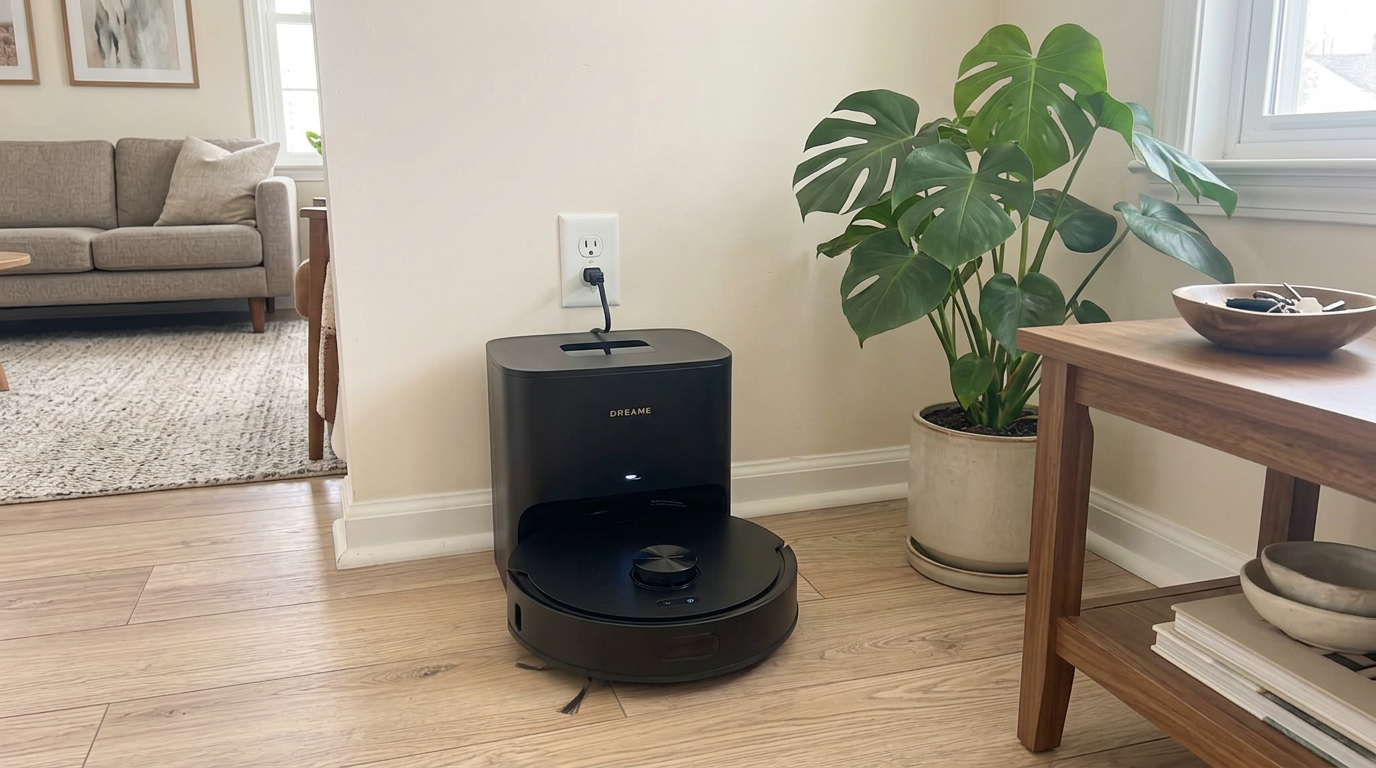
Mid-range robots like the D20 Air Plus show that strong laser navigation is available without relying on a camera for mapping. Read my Dreame D20 Air Plus review →
The privacy settings I change on every robot
These are the settings and habits I apply to every connected robot. None of them reduce cleaning performance in a way I notice.
| Setting or habit | Why it matters |
|---|---|
| Use a strong, unique password and two-factor login if offered | Reused passwords are a common way accounts get taken over |
| Turn off remote video unless you need it | Removes the most sensitive feature from the attack surface |
| Turn off photo uploads or data sharing for "improvement" | Keeps images on the device or out of training pipelines |
| Keep firmware updated | Security fixes arrive through updates |
| Put smart home devices on a guest or IoT network | Separates the robot from your computers and phones |
| Review app permissions on your phone | The app rarely needs constant location or microphone access |
| Delete the account and factory reset before selling | Removes maps and links to your home |
The end of a product's life matters too. When Neato's cloud was shut down years earlier than promised, as Engadget reported, the company said it could no longer safely and sustainably operate those legacy systems. It is a reminder to delete accounts and reset devices you no longer use, rather than leaving data sitting on a server you have forgotten about.
Two-minute check: Open your robot app's privacy section and look for three toggles: remote viewing, photo or data sharing, and voice features. Turn off anything you don't actively use.
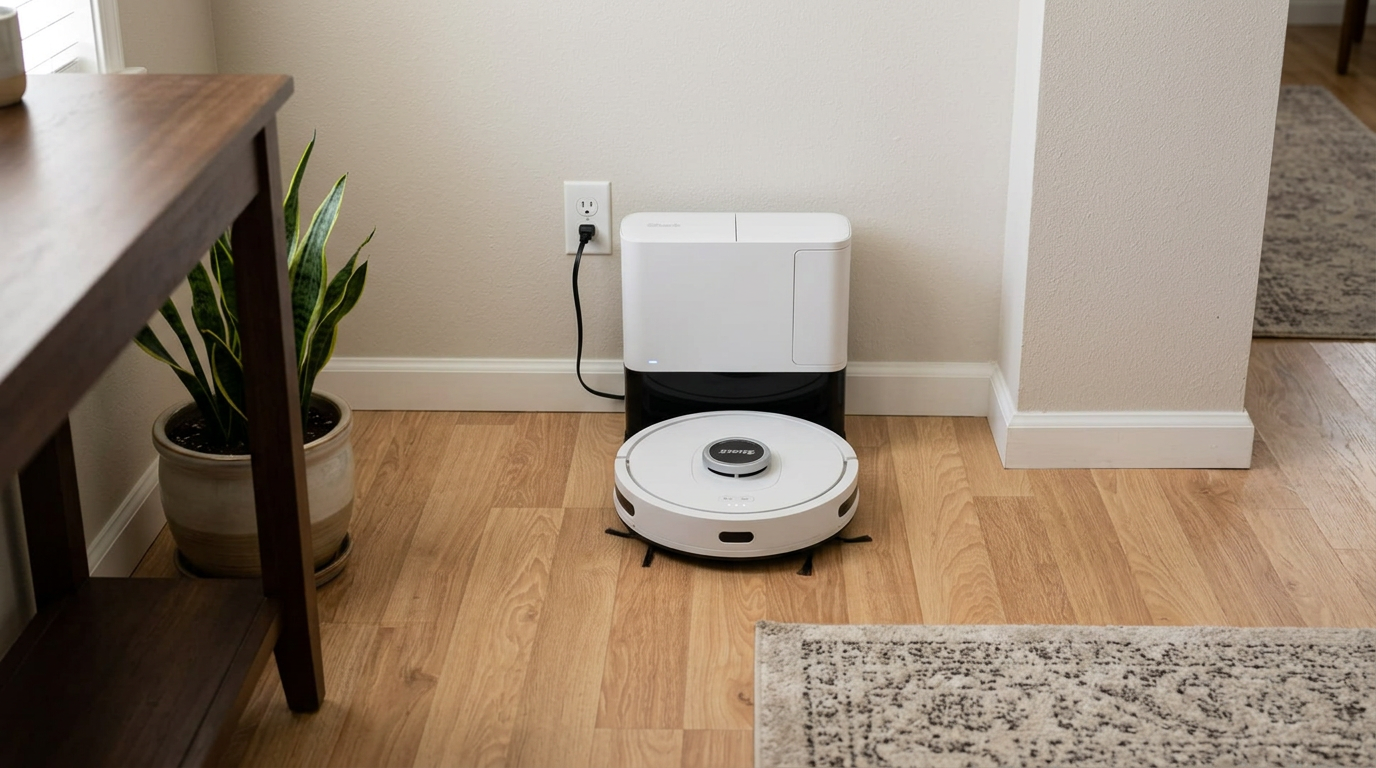
Whatever robot you own, such as the Shark AV2501S AI Ultra, a strong account password and current firmware are the two most important protections. Read my Shark AV2501S AI Ultra review →
Finding the right privacy balance for your home
Here is how I would match a privacy approach to different households.
| Your situation | My recommendation |
|---|---|
| Privacy is your top concern | Robot without an RGB camera, or a camera robot with all photo, video and AI features turned off |
| You want pet-mess avoidance | Camera robot with clearly documented local processing and features you can disable |
| Kids' rooms and bathrooms | No-go zones for bathrooms, and keep remote viewing off |
| Shared or rental home | Robot used with buttons only, or a guest network and minimal app features |
| Smart home enthusiast | Camera robot is fine with strong account security, updates and an IoT network |
| Selling or giving away a robot | Delete the account, remove the robot from the app and factory reset |
Privacy is a spectrum. A robot used only with its buttons and never connected is the most private option, but it gives up maps, schedules and firmware updates. Most people land somewhere in the middle: connected, updated, with the most sensitive features off.
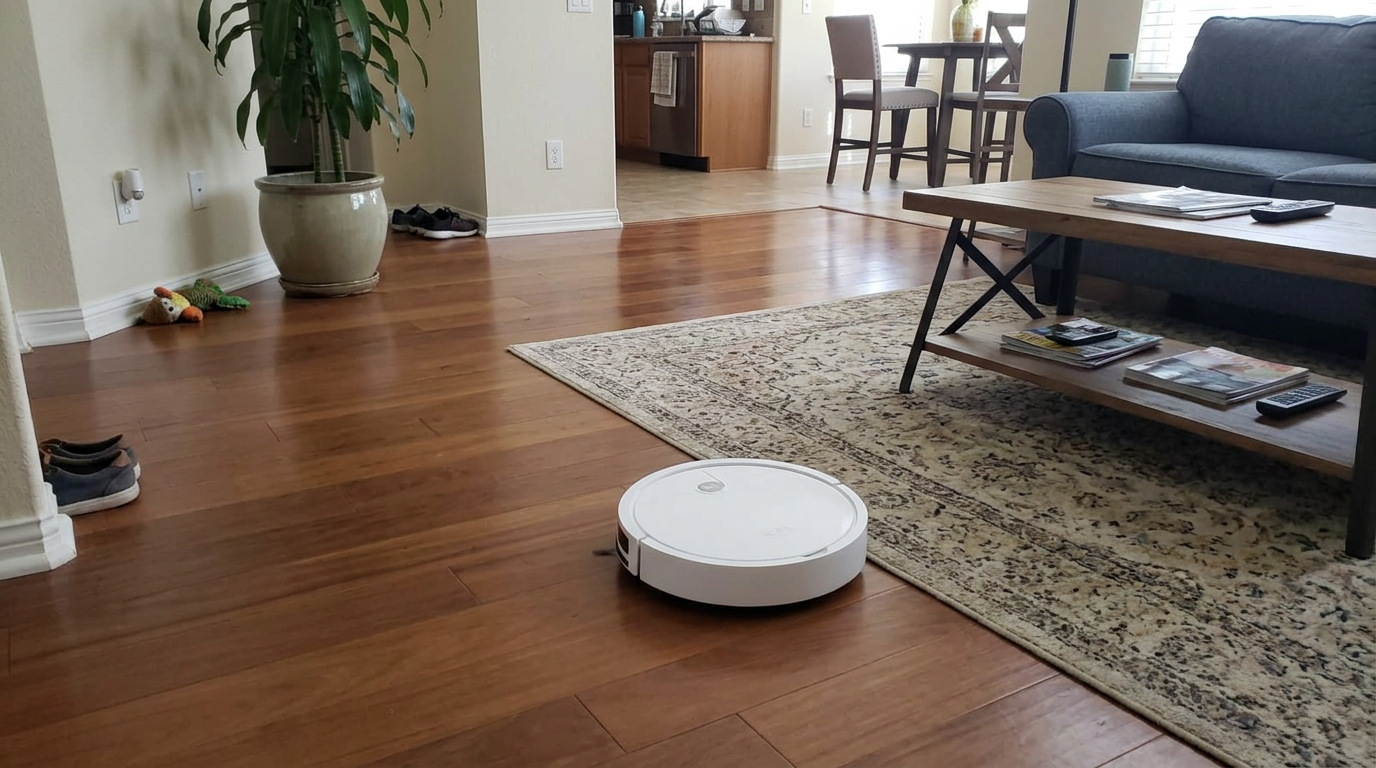
Simple robots like the ILIFE V2 suit households that want automatic cleaning with as little connected data as possible. Read my ILIFE V2 review →
My privacy setup routine for a new robot vacuum
- Read the privacy section firstSkim the brand's privacy policy and in-app privacy settings so you know what is collected and what can be turned off.
- Secure the accountUse a unique password and turn on two-factor authentication if the app offers it.
- Connect to a guest or IoT networkIf your router supports it, put the robot on a separate network from your computers and phones.
- Turn off features you don't needDisable remote video, photo uploads, data sharing for product improvement and any voice features you won't use.
- Set no-go zones for private roomsBlock bathrooms or other rooms where you would rather the robot not go.
- Turn on automatic firmware updatesSecurity fixes only help if they get installed.
- Plan the exitWhen you sell or retire the robot, delete it from your account and factory reset it.
Frequently asked questions
Do robot vacuums with cameras record you?
What data does a robot vacuum collect?
Can robot vacuums be hacked?
Are robot vacuum maps stored in the cloud?
Is a robot vacuum without a camera more private?
How do I wipe my robot vacuum before selling it?

Sarah has tested vacuums, mops, air purifiers and dehumidifiers since 2017. Before joining BrasQ, she spent five years as a test coordinator at a national consumer advocacy group. She studied industrial design at Ohio State and lives in Columbus with her family and a long-haired cat.
- First published.
- MIT Technology Review: how Roomba development images ended up online (2022)
- ABC News (Australia) via LINK mailing list archive: robot vacuum hacked, camera access (2024)
- Gigazine: ECOVACS vulnerability and update timeline (2024)
- Roborock US: Trust Center
- Roborock Australia: privacy and security design
- Roborock Australia: privacy tips for smart home devices
- Roborock Australia: Qrevo S product page (TÜV Rheinland certification)
- iRobot support: PrecisionVision and security certification
- Galaxus (digitec): robot vacuums without Wi-Fi and app, data storage answers
- Engadget: Neato ending cloud services sooner than planned