Robot vacuum obstacle avoidance: how small an object can robots detect?
Published minimum object sizes range from about 0.6 to 1 inch, which is why flat cables still get eaten. I explain each sensing technology, its blind spots and how to set up a cluttered home.
We choose products independently. We may earn a commission through links on this page; your price stays the same. Affiliate policy
On this page
The short answer
- Most published thresholds sit between about 0.6 and 1 inch. One brand rates its system at 2 cm × 2 cm, another at a 2.5 cm cube, and a triple-laser model at 15 mm.
- Flat charging cables are far thinner than that, so they slip under size-based sensors unless a camera recognizes them.
- LiDAR alone can't see socks or cables; the laser scans a plane a few inches above the floor.
- The most reliable fix is not a feature: lift cables, set no-go zones and keep the front sensors clean.
Why the smallest object a robot can see matters
Every robot vacuum I have owned eventually ate a phone charger. Usually on a weekday morning, usually the one I needed.
Obstacle avoidance is supposed to fix that, and spec sheets now promise robots that can see socks, cables and pet messes. What they rarely say clearly is how small an object has to be before the robot stops seeing it.
That threshold is the real number to care about. A robot that reliably spots anything taller than an inch will still drive straight over a flat charging cable that sits a quarter inch high.
In this guide, I pull together the published minimum object sizes, explain how each sensing technology works and where its blind spots are, and share the routine I use so my robot runs without me tidying the whole floor first.
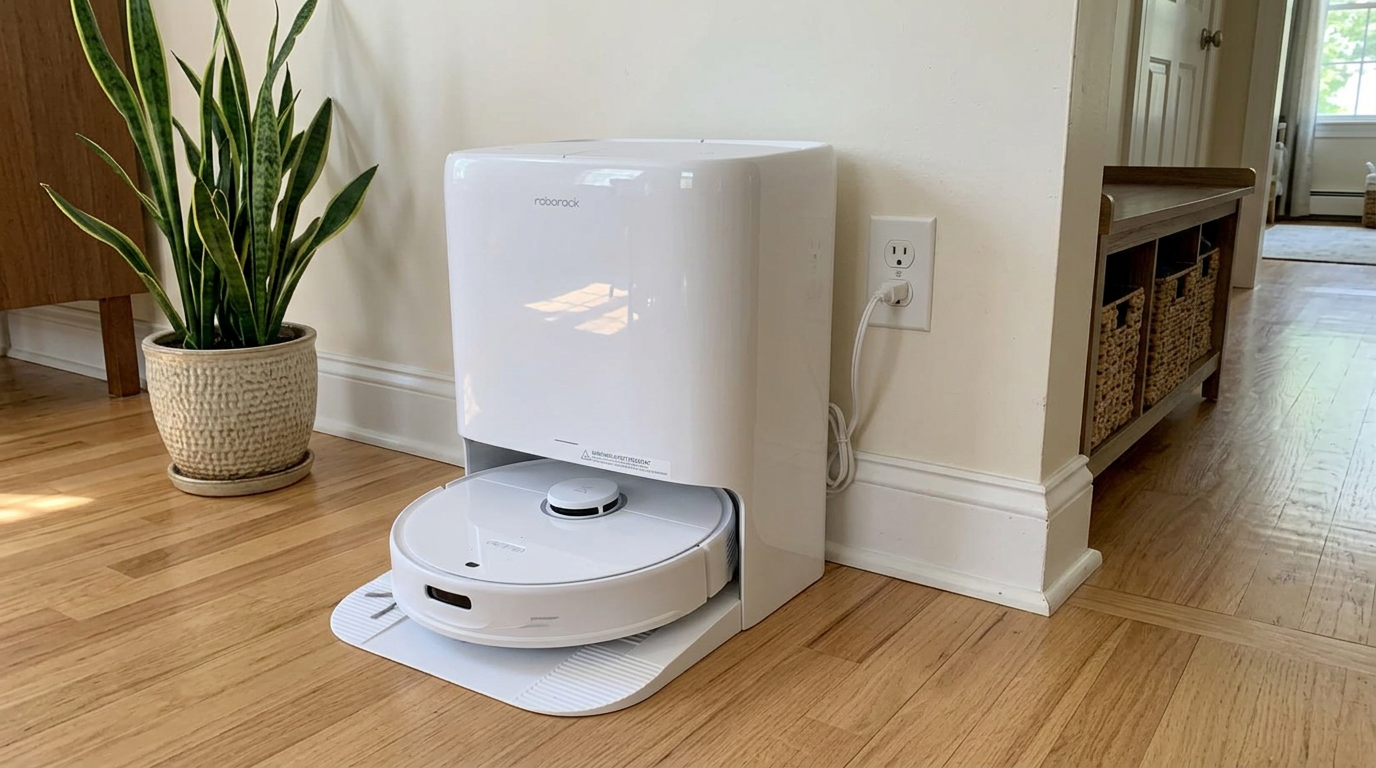
Robots like the Qrevo Edge 3 Pro combine a LiDAR map with separate front-facing sensors for small, low obstacles. Read my Roborock Qrevo Edge 3 Pro review →
How small an object can robots detect? The published numbers
Only a handful of brands publish a minimum object size, and they don't all measure the same way. Here is what I could find in official materials.
| Robot or system | Smallest object it is rated to detect | Source |
|---|---|---|
| Roborock StarSight system | 2 cm wide × 2 cm tall (about 0.8 × 0.8 in) | Roborock UK |
| Eufy S1 Pro | 2.5 × 2.5 × 2.5 cm (about 1 in cube) | Eufy support |
| Eufy Omni S2 | From 2.5 cm (about 1 in) | Eufy UK |
| Eufy E20 (triple laser) | As small as 15 mm (about 0.6 in) | Eufy blog |
Put those numbers next to everyday clutter and the problem becomes obvious. Most published thresholds sit between about 0.6 and 1 inch. A thin charging cable lying flat is far smaller than that.
That doesn't mean robots can never avoid cables. Camera-based systems can recognize a cable by its shape and color even when it is very thin. But size-based sensors that measure height and depth have a hard floor, and thin, flat objects sit below it.
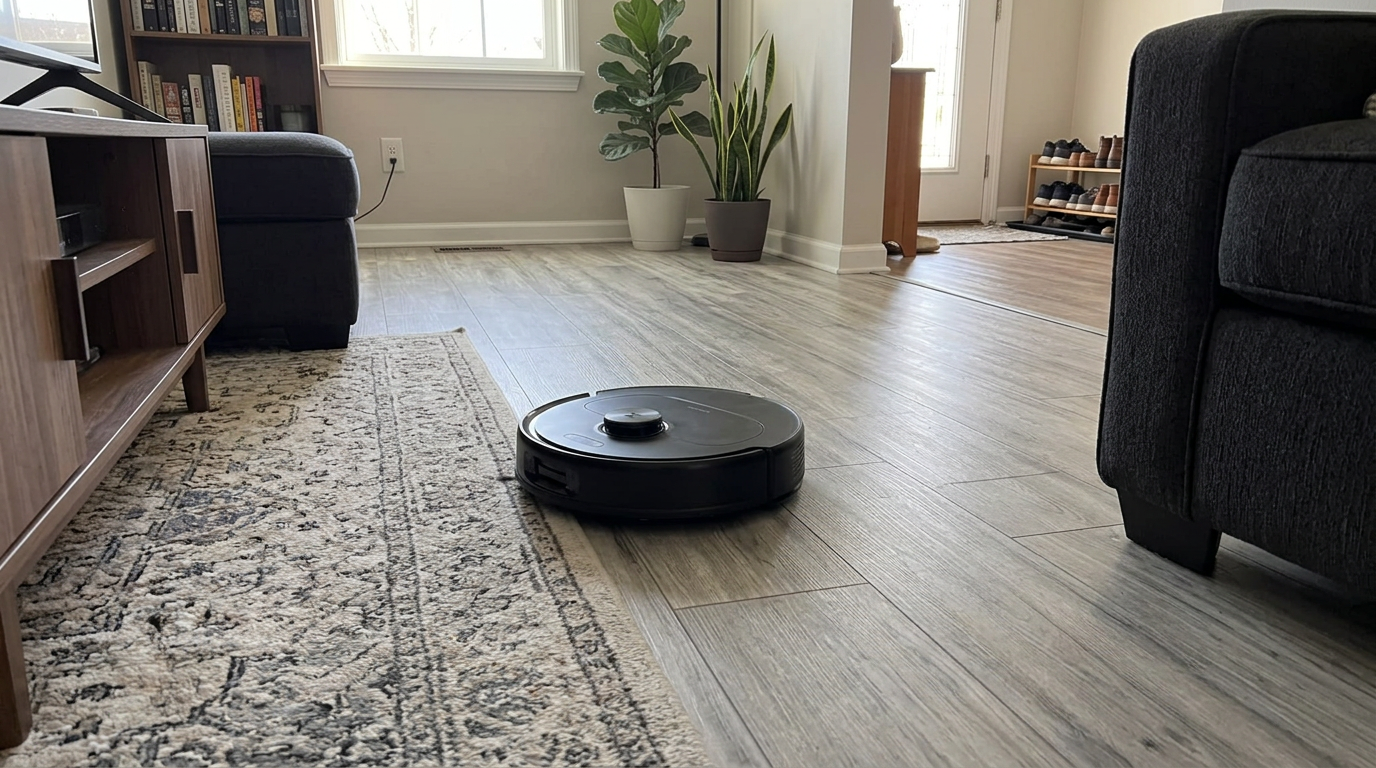
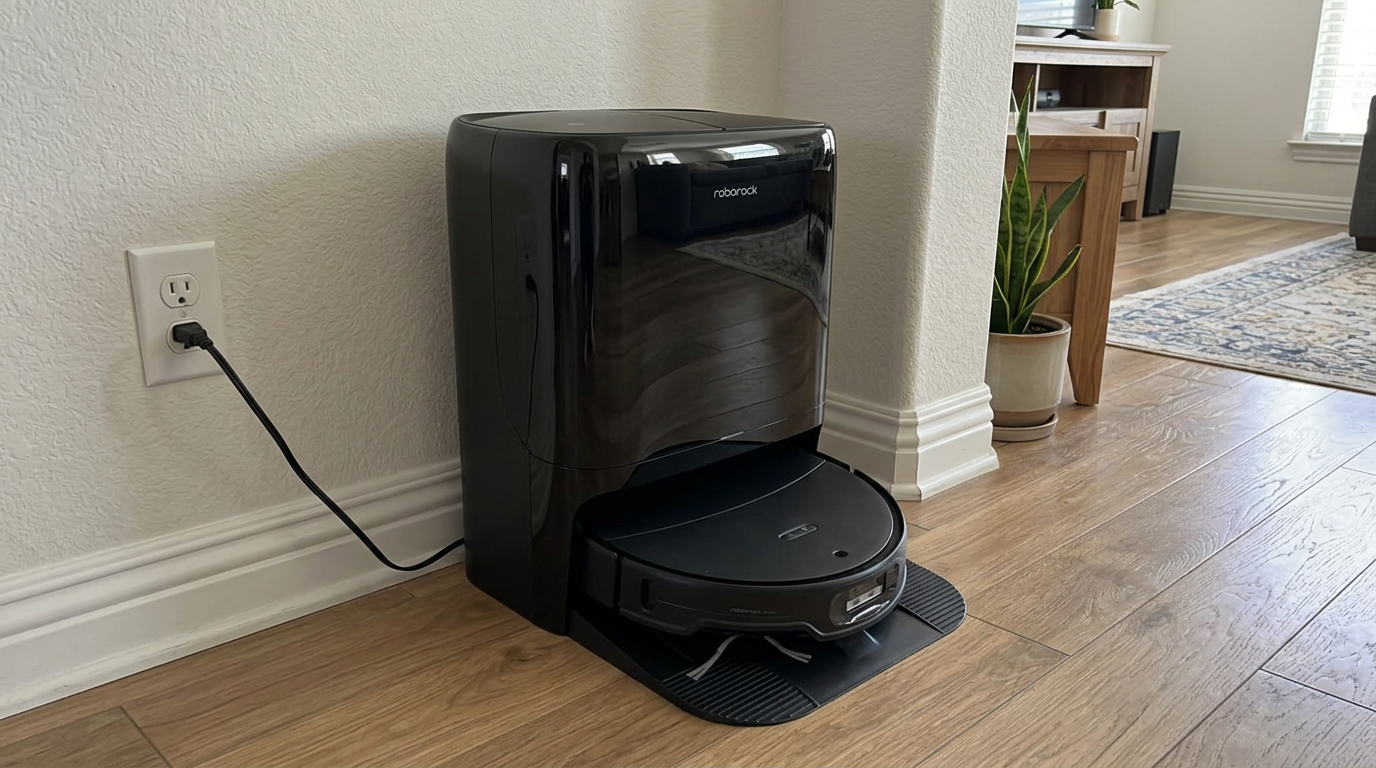
Mid-range robots like the Qrevo S Pro use structured light to judge the height and shape of objects ahead. Read my Roborock Qrevo S Pro review →
How robots see obstacles: five technologies
Obstacle avoidance is a separate layer on top of navigation. The map tells the robot where walls and furniture are. Avoidance deals with the sock that wasn't there yesterday.
These are the main technologies, from simplest to most capable.
| Technology | How it sees | Good at | Struggles with |
|---|---|---|---|
| Bumper only | Feels contact after it hits | Furniture legs, walls | Anything soft or small; pushes it around |
| Infrared proximity | Measures reflected IR light ahead | Slowing near walls | Dark and shiny objects, small items |
| 3D structured light | Projects an IR line or dot pattern and reads how it bends | Height and shape of objects, works in the dark | Very flat or very thin items |
| Time-of-flight (ToF) depth | Times how long IR light takes to bounce back | Depth at close range | Small, thin, low-reflectivity objects |
| RGB camera with AI | Recognizes objects from images | Telling a cable from a sock from pet waste | Low light, unfamiliar objects |
Structured light has been studied for robot obstacle detection for a long time. An MIT thesis on structured light for robot navigation explored using projected light patterns to measure the range and surface of obstacles, which is the same basic idea behind the line lasers on today's robots.
The strongest systems combine two of these. Structured light measures shape and distance in any lighting. A camera adds identity, so the robot can treat a cable, a shoe and a pet accident differently.
That is why LiDAR robots add a separate front sensor for low obstacles. If a spec sheet lists only LiDAR, assume the robot relies on its bumper for anything small.
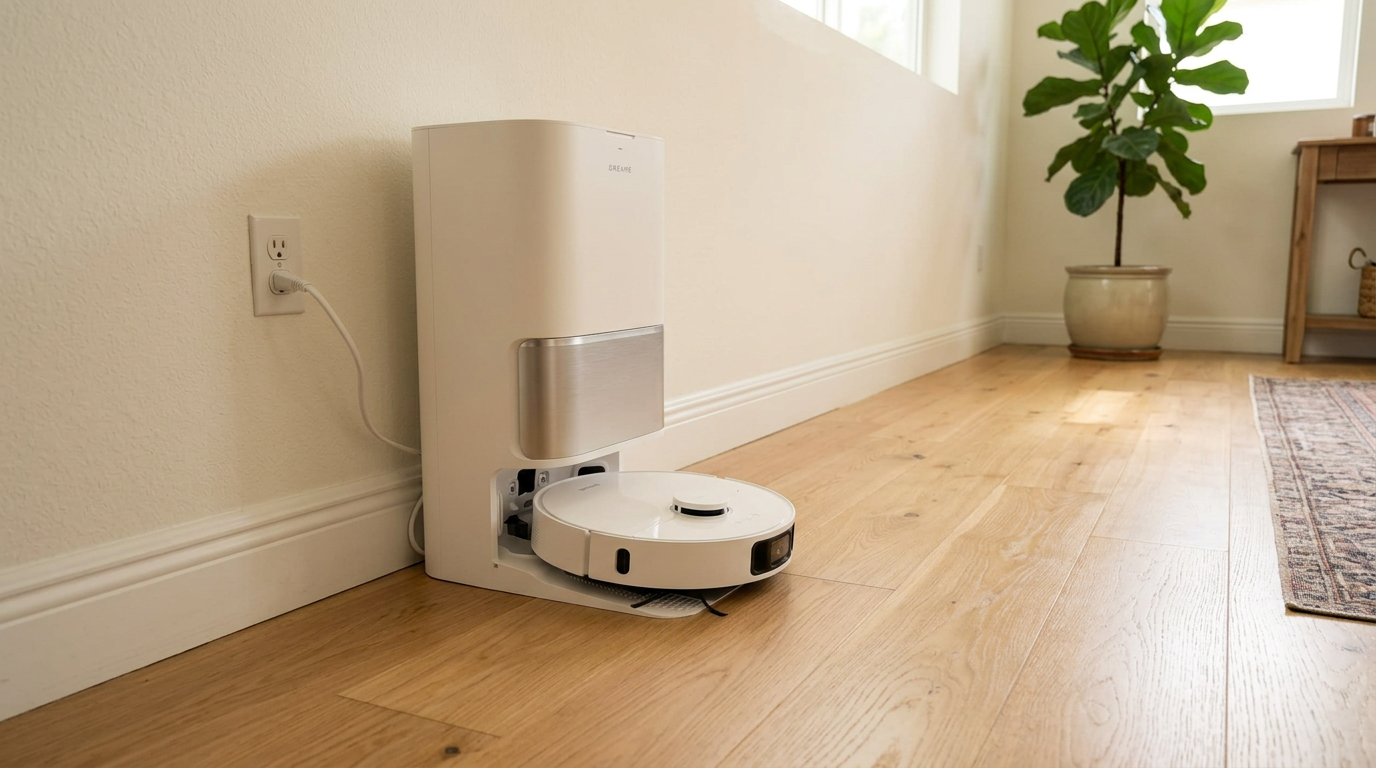
The L40 Ultra Gen 2 pairs LiDAR mapping with front structured light to catch objects below the laser plane. Read my Dreame L40 Ultra Gen 2 review →
Camera AI: recognizing what an object is
Camera-based avoidance is what makes a robot "know" what it is looking at. iRobot was early here. Its Roomba j7 page says PrecisionVision Navigation recognizes and avoids cords, pet waste, socks and shoes, and the company backs pet-waste avoidance with a one-year replacement promise on that model.
iRobot's support article adds two details I find genuinely useful. First, the robot uses a front-facing camera plus a small LED, but that LED is not bright enough for the robot to run in the dark. Second, object detection is switched off during the initial mapping run, so the floor needs to be clear of cords and pet messes during that first pass.
The same article lists which models recognize which objects. Not every camera robot recognizes everything; some newer models add socks and even pets to the list while older ones stop at cords and pet waste.
That pattern holds across brands. Camera recognition is only as good as the training data and the lighting. A cable on a well-lit kitchen floor is easy. A black cable on a dark rug at dusk is hard.
My rule: If I schedule runs at night, I want structured light or ToF in the spec, not just a camera. Infrared-based sensors work in the dark; cameras usually need some light.
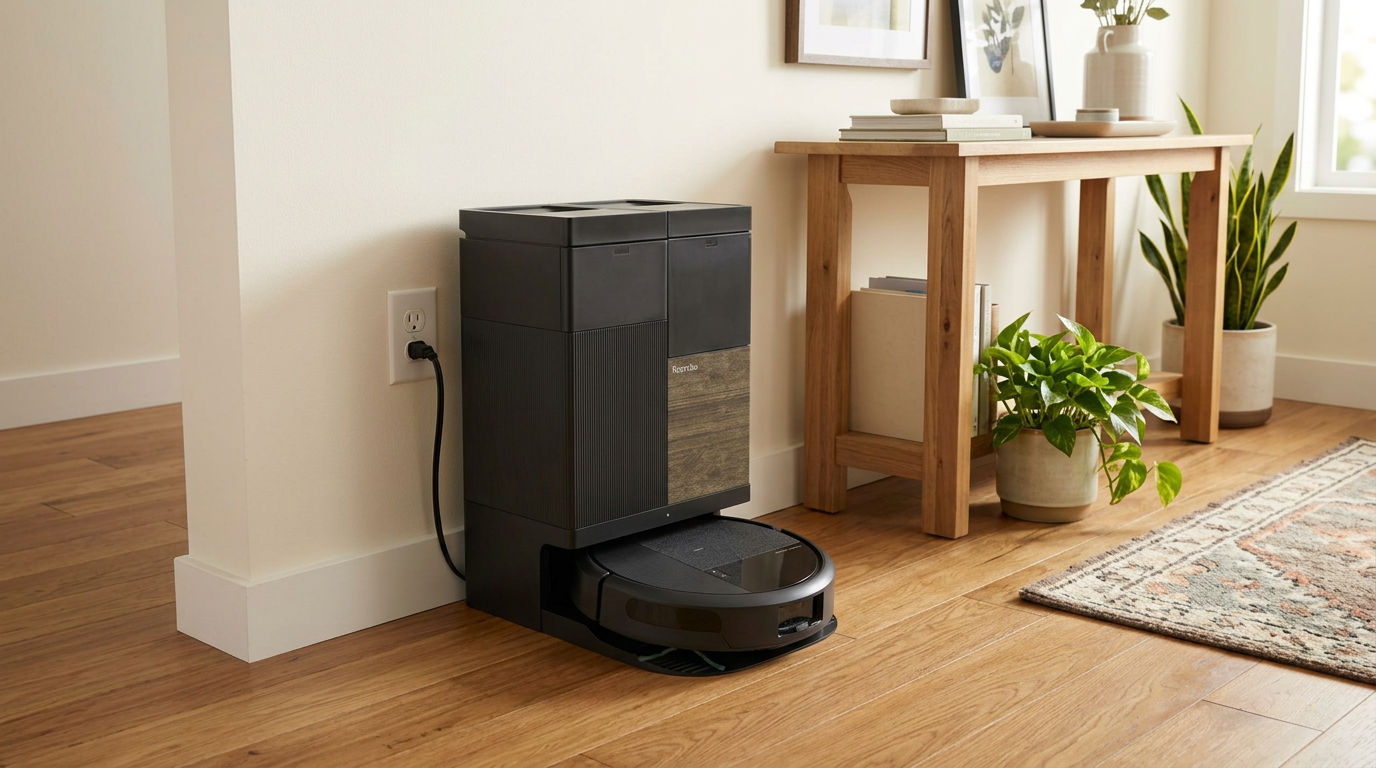
Obstacle features differ even within one brand's lineup, so check the exact model's spec sheet, including on robots like the Roomba Plus 575 Combo. Read my iRobot Roomba Plus 575 Combo review →
What modern robots avoid, and what they still miss
Based on how each sensor works, this is how I rate common household clutter for a modern robot with structured light plus a camera. Budget robots without front sensors should be treated as "will hit everything."
| Object | Typical size | Chance a good robot avoids it | Why |
|---|---|---|---|
| Shoes and slippers | 3 to 5 in tall | High | Tall, solid and well within every published threshold |
| Pet bowls | 2 to 3 in tall | High | Solid shape; spills around them are the real risk |
| Rolled socks | About 1 in | Medium to high | Near the size limit; cameras help a lot |
| Kids' building bricks | About 0.5 to 1 in | Medium | Small, scattered and often colorful on busy rugs |
| Pet waste | Varies | Medium to high on camera robots | Needs recognition, not just size; risky in the dark |
| Charging cables | About 0.1 to 0.2 in | Low to medium | Below most size thresholds; relies on camera recognition |
| Thin shoelaces and threads | Under 0.1 in | Low | Effectively invisible; brush picks them up |
| Liquid spills | Flat | Very low | No height to detect; mopping robots may spread it |
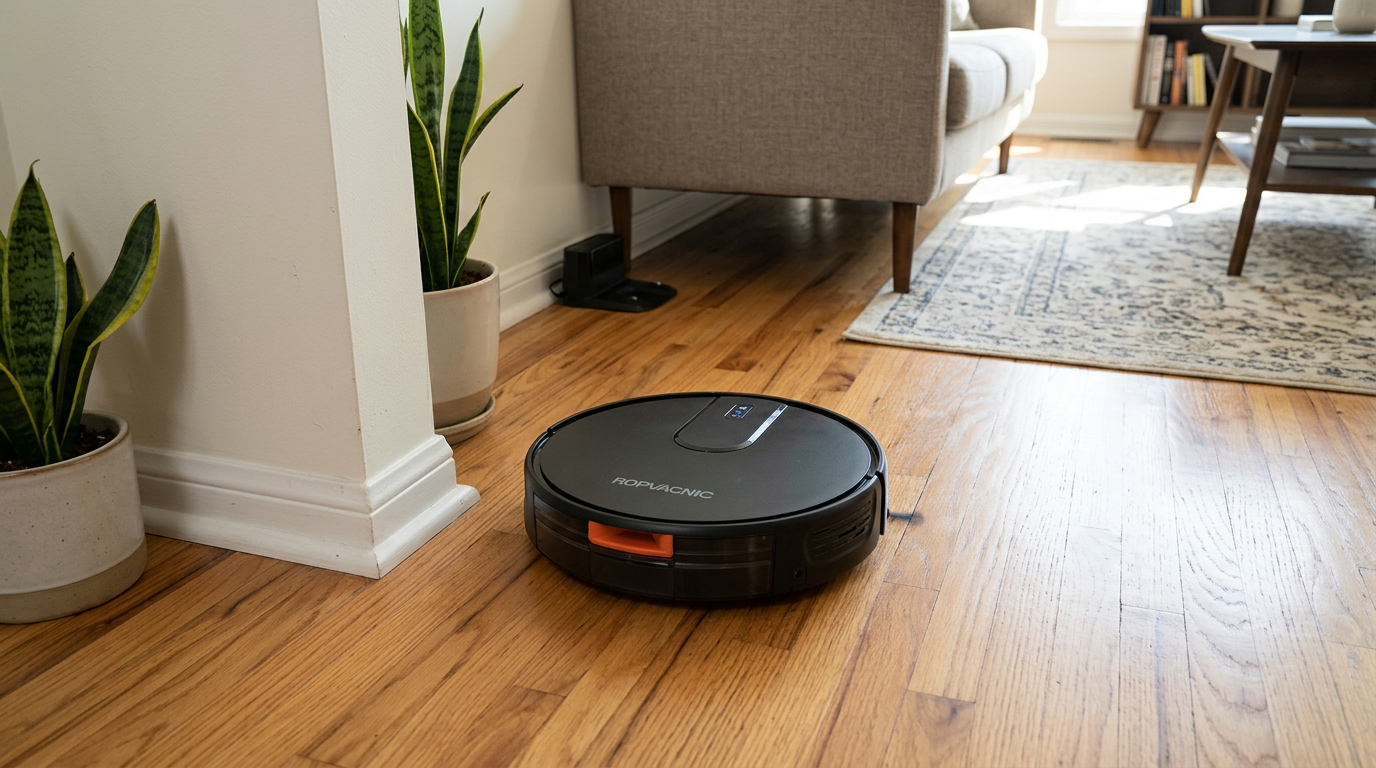
Budget robots like the ROPVACNIC combo are worth pairing with a quick floor pickup before each run. Read my ROPVACNIC Robot Vacuum and Mop Combo review →
The trade-off: avoiding more means cleaning less
Better avoidance has a cost that spec sheets don't mention: the robot skips more floor.
Every avoided object leaves a small uncleaned circle around it, because the robot keeps a safety margin. A careful robot in a cluttered room can leave a surprising number of these islands.
Some apps let you choose how cautious the robot is. A more aggressive setting cleans closer to objects and risks bumping them. A more cautious setting avoids more but leaves more dust behind.
Roborock's Qrevo S page also mentions suggesting no-go zones automatically in places where the robot tends to get stuck, such as under chairs and tables. That is the other half of the story: avoidance plus memory.
- Fewer eaten cables and socks
- Safer around pet bowls and messes
- Better for unattended runs
- Cleans closer to furniture and objects
- Leaves fewer uncleaned islands
- Better for tidy homes with little clutter
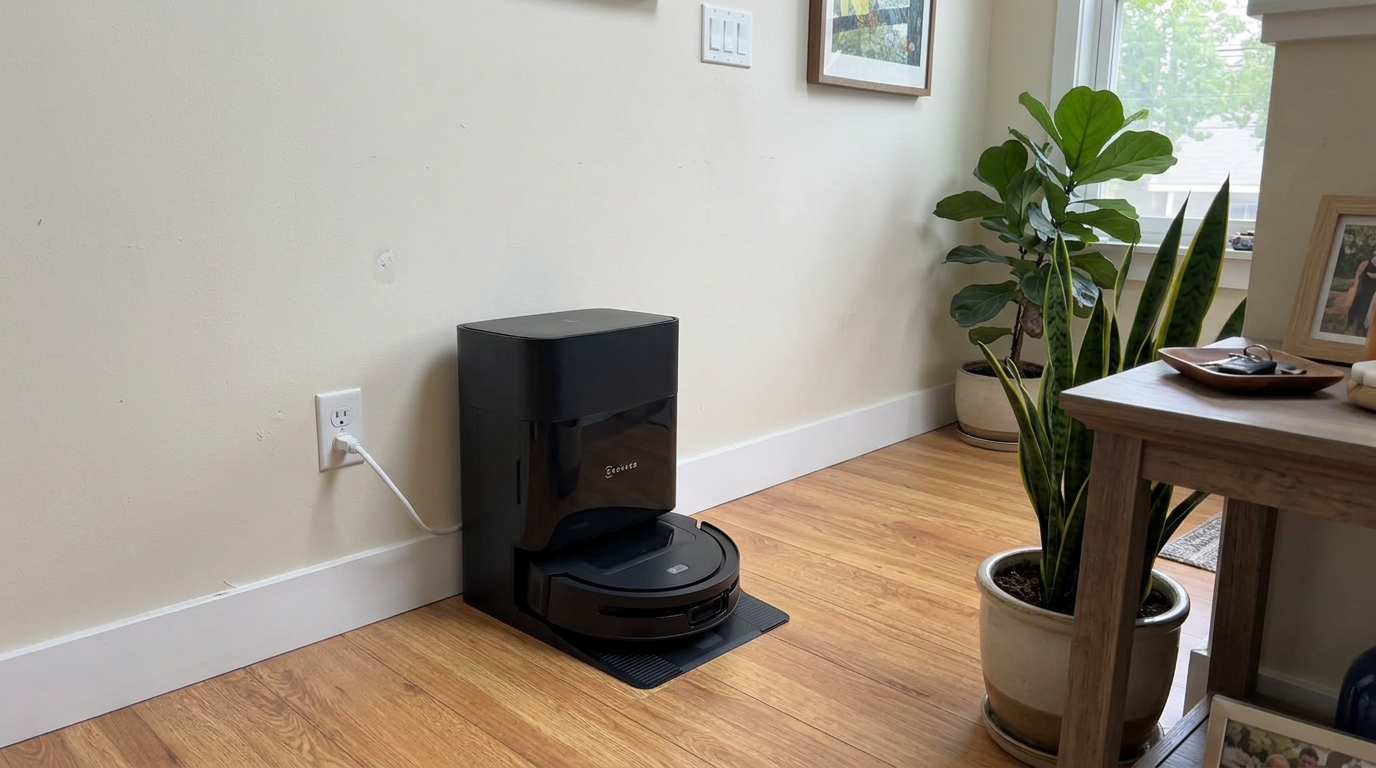
Robots with strong obstacle sensors, like the DEEBOT T90 PRO OMNI, still benefit from a quick pickup of cables before a scheduled run. Read my ECOVACS DEEBOT T90 PRO OMNI review →
How much obstacle avoidance do you need?
Here is how I match obstacle avoidance to a household.
| Your home | What I would look for |
|---|---|
| Tidy adults, few cables | LiDAR plus basic front sensor is enough |
| Kids with small toys | Structured light plus camera, and a quick pickup routine |
| Pets, especially puppies | Camera recognition of pet waste, with a clear statement of what is covered |
| Lots of cables near desks and TVs | Camera recognition, plus no-go zones or cable management |
| Night-time cleaning | Structured light or ToF that works without room lighting |
| Budget under $200 | Expect bumper-only avoidance; plan to pick up first |
The single most useful thing I did for obstacle problems was not a feature at all. I bought a few adhesive cable clips and lifted the cables behind my desk and TV off the floor. After that, even a robot with modest avoidance stopped getting tangled.
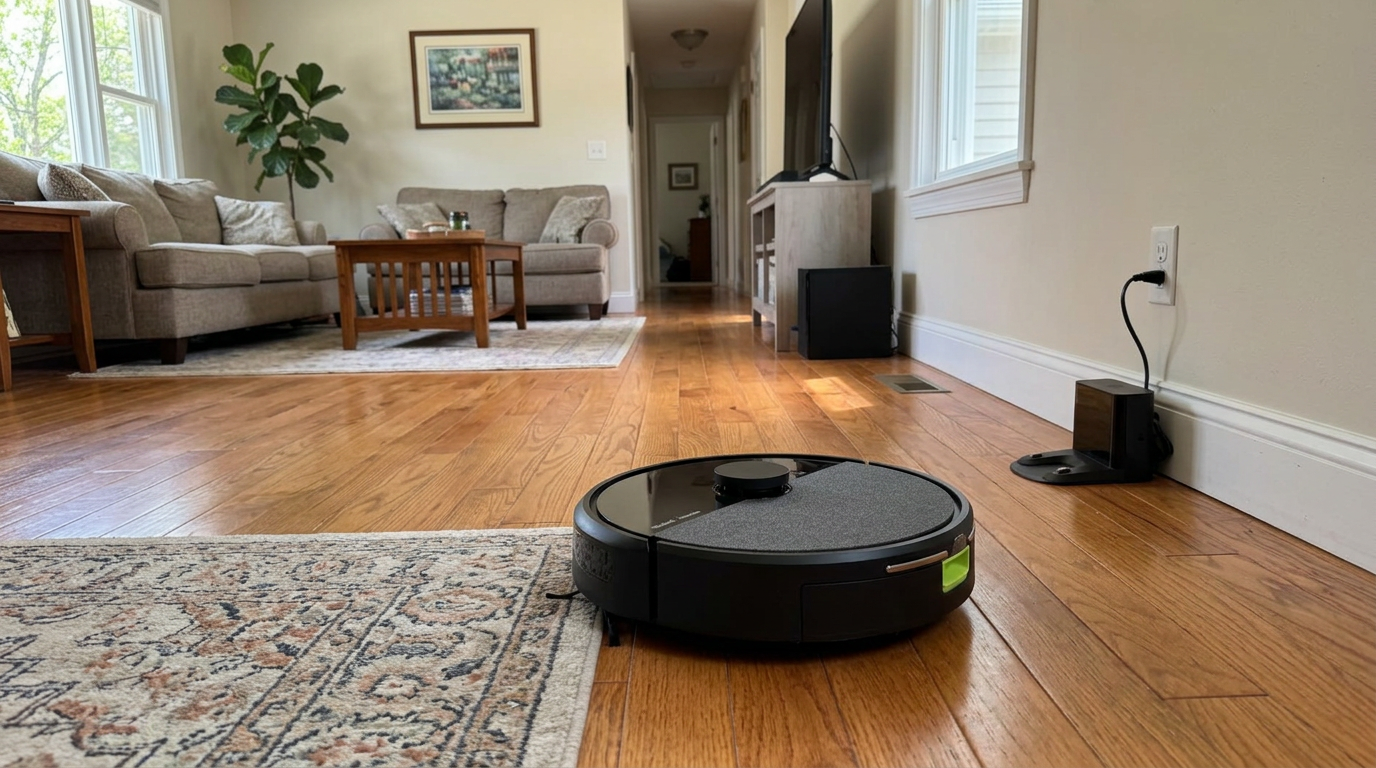
Entry-level iRobot models like the Roomba 105 Combo are best paired with no-go zones around cable-heavy areas. Read my iRobot Roomba 105 Combo review →
My five-minute pre-run routine for cluttered homes
- Clear the floor for the first mapping runSome camera robots switch object detection off while mapping. Pick up cords, socks and anything fragile before that first run.
- Lift cables off the floorUse adhesive clips or a cable sleeve behind desks, beds and TV stands. Cables are the item robots miss most.
- Set no-go zones around problem spotsBlock off pet bowls, toy corners and charging stations. Avoidance plus a no-go zone is far more reliable than avoidance alone.
- Turn on the lights for camera robotsIf your robot relies on a camera, schedule runs in daylight or leave a lamp on. Cameras need some light to recognize objects.
- Review the obstacle photos in the appIf your robot saves photos of what it avoided, check them weekly. Mark permanent obstacles so the robot stops slowing down for them.
- Wipe the front sensorsSmudges on the front sensor window or camera lens cause missed objects and false stops. A dry microfiber cloth every two weeks is enough.
Frequently asked questions
How small an object can a robot vacuum detect?
Can robot vacuums avoid charging cables?
Do robot vacuums avoid pet poop?
Does obstacle avoidance work in the dark?
Is LiDAR enough for obstacle avoidance?
Why does my robot skip areas around furniture?

Sarah has tested vacuums, mops, air purifiers and dehumidifiers since 2017. Before joining BrasQ, she spent five years as a test coordinator at a national consumer advocacy group. She studied industrial design at Ohio State and lives in Columbus with her family and a long-haired cat.
- First published.
- Roborock UK: StarSight autonomous system (minimum object size)
- Eufy support: how small of an obstacle can the S1 Pro identify
- Eufy: robot vacuum with obstacle avoidance (E20 triple laser)
- Eufy UK: choosing an obstacle-avoidance robot vacuum (Omni S2)
- iRobot: Roomba j7 product page (PrecisionVision and pet waste promise)
- iRobot support: PrecisionVision object detection by model
- MIT thesis: obstacle detection for robot navigation using structured light
- Roborock Australia: Qrevo S product page (dimensions and suggested no-go zones)