Robot vacuums in multi-floor homes: saving maps and carrying the robot between floors
Robots can't climb stairs, but many save several floor maps and recognize where they are. I explain how multi-floor mapping works, how many maps brands support, and when a second dock or robot makes sense.
We choose products independently. We may earn a commission through links on this page; your price stays the same. Affiliate policy
On this page
The short answer
- Robot vacuums can't climb stairs, but many can remember every floor. You carry the robot, set it down, and it loads the right map automatically.
- Roborock supports up to four saved maps on most mapping models; iRobot's Imprint Smart Maps support up to 10. Some entry models save only one.
- On many robots you only need the dock for the first map. Without a dock on a floor, the robot can't recharge there.
- For two floors cleaned regularly, a second charging dock is often the sweet spot. Two robots make sense for large or pet-heavy homes.
The multi-floor problem nobody mentions in the store
Robot vacuums can do a lot, but they still can't climb stairs. If your home has two or three levels, someone has to carry the robot, buy a second robot, or accept that only one floor gets cleaned.
The good news is that modern mapping makes the carrying part much easier than it used to be. Many robots now remember several floors, recognize which one they have been set down on and pull up the right rooms, no-go zones and settings automatically.
The bad news is that the details vary a lot. How many maps a robot stores, whether it needs a dock on each floor, and what happens when the battery runs low away from the dock all depend on the model.
In this guide, I explain how multi-floor mapping works, how many maps popular brands support, my routine for carrying a robot between floors, and when a second dock or a second robot makes more sense.
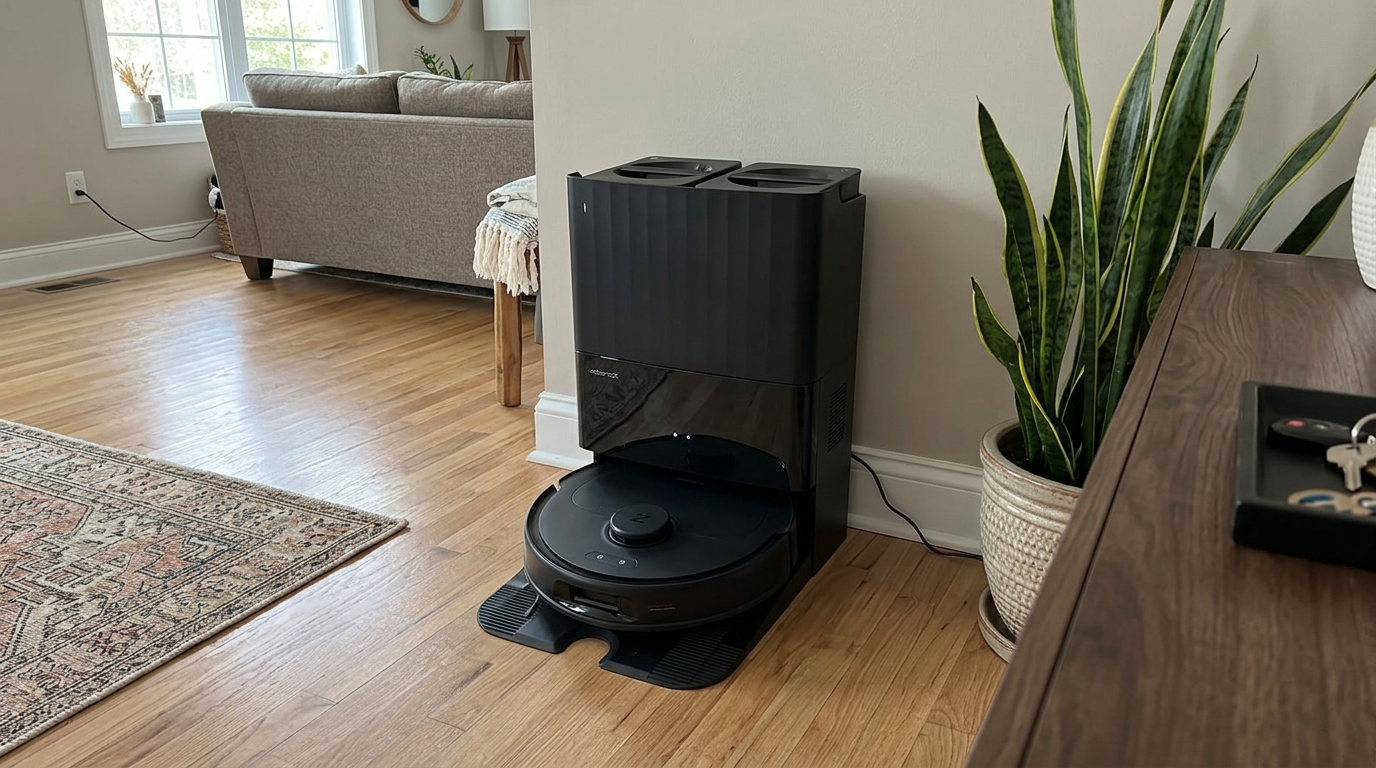
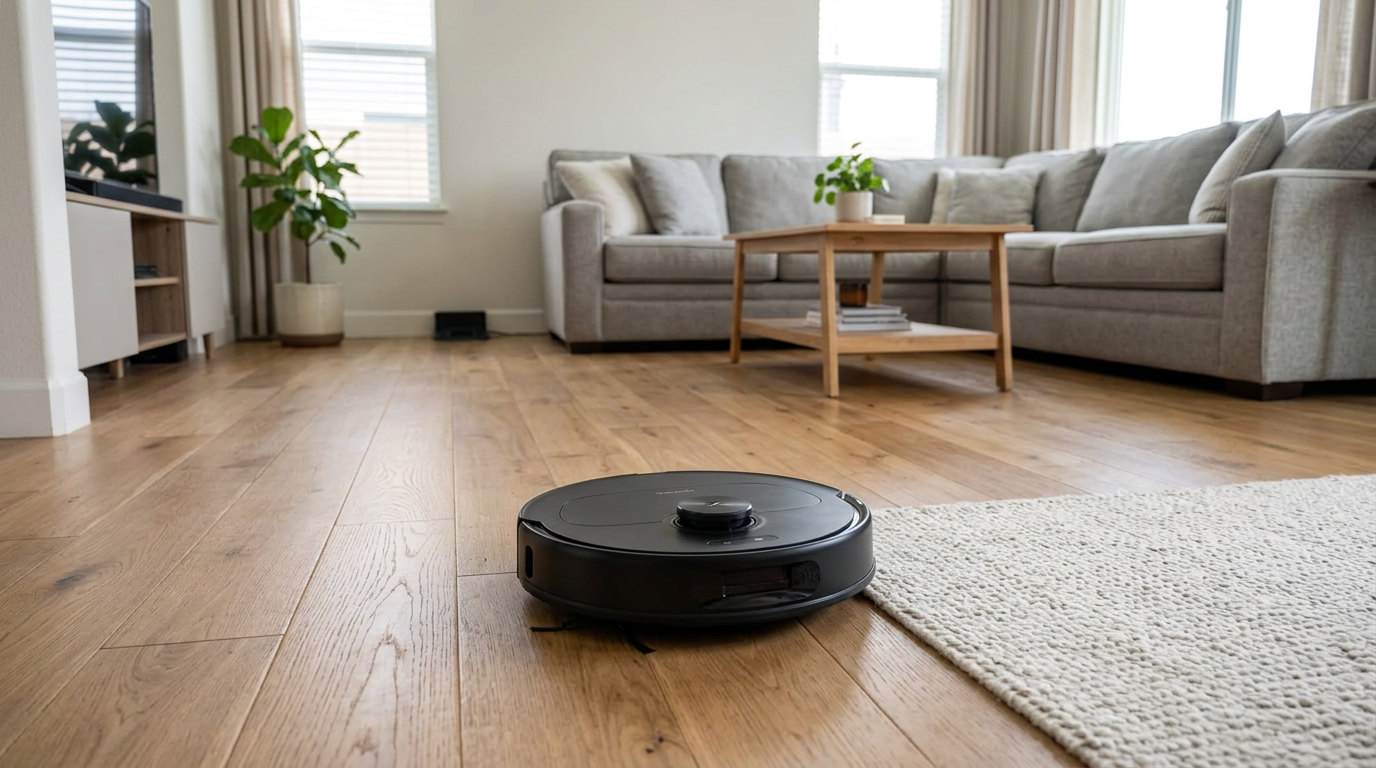
Most mid-range and premium robots, like the Qrevo S Pro, can save several floor maps and switch between them automatically. Read my Roborock Qrevo S Pro review →
How multi-floor mapping works, and how many maps you get
Multi-floor mapping means the robot stores several separate maps, one per level, each with its own rooms, no-go zones and preferences. When you set the robot down and start a clean, it compares what its sensors see with the saved maps and picks the one that matches.
Roborock describes this on its app page: the robot automatically recognizes distinct levels of your home, and all you have to do is put the robot down.
Its support guide adds a detail many people miss. You only need the dock for the first map. For maps two through four, you carry the robot alone to the other floor, start mapping from where you set it down, and it returns to that starting point when finished.
Here is how many maps some well-known robots and app platforms support, based on official materials.
| Brand or model | Saved floor maps | Source |
|---|---|---|
| Roborock app (most mapping models) | Up to 4 | Roborock support |
| Roborock S4 Max | Up to 4 levels | Roborock product page |
| iRobot Imprint Smart Maps (supported models) | Up to 10 | iRobot support |
| iRobot Roomba i3 / i3+ | 1 floor plan, up to about 1,600 sq ft | iRobot Australia FAQ |
That last row is a useful warning. Even within one brand, some models store only a single map. If you have more than one floor, check the map count for the exact model before you buy.
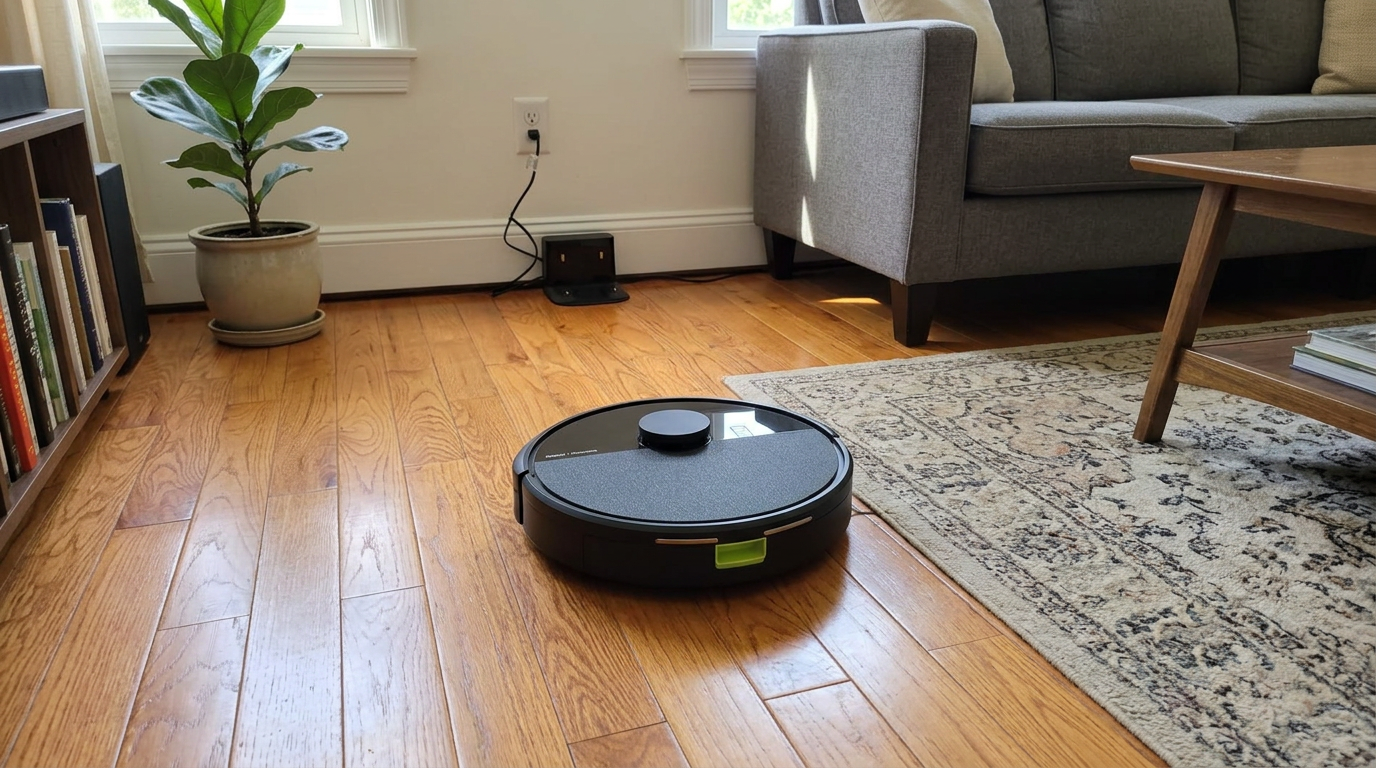
iRobot says its newer LiDAR models, including the Roomba 100 series, use a separate smart-map system; check the map count for your exact model. Read my iRobot Roomba 105 Combo review →
Carrying a robot between floors: my routine
Once your floors are mapped, using the robot upstairs or downstairs is mostly a matter of carrying it there. A few habits make it smooth.
I always carry the robot from underneath with both hands, not by the bumper or the LiDAR turret. The bumper is a moving part and the turret is the most delicate sensor on the robot.
On robots with an onboard water tank, I make sure the tank is empty or sealed before I carry it. A tilted tank can drip on stairs, and a wet stair is the last thing you want.
Then I set it down in an open spot, ideally close to where it started when that floor was mapped, and start the clean from the app or the button. On most mapping robots, it takes a few seconds to recognize the floor.
Battery planning: I start upstairs runs with a full battery and in Standard mode. A floor that would need a recharge mid-run is a good sign you need a second dock.
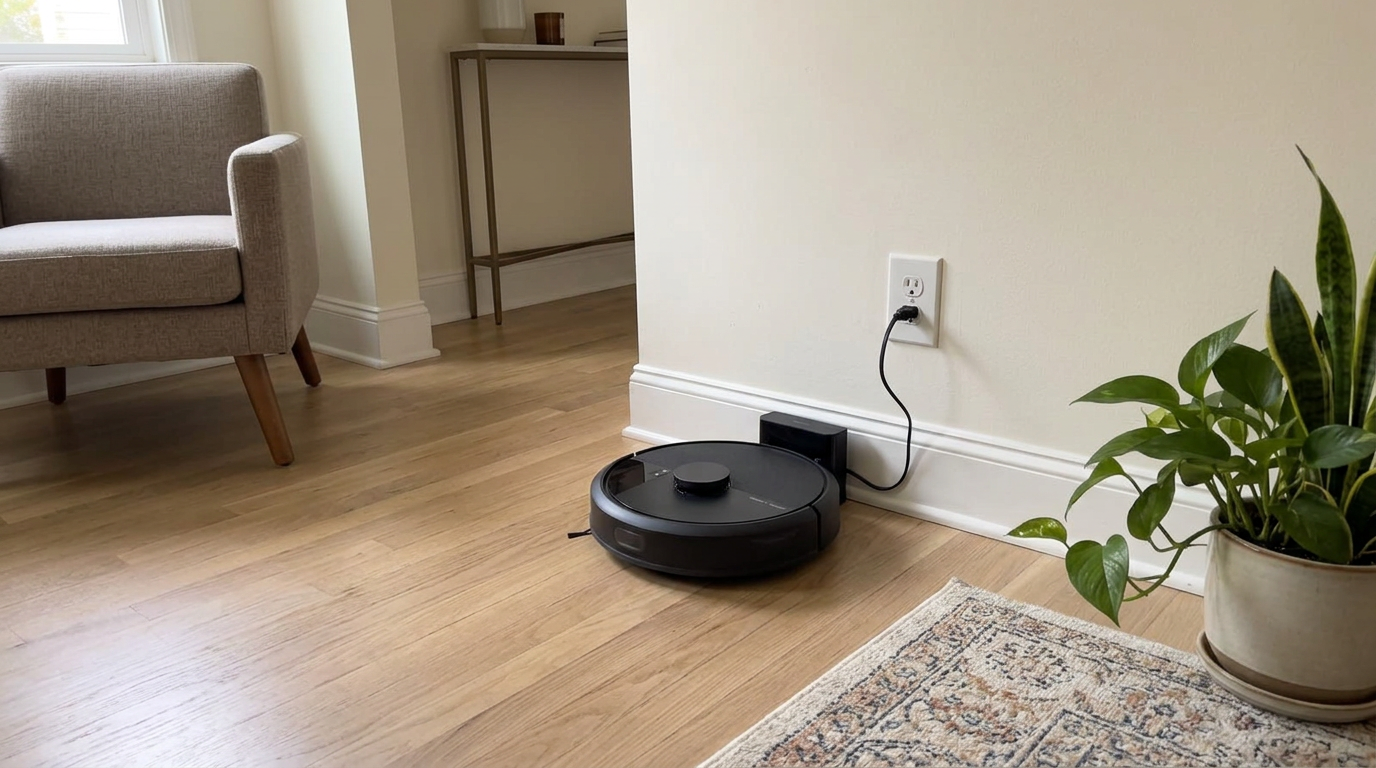
Lightweight vacuum-only robots like the Roomba 105 Vac are the easiest to carry between floors. Read my iRobot Roomba 105 Vac review →
One dock, two docks or two robots?
There are three realistic ways to cover a multi-level home. Each one trades money for convenience.
| Setup | Upfront cost | Daily effort | Best for |
|---|---|---|---|
| One robot, one dock | Lowest | Carry the robot to other floors; it can't recharge there | Small upper floors or occasional cleaning |
| One robot, extra charging dock | Moderate (a standalone dock, where sold) | Carry the robot; it can charge and resume on each floor | Two floors cleaned regularly |
| Two robots, one per floor | Highest | None; each floor runs on its own schedule | Large homes, pets, or both floors cleaned daily |
For a typical two-story home, I lean toward the middle option if the brand sells a standalone charging dock for your model. A basic charging dock is usually much cheaper than a second robot, and it removes the battery anxiety.
If your main floor has an all-in-one dock that washes mops, remember the extra dock upstairs is usually just a charger. Mopping upstairs then relies on the robot's onboard tank and pads, or you skip mopping there.
- Both floors need daily cleaning
- You have shedding pets upstairs and downstairs
- Nobody wants to carry a robot
- A cheaper robot is fine for the second floor
- The upper floor is mostly bedrooms
- You only clean upstairs once or twice a week
- Your robot saves multiple maps
- Budget matters more than convenience
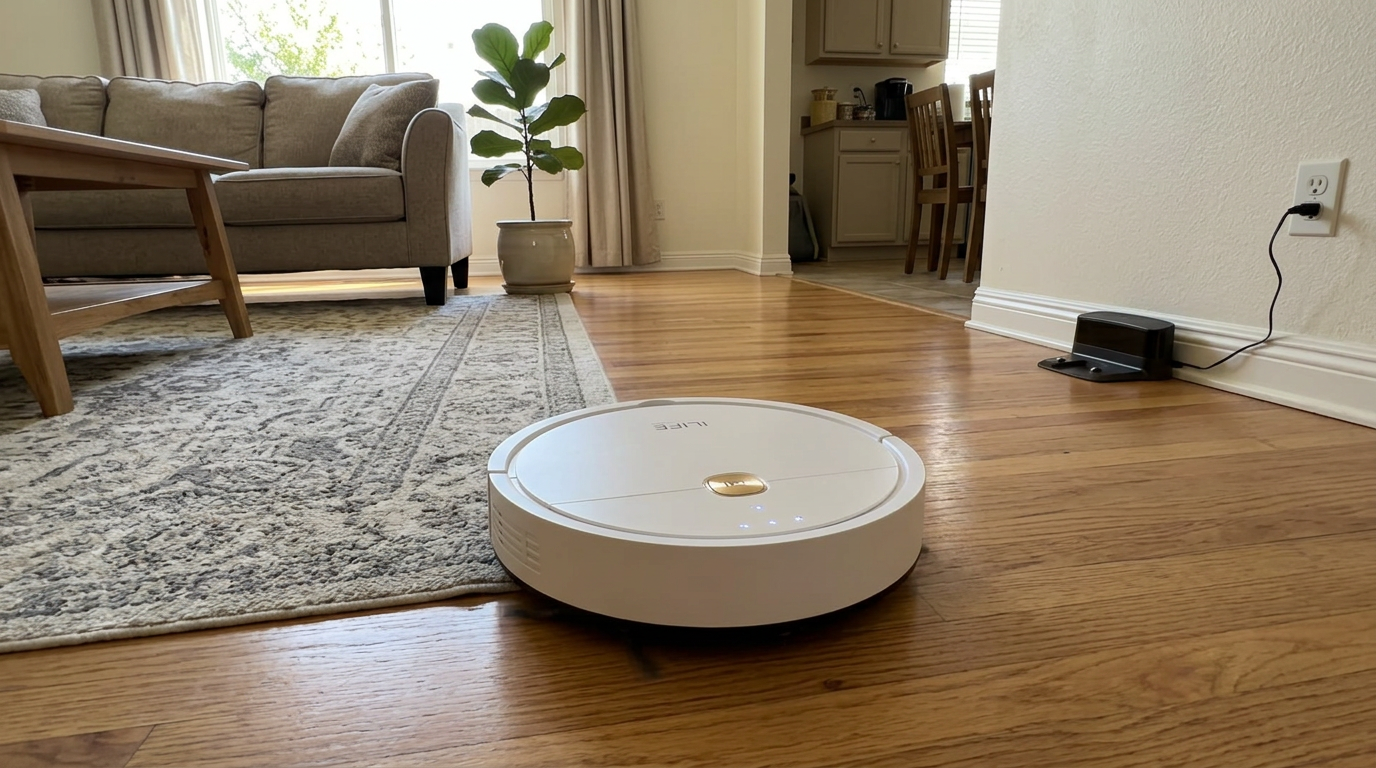
A budget robot like the ILIFE V2 can make a sensible second robot for a bedroom floor, even if the main floor gets a flagship. Read my ILIFE V2 review →
Which floor gets the dock?
Where you put the dock decides how much carrying you do. I use a simple rule: the dock goes on the floor that needs the most frequent cleaning.
In most homes, that is the main living level with the kitchen, entry and family room. Bedrooms upstairs generate less debris and can often get by with a weekly run.
Basements are a special case. They are often cooler and more humid, and some have concrete or vinyl floors that are easy for robots. If your basement is a family room or gym that gets daily use, it may deserve its own robot.
| Floor | Typical traffic | How often I clean it | Dock? |
|---|---|---|---|
| Main floor with kitchen | High | Daily | Yes, main dock |
| Bedroom floor | Medium | Two to three times a week | Optional second dock |
| Finished basement | Low to medium | Weekly, or daily if used as a living space | Second robot if heavily used |
| Unfinished basement or garage | Low | Rarely | Usually skip; dust can be hard on robots |
If you have pets, follow the pets. The floor where your dog sleeps or your cat's litter box lives needs the most attention, regardless of which floor is "main."
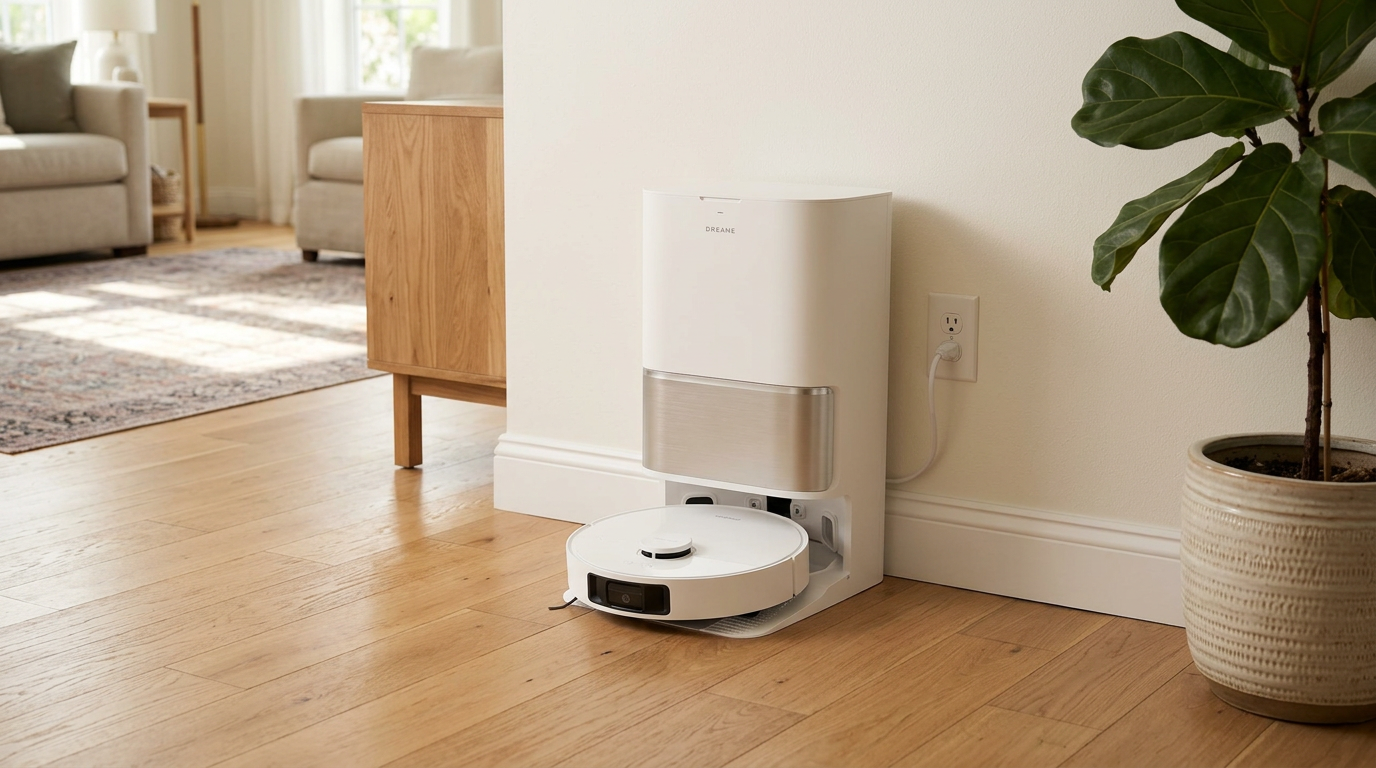
All-in-one docks like the L40 Ultra Gen 2's are best placed on the floor where you mop most often. Read my Dreame L40 Ultra Gen 2 review →
Stairs, landings and cliff sensors
Multi-floor homes have more edges to fall off. Every robot uses downward-facing infrared cliff sensors to detect a drop, such as the top of a staircase, and back away from it.
Those sensors work well on most floors, but a few situations can confuse them. Knowing them prevents the one accident every multi-story owner fears: a robot tumbling down the stairs.
| Situation | Risk | What I do |
|---|---|---|
| Dark or black carpet at the top of stairs | Some IR cliff sensors read very dark surfaces as a drop and refuse to cross | Usually harmless; add a no-go zone if it gets stuck |
| Shiny or mirrored floors near stairs | Reflections can confuse the sensor reading | Add a virtual wall at the top step |
| Dusty cliff sensors | The robot may not detect the drop reliably | Wipe the sensors every couple of weeks |
| Open landings and lofts | Large open edges with railings only | Use a no-go zone along the edge as a backup |
| Stair runners and loose rugs at the top | The robot can drag the rug and slip | Secure the rug or keep the robot off it |
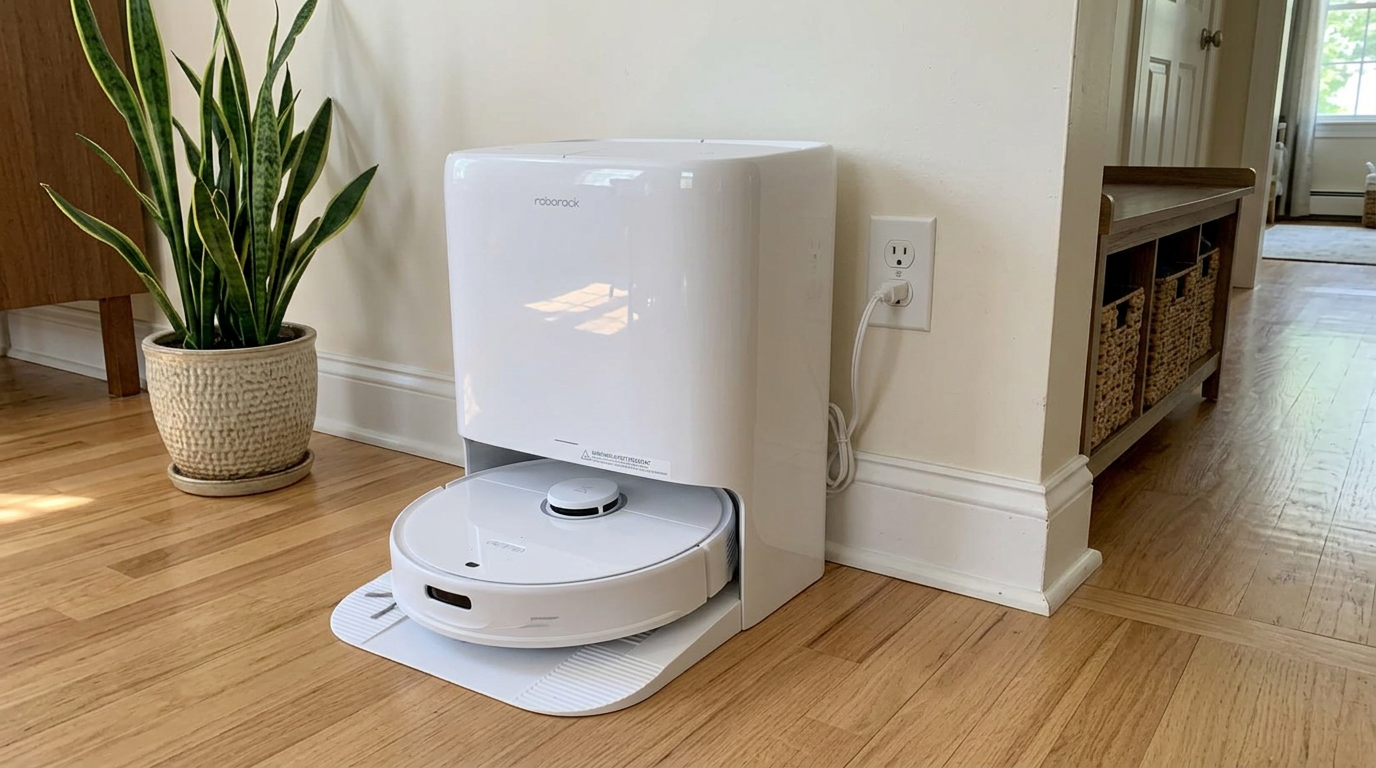
Even flagship robots like the Qrevo Edge 3 Pro rely on clean cliff sensors at the top of the stairs, so keep them dust-free. Read my Roborock Qrevo Edge 3 Pro review →
How I set up a robot for a two- or three-story home
- Map the dock floor firstRun the first mapping pass from the dock with all doors open. Let the robot finish and return on its own so the map saves cleanly.
- Turn on multi-floor mapsIn the app, enable multiple maps or multi-level mode before creating the second map. On some apps this is under map settings.
- Carry the robot up and map againSet the robot down in an open spot on the next floor and start a new mapping run. On many robots you do not need to move the dock.
- Name each map and its roomsLabel floors clearly, like "Main," "Upstairs" and "Basement," and name rooms so voice commands and schedules make sense.
- Add stair safety zonesDraw a virtual wall or no-go zone near every top step and open landing on each upper-floor map.
- Plan schedules per floorSchedule the dock floor for automatic runs. For other floors, save a quick "clean this floor" routine you can start after carrying the robot up.
Frequently asked questions
Can a robot vacuum clean multiple floors?
How many floor maps can a robot vacuum save?
Do I need a dock on every floor?
How does a robot know which floor it is on?
Will my robot fall down the stairs?
Is it better to buy two robots for two floors?

Sarah has tested vacuums, mops, air purifiers and dehumidifiers since 2017. Before joining BrasQ, she spent five years as a test coordinator at a national consumer advocacy group. She studied industrial design at Ohio State and lives in Columbus with her family and a long-haired cat.
- First published.
- Roborock support: how to create multiple maps for a multi-level house
- Roborock: app features (multi-level mapping)
- Roborock: S4 Max product page (multi-level memory)
- iRobot support: guide to Imprint Smart Maps
- iRobot Australia: Roomba i3+ FAQ (single floor plan, map size)
- iRobot support: smart maps for LiDAR models