Robot vacuums in homes with lots of cables and kids' toys
Cables and small toys are the top reasons robots get stuck. I explain why cables slip past obstacle sensors, which toys are a problem, the safety angle for little kids, and the setup that keeps my robot running.
We choose products independently. We may earn a commission through links on this page; your price stays the same. Affiliate policy
On this page
The short answer
- Cables are the hardest everyday object for robot vacuums. They are far thinner than the 0.6 to 0.8 inch minimum object sizes brands publish.
- Small toys that fit the intake will end up in the bin. The bin doubles as a lost-and-found.
- For homes with toddlers, run the robot when little ones are elsewhere; robots can move small parts around the floor.
- The real fix is setup: clip cables to walls, mount power strips off the floor, use no-go zones and do a two-minute toy sweep.
Robot vacuums meet real life: cables, cords and toys
Robot vacuum ads show empty, spotless floors. Real homes have phone chargers, gaming controller cables, a power strip behind the couch and, if you have kids, a steady scatter of building bricks, doll shoes and puzzle pieces.
That clutter is the number one reason I hear for robots ending up in a closet. The robot gets tangled, stops with an error, or worse, swallows something small and important.
The fix is not to buy the most expensive robot and hope. It is to understand what robots can and cannot handle, set up the home so the robot can succeed, and build a two-minute habit around it.
In this guide, I cover why cables are so hard for robots, which toys are actually a problem, the safety angle for small kids, and the setup and routine that keep my robot running in a busy home.
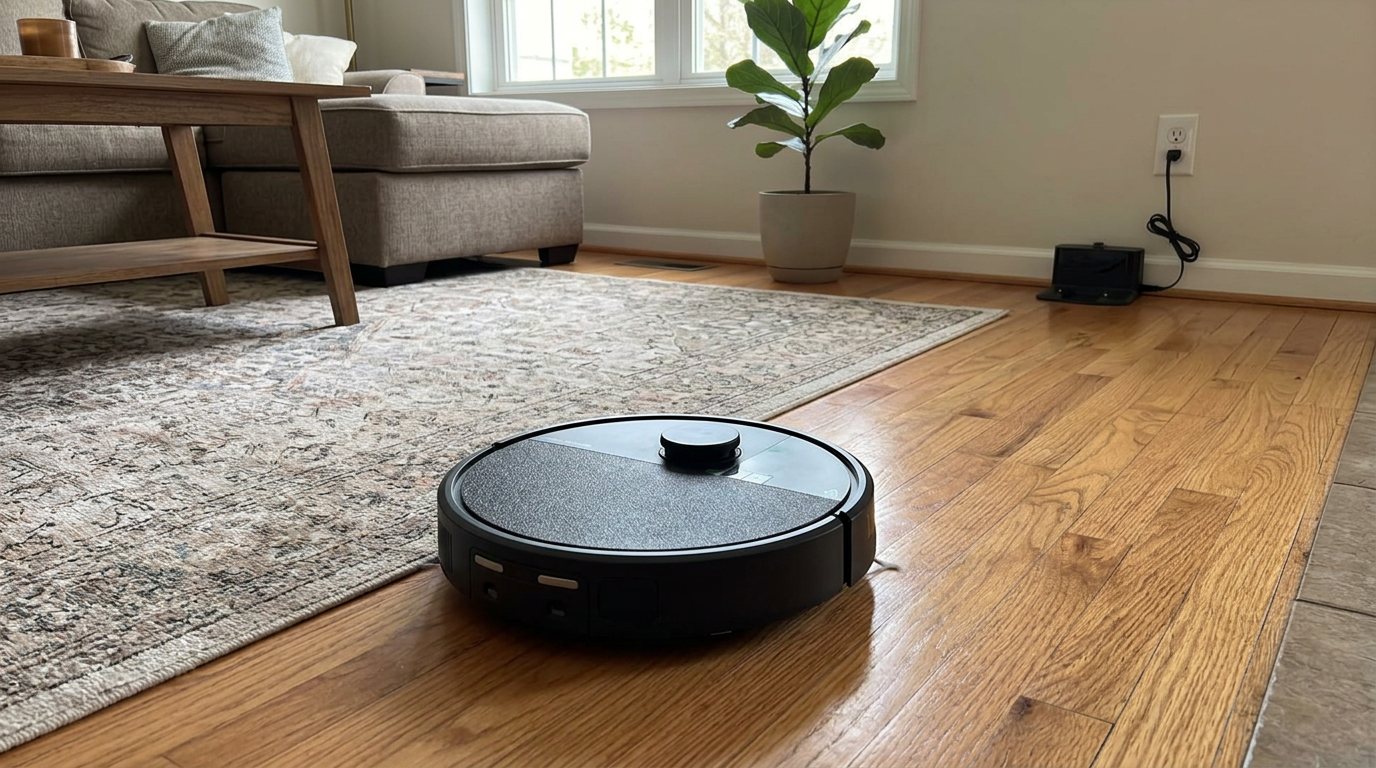
Robots like the Roomba 415X Combo can only clean what they can reach safely, so a little floor prep goes a long way in busy homes. Read my iRobot Roomba 415X Combo review →
Why cables are the hardest object for a robot vacuum
Cables are the hardest everyday object for a robot vacuum, for two reasons: they are thin, and they are long.
Thin matters because most obstacle sensors judge objects by height and shape. Roborock rates its StarSight system to detect objects down to 2 cm wide and 2 cm tall, about 0.8 inches. Eufy says one of its triple-laser robots can detect obstacles as small as 15 mm, about 0.6 inches. A typical phone charging cable is a fraction of that height. I go deeper into these thresholds in my guide to obstacle avoidance.
Long matters because a cable doesn't just get bumped. The side brush flicks it under the robot, the main brush grabs it, and the robot keeps driving and winding it in.
Camera-based robots can sometimes spot cables by recognizing their shape. iRobot lists cords and cables among the objects its PrecisionVision robots are trained to detect, per its support article. But even camera robots miss cables on busy rugs and in dim light.
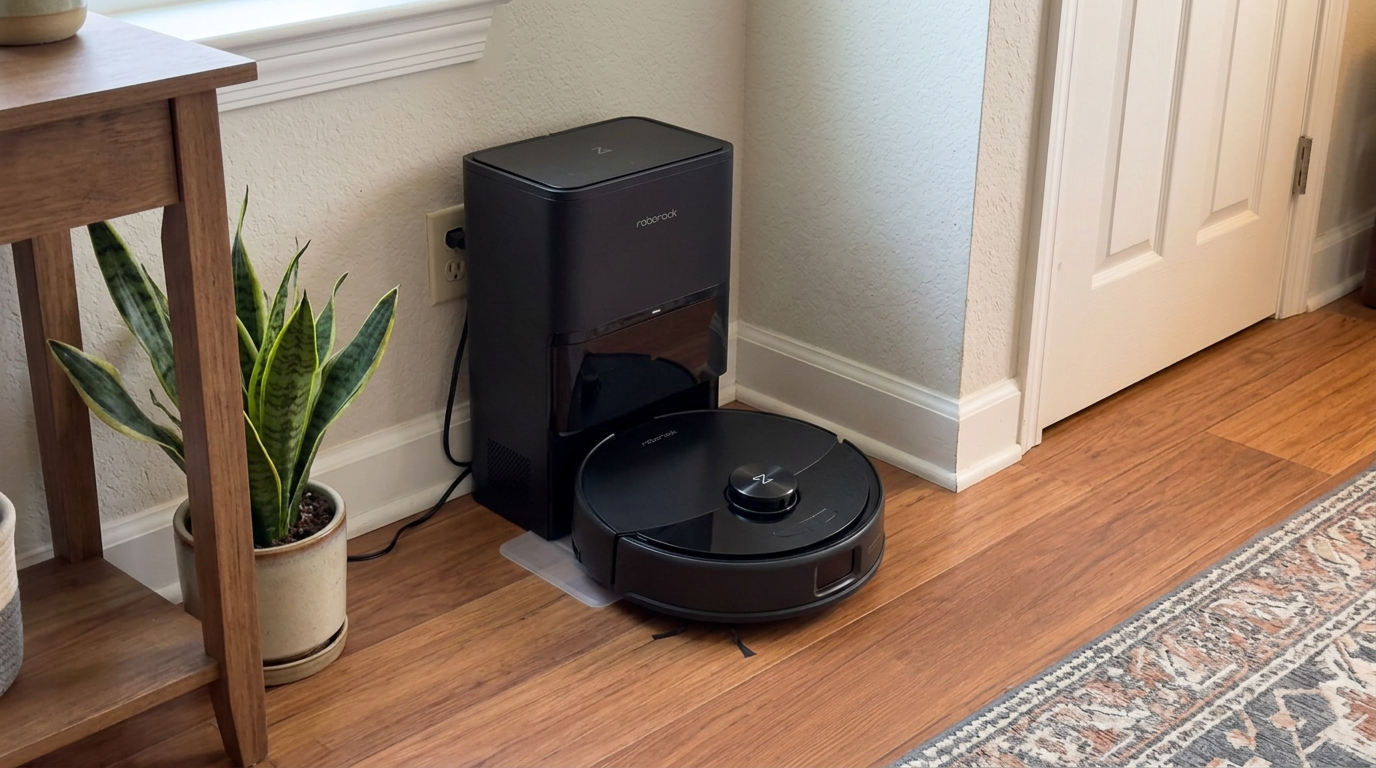
A cable caught in the main brush is one of the most common reasons robots like the Q10 S5+ stop mid-run with an error. Read my Roborock Q10 S5+ review →
Cable safety: when it is more than an annoyance
Most cable encounters are just annoying. A few are worth taking seriously.
Repeated tugging, pinching and winding can damage a cord's insulation over time. The Electrical Safety Foundation International notes that roughly 3,300 home fires each year start in extension cords, killing about 50 people and injuring about 270, and it lists damage and misuse among the common causes.
I am not saying robots cause fires. I am saying a cord that a robot has chewed on or dragged around repeatedly deserves a quick inspection, and anything frayed or nicked should be replaced.
| Cable situation | Risk level | What I do |
|---|---|---|
| Loose phone or tablet charger on the floor | Low; mostly annoying | Pick it up or clip it to the furniture |
| Lamp or TV cord running across open floor | Medium; robot drags it | Route along the wall with cord clips |
| Power strip under a desk | Medium; robot pushes and pulls it | Mount it under the desk or add a no-go zone |
| Space heater or high-wattage appliance cord | Higher | Keep the robot well away with a no-go zone |
| Visibly frayed or chewed cord | Higher | Replace it, regardless of the robot |
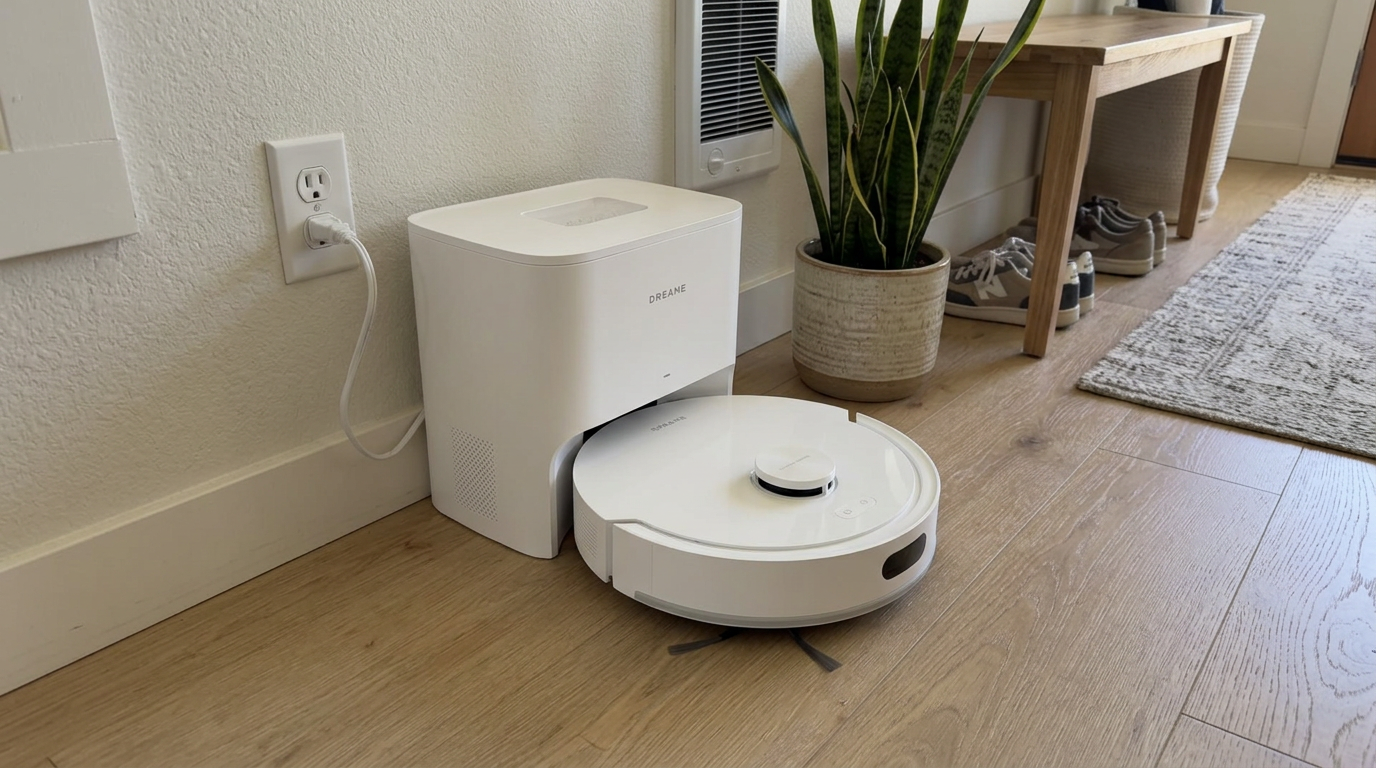
Mid-range robots like the D20 Air Plus can use no-go zones to stay away from power strips and heater cords entirely. Read my Dreame D20 Air Plus review →
What happens to kids' toys
Toys are a different kind of problem. Cables tangle; small toys disappear.
Here is how common kids' clutter interacts with a typical robot, from my own experience living with kids and robots.
| Toy | What usually happens | Risk |
|---|---|---|
| Building bricks | Sucked into the bin or flicked under furniture | Lost pieces; can jam the intake |
| Doll shoes, game pieces, beads | Vanish into the bin | Lost pieces; hard to find later |
| Toy cars | Pushed around, sometimes ridden over | Robot gets stuck or scratched |
| Stuffed animals | Pushed or climbed | Robot gets wedged |
| Hair ties and ribbons | Wrap around brushes | Brush errors, like cables |
| Crayons and markers | Crushed under wheels | Smears on floor or rug |
| Play mats and foam tiles | Edges lifted or curled | Robot gets stuck on curled edges |
The silver lining: the robot's bin is a great lost-and-found. Before you empty it, especially before a dock empties it automatically, a quick look can rescue a missing puzzle piece.
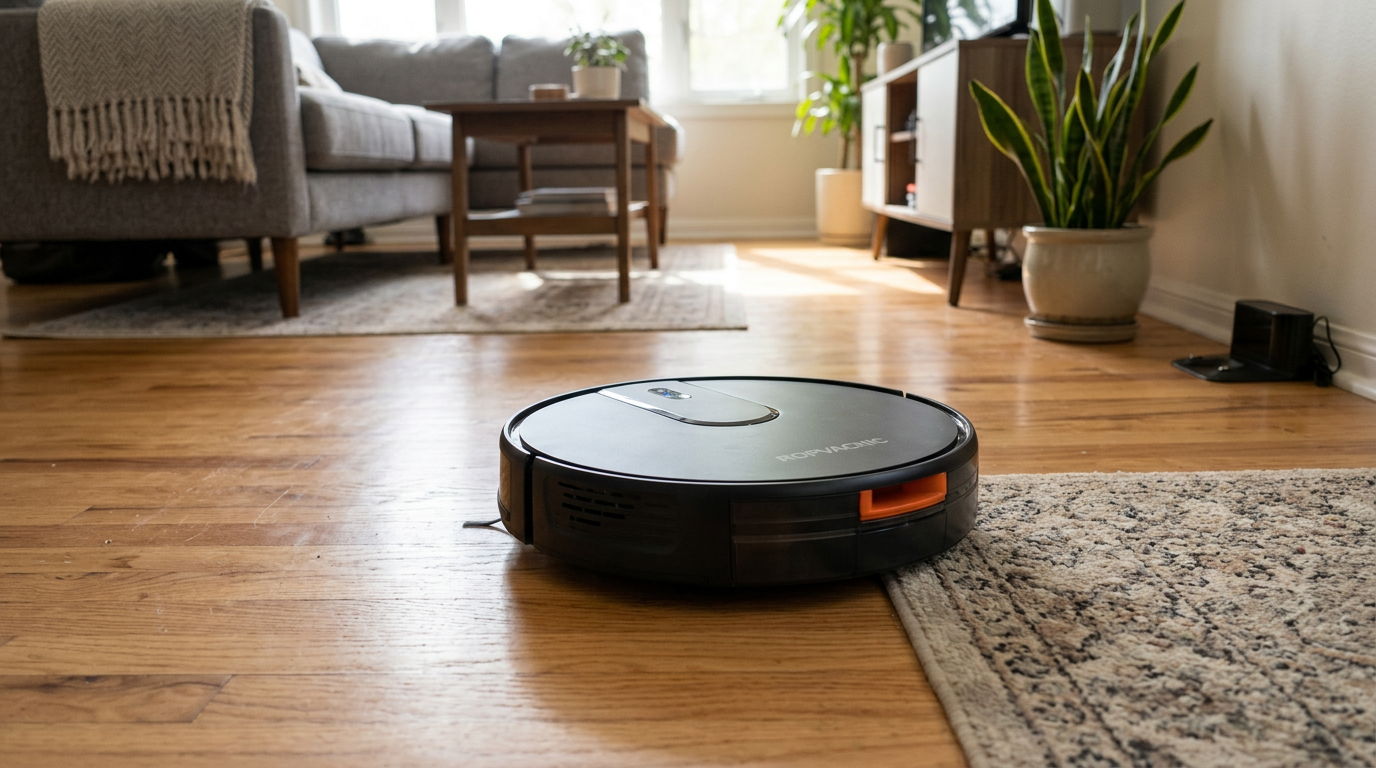
Budget robots like the ROPVACNIC combo will happily swallow small toy parts, so check the bin before emptying if a piece goes missing. Read my ROPVACNIC Robot Vacuum and Mop Combo review →
A safety note for homes with babies and toddlers
If you have a baby or toddler, there is a safety angle that goes beyond lost toys.
The U.S. Consumer Product Safety Commission defines a small part as anything that fits entirely inside a test cylinder 2.25 inches long and 1.25 inches wide, roughly the size of a young child's throat. Those parts are considered choking hazards for children under 3.
A robot vacuum doesn't create small parts, but it moves them. It can push a sibling's building brick from a playroom into a hallway, or flick a bead out from under a couch where a crawling baby can reach it.
And a robot on a schedule may run while a toddler is awake and curious. Small fingers and long hair near spinning side brushes are worth keeping apart.
My rule with little kidsI run the robot when the baby is napping in another room or out of the house, and I keep older kids' small-part toys in a playroom the robot does not enter.
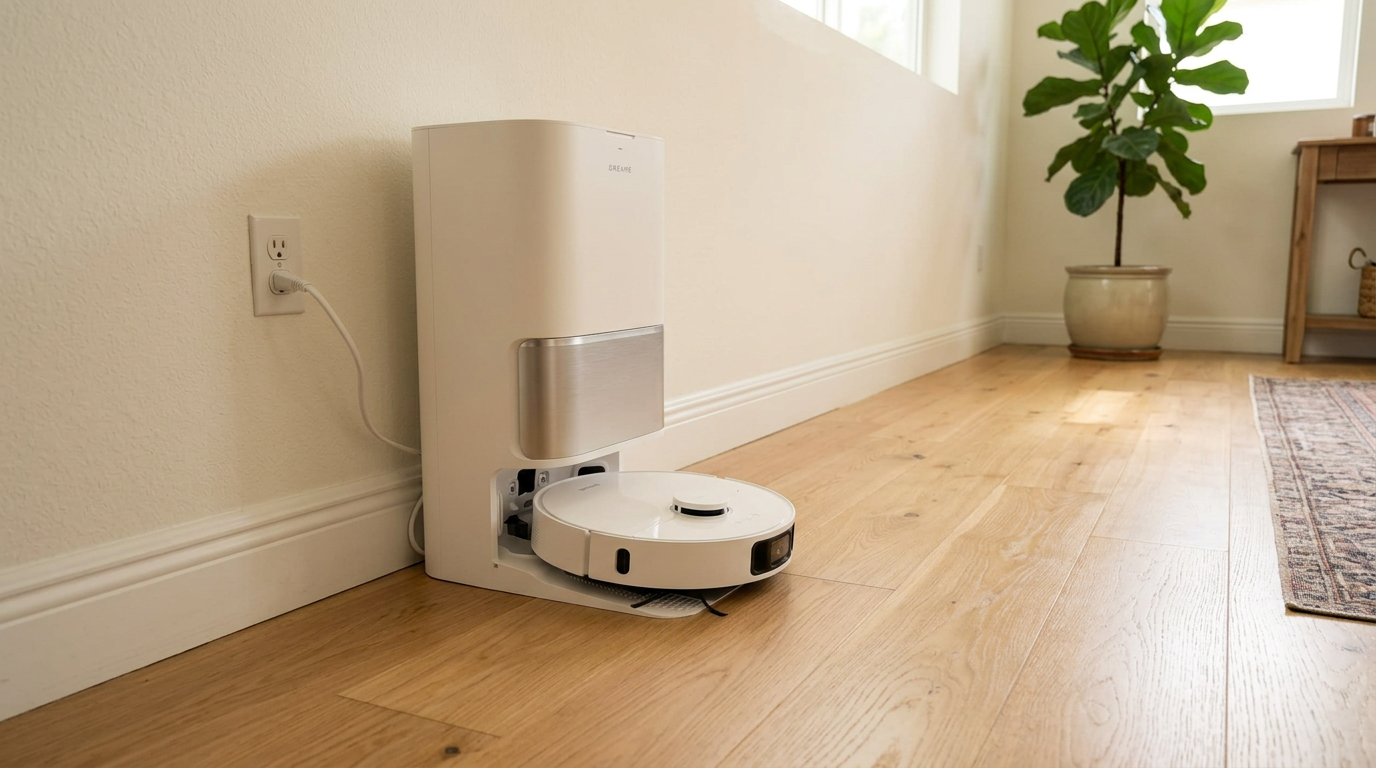
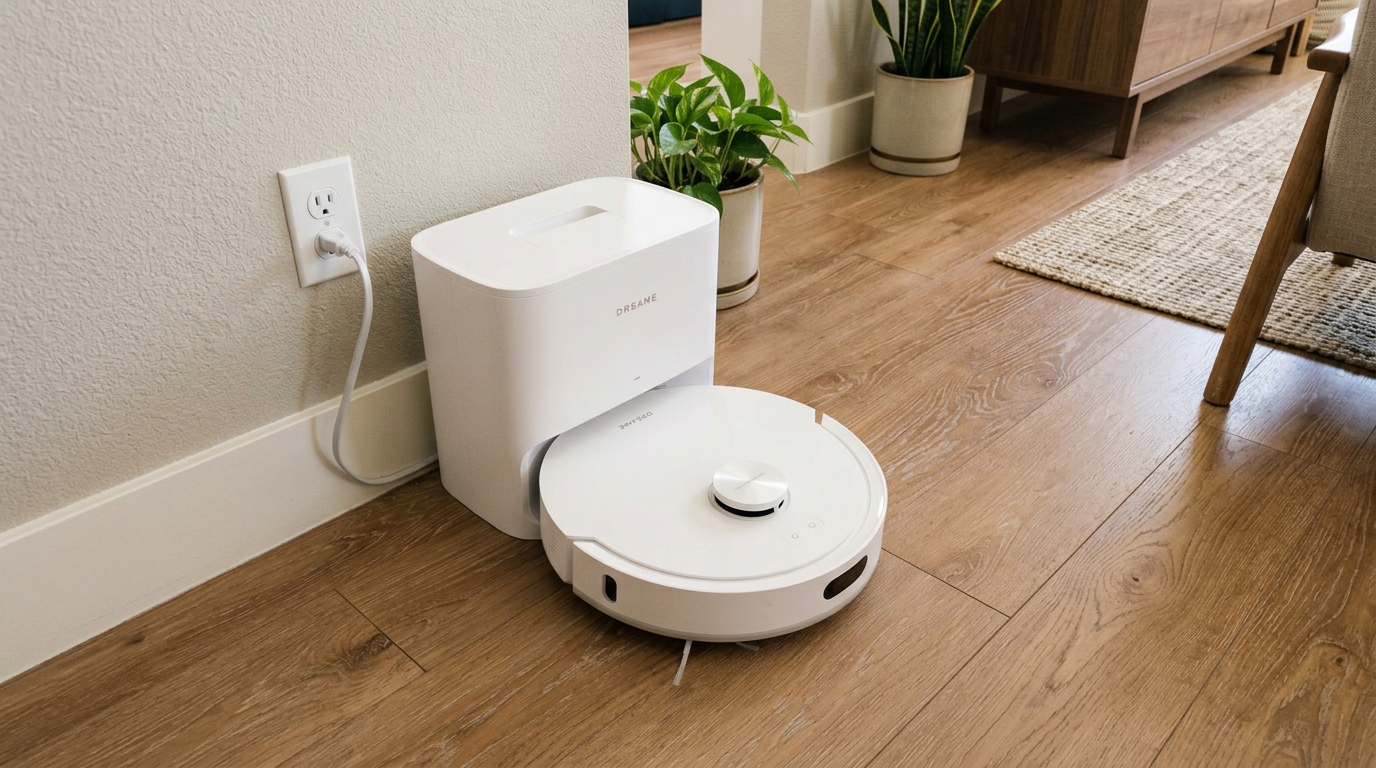
Robots with a big dock, like the L40 Ultra Gen 2, are easier to schedule for times when small kids are out of the room. Read my Dreame L40 Ultra Gen 2 review →
The cable fixes that work best
I treat cable management as a one-time project, not a daily chore. Once cables are off the floor, they stay off.
| Fix | Cost | Where I use it |
|---|---|---|
| Adhesive cable clips | A few dollars | Run cords along baseboards and desk legs |
| Cable sleeve or raceway | Low | Bundle the cluster behind a TV or desk |
| Under-desk power strip mount | Low | Lift power strips off the floor |
| Cable box or organizer | Low to medium | Hide surge protectors and chargers |
| App no-go zone | Free | Anywhere cables cannot be moved |
| Magnetic boundary strip (some budget robots) | Low | Robots without app zones |
Behind the TV and under my desk, I use a raceway along the wall plus a no-go zone in the app as a backup. The raceway keeps cables neat; the no-go zone catches the day someone leaves a charger dangling.
For kids' areas, I mark the playroom or play corner as a no-go zone on weekdays and clean it on weekends after a quick pickup. That one change ended most of my robot rescues.
Quick win: A cheap toy bin with a lid at the edge of the play area makes the pre-run pickup take about a minute, and kids can do it themselves.
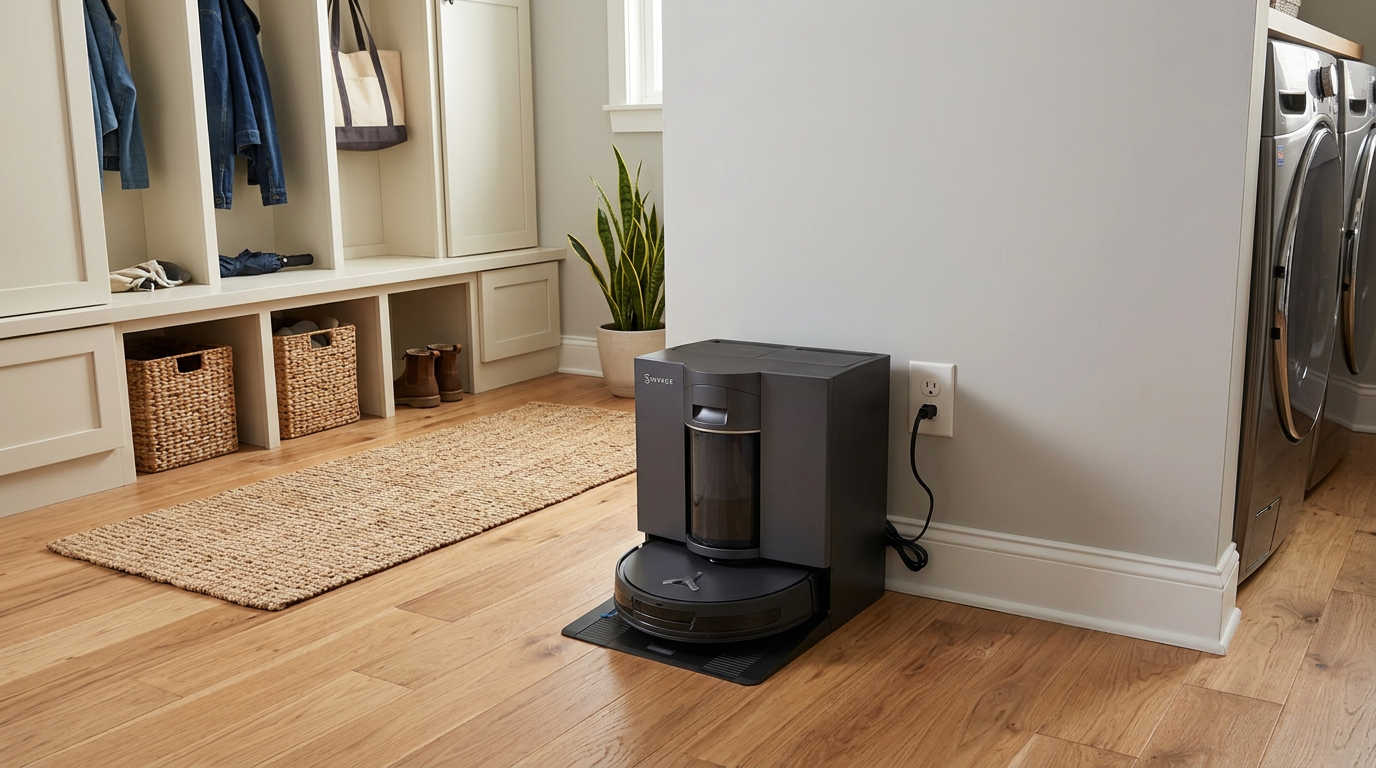
Even robots with advanced obstacle sensing, like the DEEBOT X12S OMNICYCLONE, do best when cables are already off the floor. See the ECOVACS DEEBOT X12S OMNICYCLONE on Amazon →
Robot features that help most in cluttered homes
If your home is cable-heavy and kid-heavy, a few features genuinely help. Others are nice but not essential.
The top priority for me is reliable no-go zones in the app, because they work every single time, regardless of lighting or clutter. Second is front obstacle sensing that combines structured light with a camera. Third is an anti-tangle main and side brush, so the inevitable hair tie or ribbon doesn't stop the run.
Brush errors from cables usually mean pulling the brush and clearing whatever wrapped around it. iRobot's brush care guide walks through removing the brushes and clearing the end caps and bearings, which is the same process I use on any brand after a cable incident.
- Reliable app no-go zones
- Structured light plus camera obstacle sensing
- Anti-tangle main and side brushes
- Obstacle photos in the app so you can see what it avoided
- Very high suction
- Huge dock with every feature
- Voice control
- Fancy 3D map views
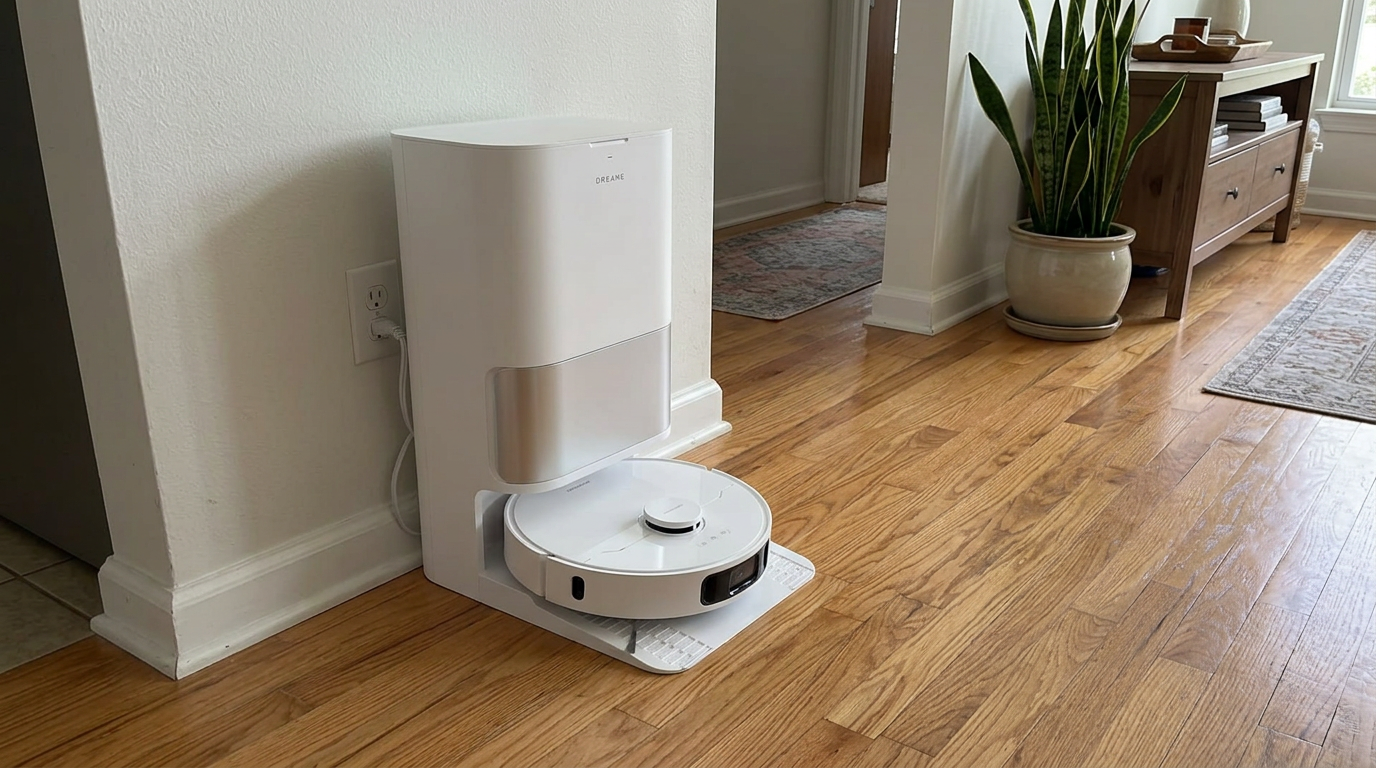
Feature-packed robots like the Dreame D30 Ultra still benefit from no-go zones around cable clusters. See the Dreame D30 Ultra on Amazon →
My two-minute pre-run routine in a home with kids and cables
- Toy sweepToss loose toys into a lidded bin. Kids can do this part, and it doubles as their tidy-up time.
- Cable checkLook under the desk, behind the couch and around the TV for anything dangling. Clip it up or move it.
- Small hair accessoriesPick up hair ties, ribbons and socks. They wrap brushes just like cables.
- Set the playroom ruleOn busy days, leave the playroom no-go zone on. On weekends, turn it off after a proper cleanup.
- Check the bin before emptyingIf a toy piece is missing, look in the robot bin before you or the dock empties it.
- Inspect cords monthlyCheck any cord the robot tends to tug for nicks or fraying, and replace damaged cords.
Frequently asked questions
Can robot vacuums handle cables?
Will a robot vacuum suck up small toys?
Is it safe to run a robot vacuum around babies?
How do I stop my robot vacuum from eating cords?
Can a robot vacuum damage cables?
Which robot vacuum is best for homes with toys?

Sarah has tested vacuums, mops, air purifiers and dehumidifiers since 2017. Before joining BrasQ, she spent five years as a test coordinator at a national consumer advocacy group. She studied industrial design at Ohio State and lives in Columbus with her family and a long-haired cat.
- First published.
- U.S. Consumer Product Safety Commission: small parts, what parents need to know
- Electrical Safety Foundation International: use extension cords properly
- Roborock UK: StarSight autonomous system (minimum object size)
- Eufy: robot vacuum with obstacle avoidance (triple-laser detection size)
- iRobot support: PrecisionVision object detection
- iRobot support: main brush care, all Roomba models