How long robot vacuum batteries last, and how to replace them
Robot vacuum batteries fade over about 2 to 5 years. I show how to test yours, how replacement works, genuine vs. third-party packs, how to make the new one last and how to recycle the old one.
We choose products independently. We may earn a commission through links on this page; your price stays the same. Affiliate policy
On this page
The short answer
- Most robot vacuum batteries last about 2 to 5 years, or roughly 300 to 500 charge cycles. Daily runs use them up fastest.
- Test before you buy: fully charge, run in the quietest mode on hard floors and compare with the spec or the brand's minimum runtime.
- On many models, replacement is a 15-minute screwdriver job. Check your brand's policy first, especially under warranty.
- Keep the dock cool, favor gentler modes, and recycle old packs at a battery drop-off, never in the trash.
The slow fade: how robot vacuum batteries age
Robot vacuum batteries rarely die overnight. They fade. The robot that used to finish the whole house starts heading back to the dock before it reaches the bedrooms. Then it starts needing a recharge break. Then it gives up halfway through the kitchen.
Because the change is gradual, most people blame the robot's brain or suction long before they suspect the battery. In my experience, a tired battery is one of the most common, and cheapest, problems to fix.
Dreame's editorial team puts typical robot battery life at about 2 to 5 years and 300 to 500 charge cycles for modern lithium-ion packs, depending on use and care.
In this guide, I explain how to tell when your battery is worn, how long you can expect it to last, how the replacement process works, and how to make the next battery last longer.
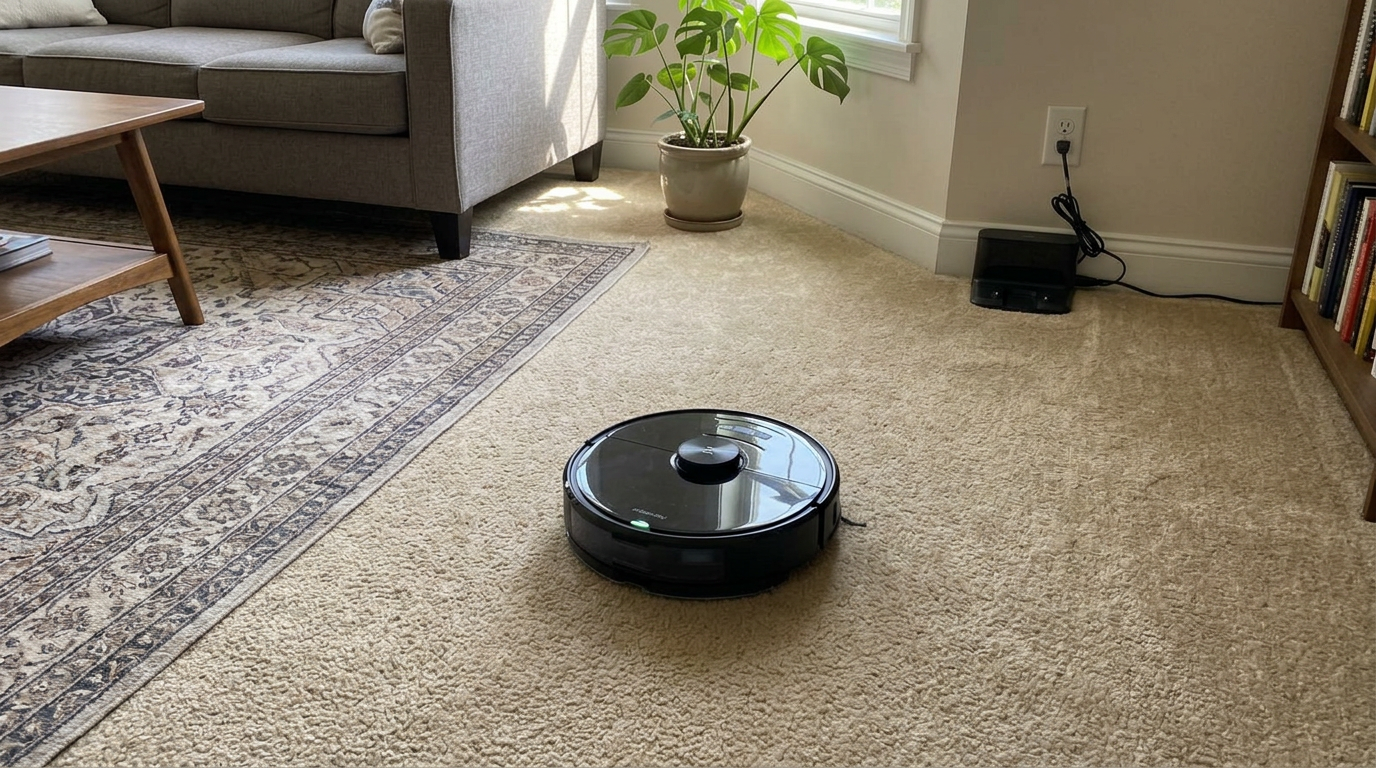
Mid-range robots like the Q7 M5+ use a lithium-ion pack that gradually loses capacity over a few years of daily runs. Read my Roborock Q7 M5+ review →
How long robot vacuum batteries last
Battery wear is driven by charge cycles, heat and how deeply the pack is drained each time. A robot that runs daily racks up cycles quickly.
Here is a simple model I use to estimate how many cycles a robot has used, based on how often it runs.
| How often it runs | Cycles per year | Cycles after 2 years | Cycles after 4 years |
|---|---|---|---|
| Once a week | ~52 | ~104 | ~208 |
| Three times a week | ~156 | ~312 | ~624 |
| Once a day | ~365 | ~730 | ~1,460 |
| Twice a day | ~730 | ~1,460 | ~2,920 |
Compare that with the 300 to 500 cycle range Dreame quotes, and you can see why a robot that runs every day often needs a new battery somewhere in its second or third year, while a weekly robot can go much longer.
Real wear is usually a bit kinder than this table suggests, because robots rarely drain the battery to zero. Battery University data shows that shallower discharges add far more cycles before a lithium-ion cell drops to 70% of its original capacity.
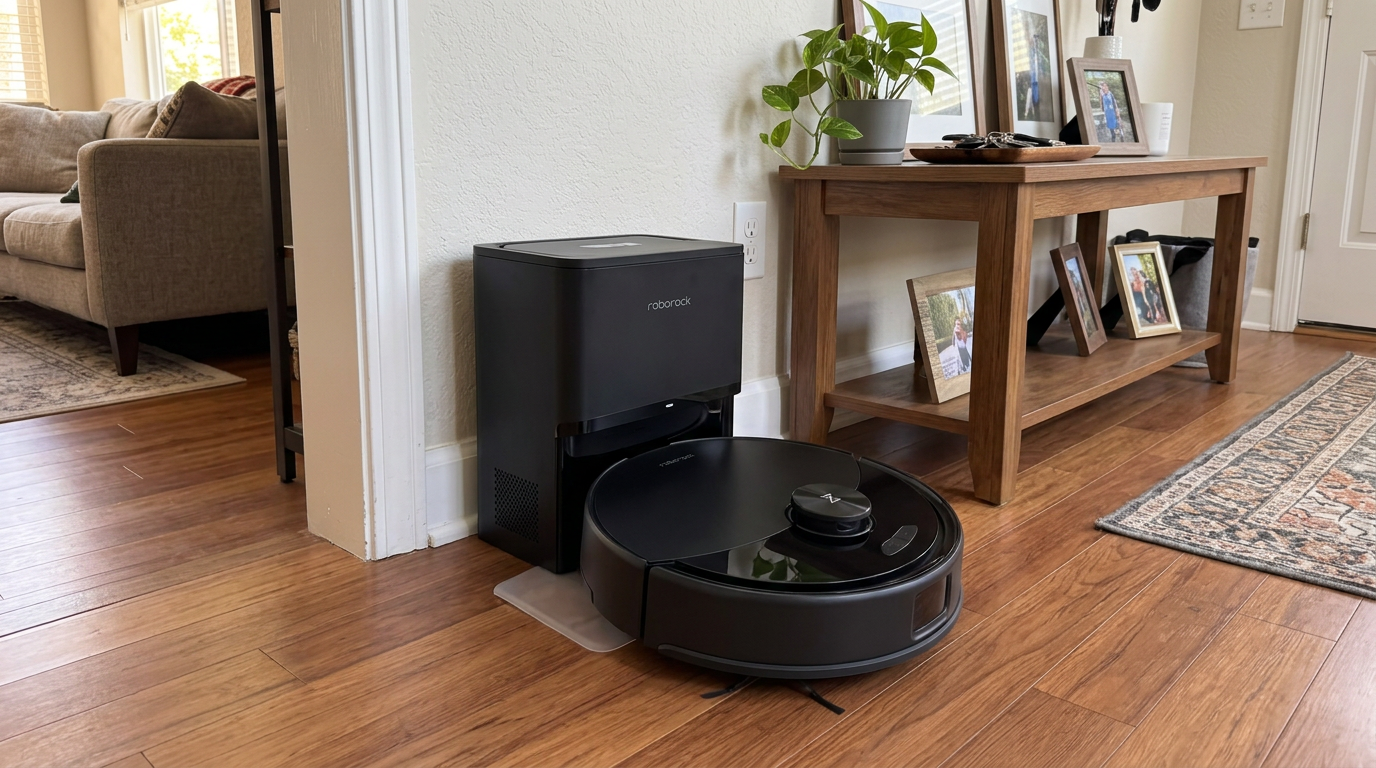
A budget robot like the Q10 S5+ that runs every day will hit several hundred charge cycles within its first year. Read my Roborock Q10 S5+ review →
How to tell if your battery is worn out
Before I buy a battery, I run a simple test. It separates a worn battery from a robot that is just working harder than usual.
iRobot publishes a version of this test in its short battery runtime guide. Charge fully, then run the robot on hard floors and time it. The guide gives minimum runtimes by series and suggests replacing the battery if the robot stops short.
| iRobot series | Minimum runtime on hard floors |
|---|---|
| e series | At least 90 minutes |
| 900, i, j, s and m series | At least 75 minutes |
| 400 to 800 series | About 60 minutes |
Those minimums come from iRobot's own support pages (also listed on its European support site). For other brands, I use the same approach against the original spec: if a robot rated for about 180 minutes in Quiet mode now manages 100 minutes in the same mode on the same floors, the battery has lost a lot of capacity.
Rule out the impostors first: Carpet boost, Max mode, a mop module, a clogged filter or hair-wrapped brushes all shorten runtime. Clean the robot and test in its quietest vacuum-only mode on hard floors before blaming the battery.
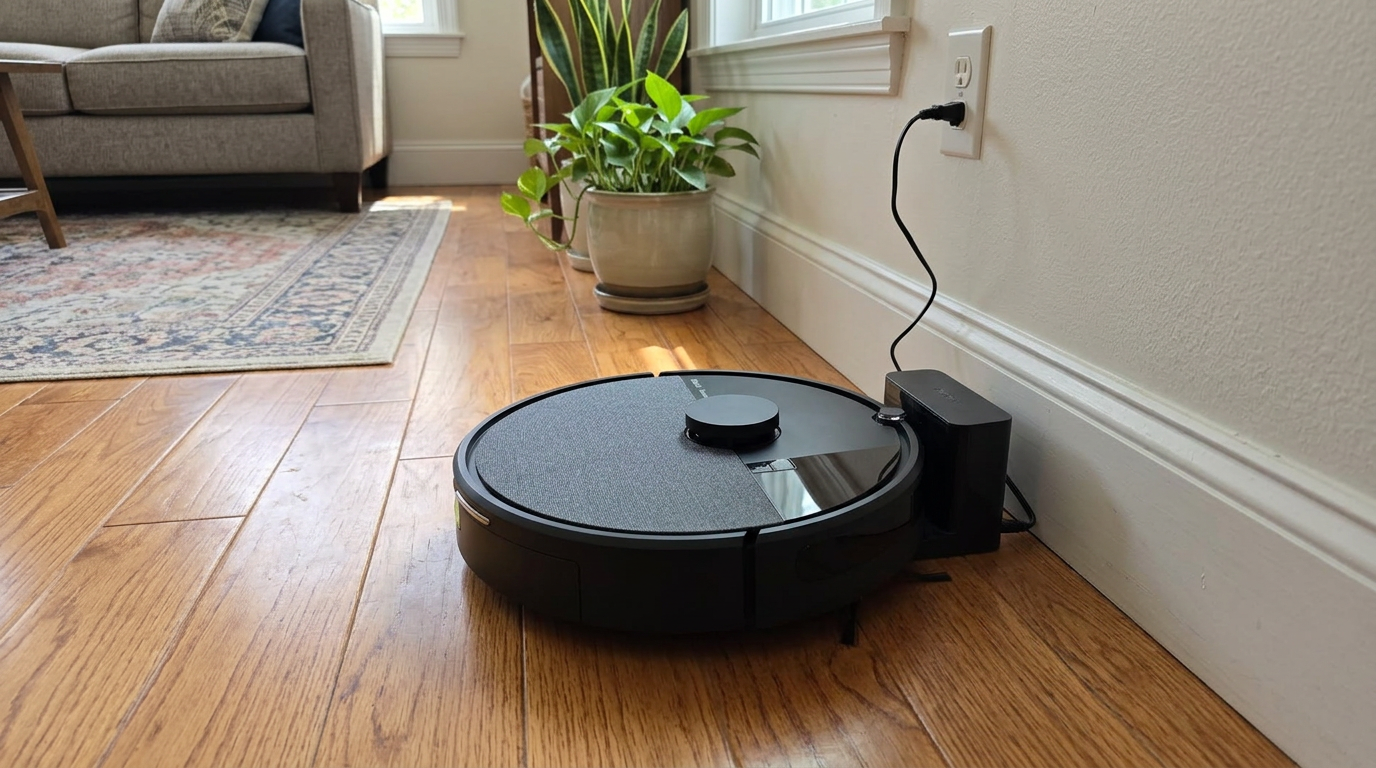
iRobot gives specific minimum runtimes for its robots, which makes it easy to tell when a battery has worn out. Read my iRobot Roomba 105 Combo review →
Other signs your battery is on its way out
Runtime is the clearest signal, but a failing battery often shows a few other symptoms first. These are the ones I watch for.
| Symptom | What it usually means |
|---|---|
| Robot returns to dock much earlier than it used to | Lower usable capacity |
| Battery percentage drops suddenly, for example from 40% to 10% | Weak cells that sag under load |
| Robot shuts off during Max mode or on carpet | Pack can no longer deliver high current |
| Charging takes much less time than before | Less capacity to fill |
| Robot will not hold a charge overnight off the dock | Higher self-discharge from aging cells |
| Pack looks puffy or the cover bulges | Swelling; stop using it and recycle it safely |
Any one of these alone can have other causes, like a dirty charging contact or a firmware quirk. Two or three together, plus a poor runtime test, almost always point to the battery.
How battery replacement works
On many robots, replacing the battery is a 10- to 15-minute job with a screwdriver. Repair guides from iFixit for the Roborock Q5 and the Roborock S5 show the typical process: flip the robot, remove a cover on the underside, lift out the pack by its tabs, unplug the connector and reverse the steps with the new battery.
Not every brand encourages that. Dreame's own editorial guidance says only qualified technicians should remove or replace robot batteries, so I check the manufacturer's policy for my exact model before opening anything. On robots still under warranty, I always go through official support first.
| Option | Typical effort | Pros | Cons |
|---|---|---|---|
| Genuine battery, DIY install | 10 to 15 minutes, a screwdriver | Correct fit and protection circuitry | Highest parts price |
| Manufacturer or authorized service | Ship or drop off | Keeps warranty and support intact | Downtime, possible service fee |
| Third-party battery, DIY | 10 to 15 minutes | Often cheaper, sometimes higher capacity | Quality varies; may affect warranty |
| Third-party repair shop | Drop off | No tools needed | Varies by shop and parts |
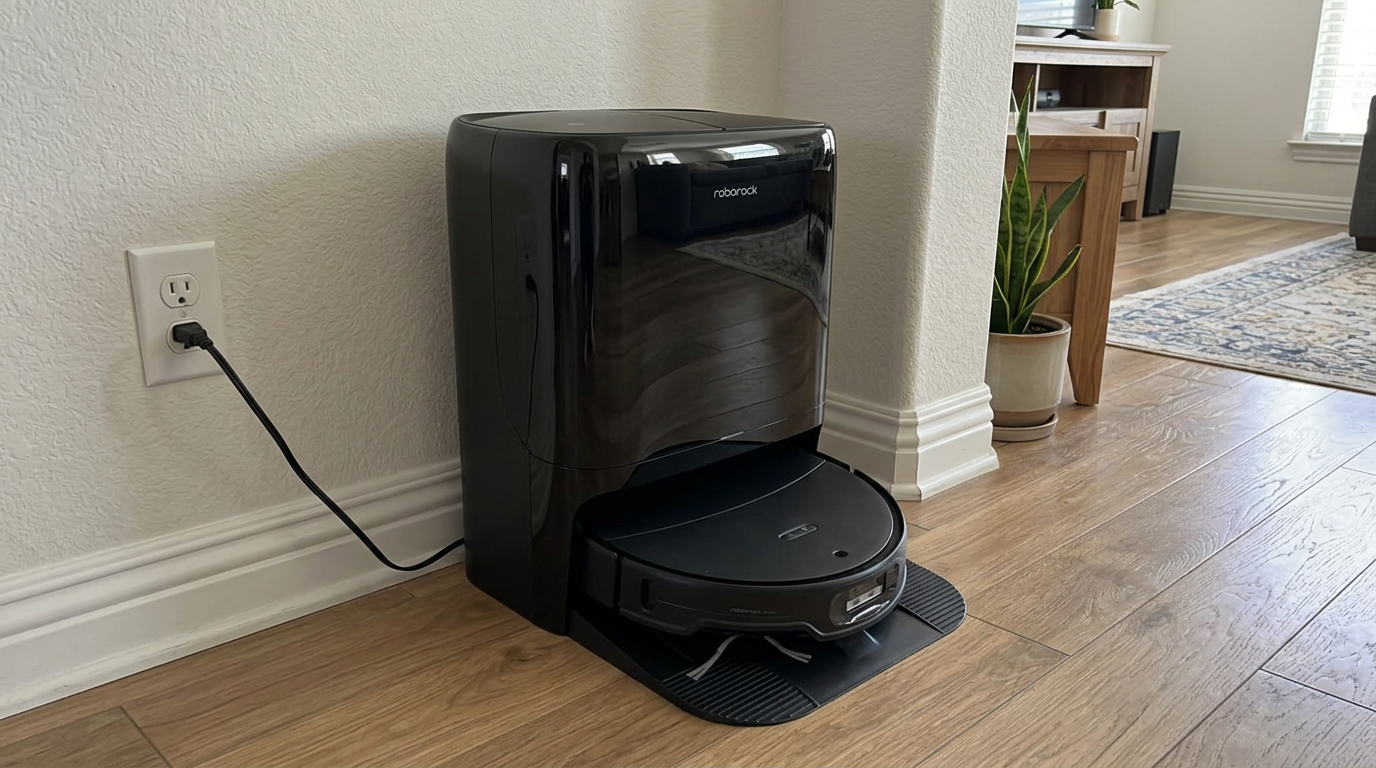
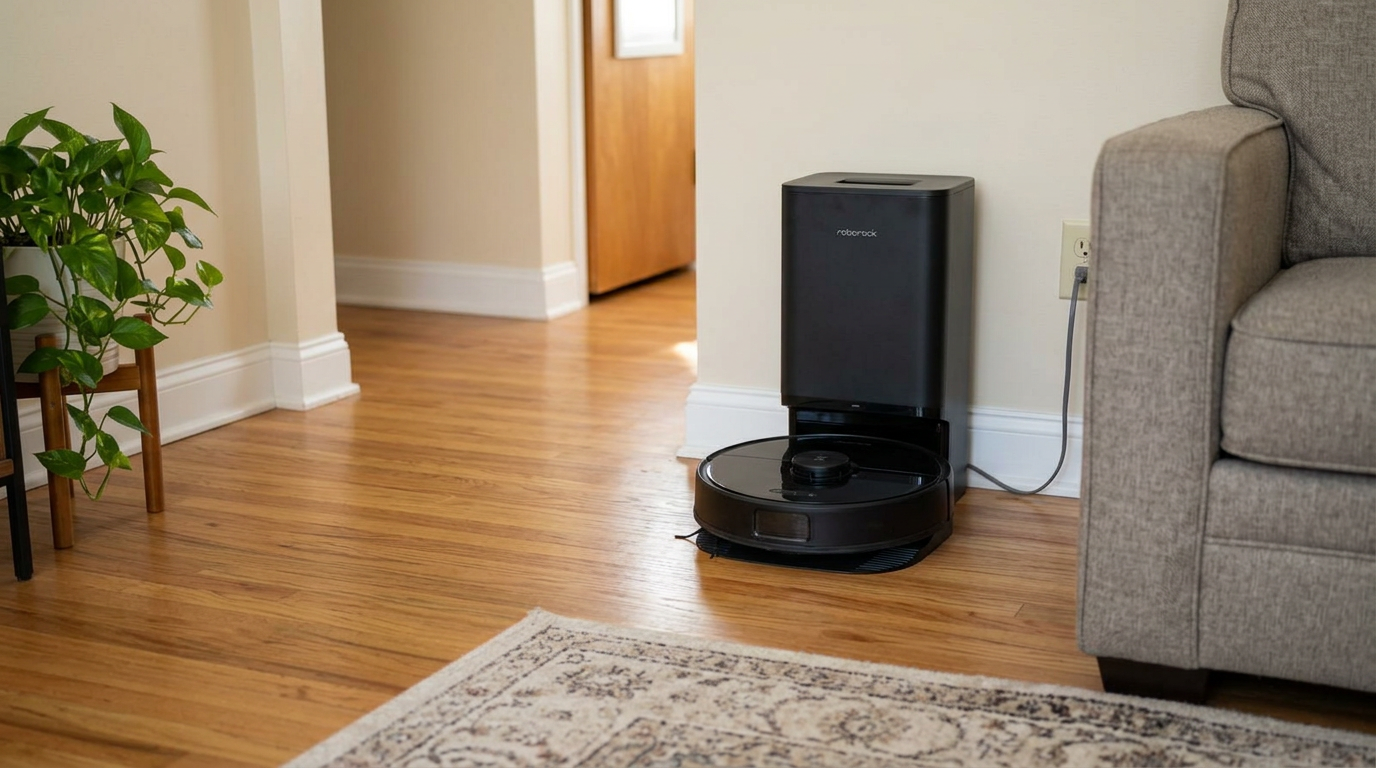
Flagship robots like the Qrevo Edge 3 Pro are worth keeping running with a fresh battery once the original pack wears out. Read my Roborock Qrevo Edge 3 Pro review →
Genuine vs. third-party batteries
People often ask me whether a third-party battery with a bigger mAh number is a smart upgrade. Sometimes, but I am cautious.
Capacity labels on cheap batteries are not always accurate, and the protection circuitry that prevents overcharging and overheating varies in quality. A genuine battery is designed to match the robot's charging system exactly.
If I do go third-party, I look for a seller with a clear return policy, a model-specific listing, and a voltage that matches the original exactly. The mAh can differ; the voltage should not.
- Designed for your robot's charger
- Predictable capacity and safety
- Safer for warranty and support
- Often cheaper
- Sometimes higher capacity
- Quality and labeling vary
- May complicate warranty claims
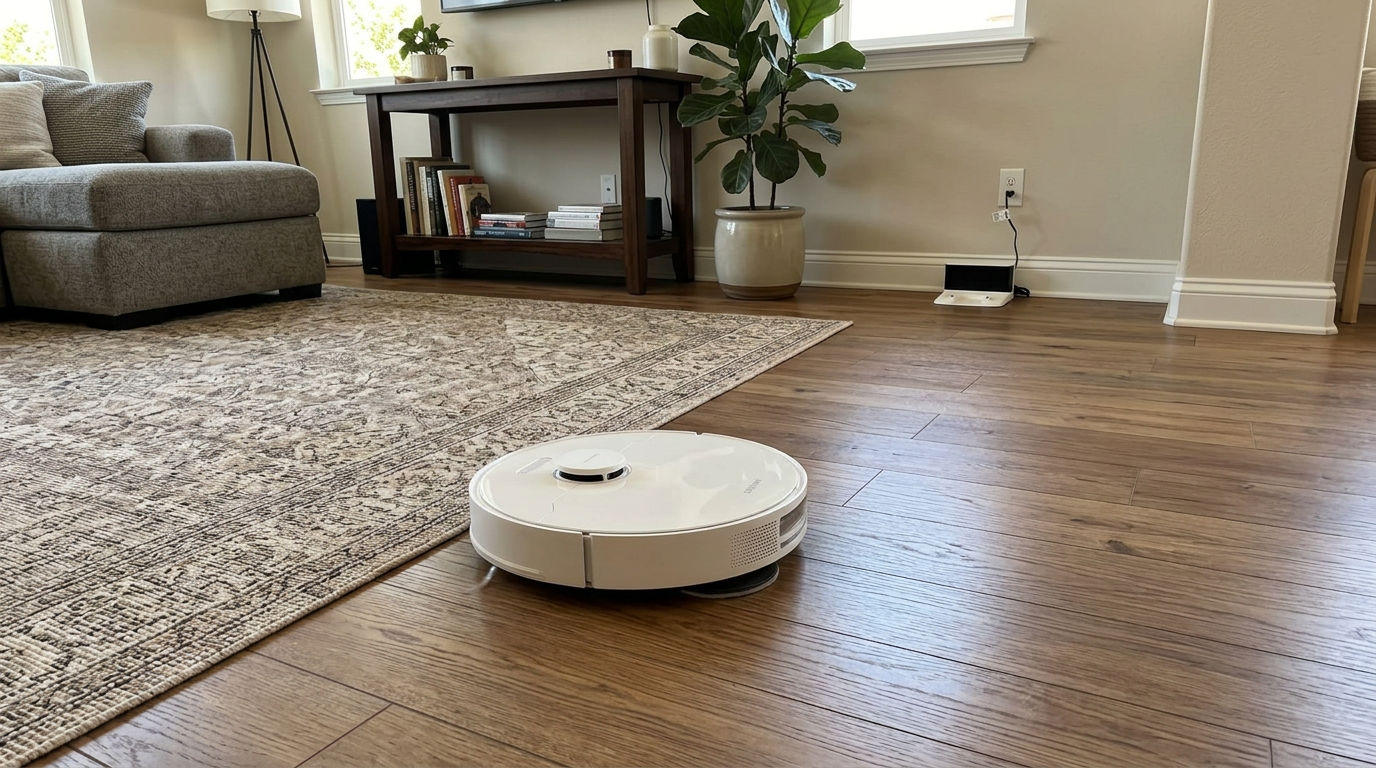
Robots with large docks, like the L40 Ultra Gen 2, spend a lot of time on the charger, so battery quality and temperature matter. Read my Dreame L40 Ultra Gen 2 review →
How to make the new battery last longer
A new battery is a fresh start. These habits help it last closer to the long end of that 2-to-5-year range.
Heat is the big one. Battery University explains that lithium-ion cells age faster at elevated temperature and when held at a high charge for long periods. A dock in a sunny window or next to a heating vent works against you.
| Habit | Why it helps |
|---|---|
| Keep the dock in a cool, shaded spot | Heat speeds up lithium-ion aging |
| Use Quiet or Standard as your default | Lower power draw means less heat and shallower discharges |
| Run shorter, more frequent cleans | Shallow cycles stress the battery less than full drains |
| Let it charge on the dock between runs | Modern robots manage charging; avoid storing it fully drained |
| Store at partial charge if unused for weeks | Long storage at full or empty is hard on cells |
| Keep charging contacts clean | Dirty contacts can cause incomplete charging and confusing runtime drops |
If you are going away for a month or more, I charge the robot to about half, switch it off and store it somewhere cool and dry rather than leaving it on the dock at 100%.
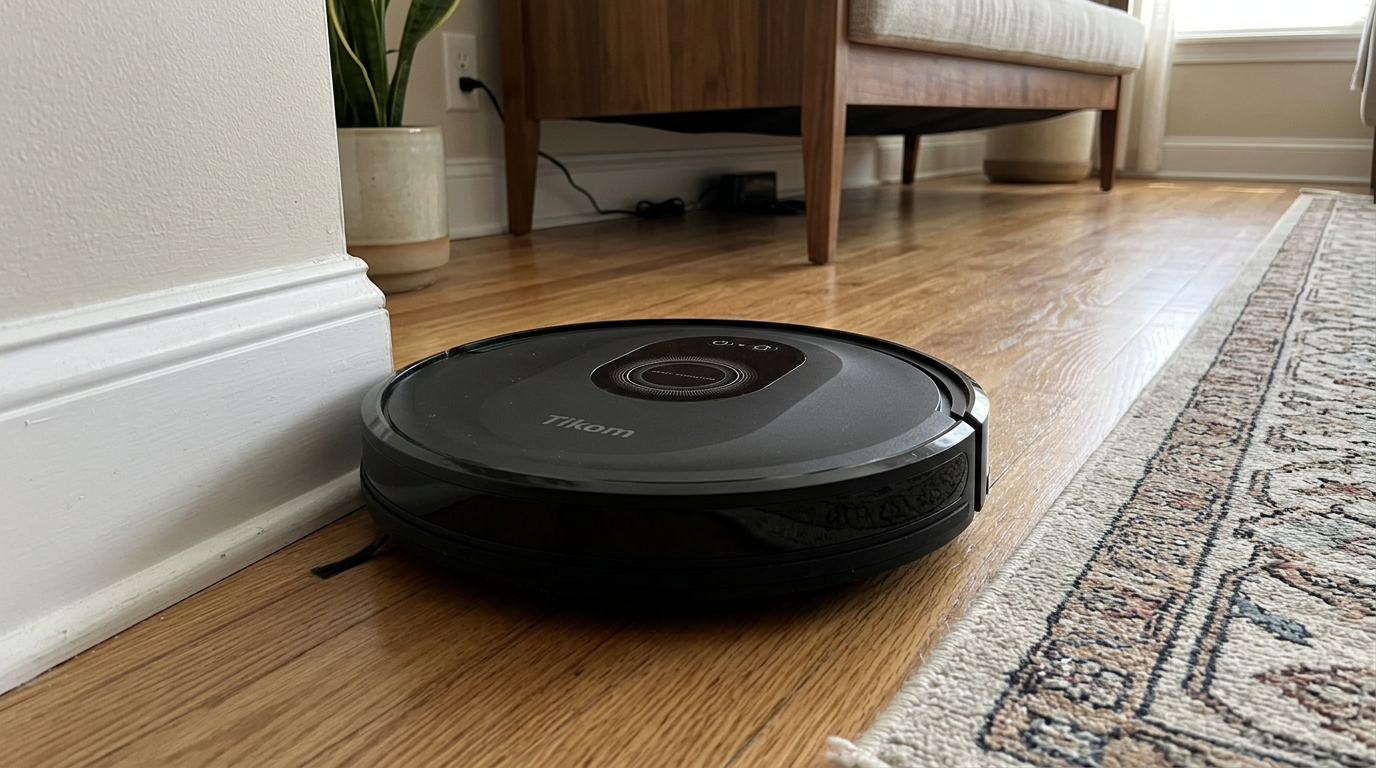
Even budget robots like the Tikom combo get more years from their battery when the dock sits in a cool spot. Read my Tikom Robot Vacuum and Mop Combo review →
What to do with the old battery
Old robot batteries need proper disposal. Lithium-ion packs can start fires if they are crushed or punctured in a garbage truck or recycling facility.
The U.S. Environmental Protection Agency says lithium-ion batteries and devices containing them should not go in household garbage or recycling bins, and should instead go to separate recycling or household hazardous waste collection points.
EPA also recommends bagging batteries individually and taping the terminals before drop-off, and it points to programs such as Call2Recycle for finding locations. Many home improvement and electronics stores have drop-off bins.
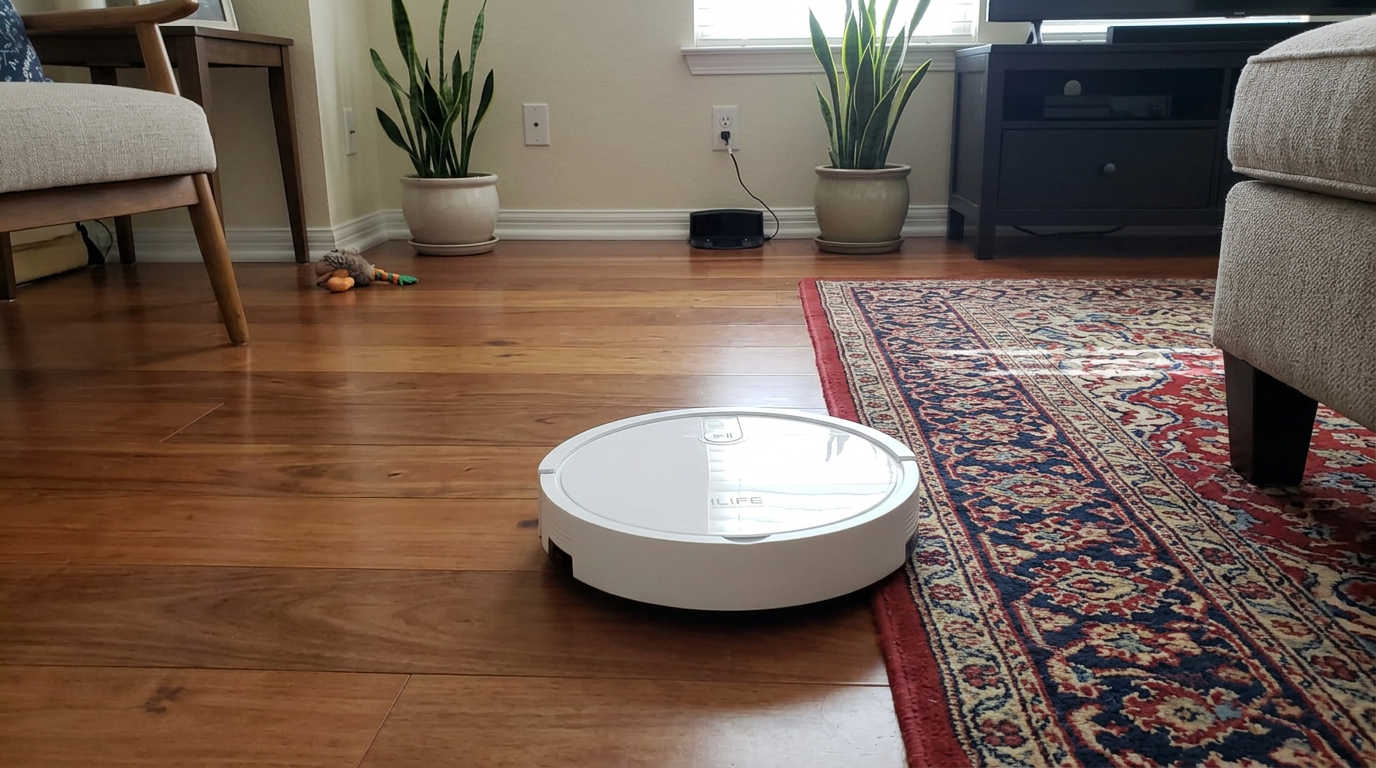
When an older robot like the ILIFE V2 reaches the end of its life, the battery should go to a battery drop-off, not the trash. Read my ILIFE V2 review →
My battery check and replacement routine
- Clean the robot firstClear the brushes, empty the bin, clean or replace the filter and wipe the charging contacts. Many "battery problems" disappear here.
- Run a controlled runtime testFully charge, set the quietest vacuum-only mode, and run on hard floors. Note how long it lasts before returning to the dock.
- Compare with the specCheck the original runtime spec or the brand's minimum runtime guidance. A large shortfall points to the battery.
- Check warranty and policyIf the robot is under warranty, contact support. Otherwise, confirm whether the brand supports user battery replacement for your model.
- Buy the right batteryMatch the exact model and voltage. Genuine batteries are the safest choice.
- Recycle the old packTape the terminals, bag it, and take it to a battery drop-off or household hazardous waste site.
Frequently asked questions
How long do robot vacuum batteries last?
How do I know my robot vacuum battery needs replacing?
Can I replace a robot vacuum battery myself?
Are third-party robot vacuum batteries safe?
How should I dispose of an old robot vacuum battery?
Does leaving a robot on the dock ruin the battery?

Sarah has tested vacuums, mops, air purifiers and dehumidifiers since 2017. Before joining BrasQ, she spent five years as a test coordinator at a national consumer advocacy group. She studied industrial design at Ohio State and lives in Columbus with her family and a long-haired cat.
- First published.
- Dreame: how long do robot vacuum batteries last
- iFixit: Roborock Q5 battery replacement guide
- iFixit: Roborock S5 battery replacement guide
- iRobot support: short battery runtime, minimum runtime test (US and EU)
- Battery University: BU-808, how to prolong lithium-based batteries
- U.S. EPA: used lithium-ion batteries
- U.S. EPA: lithium-ion battery recycling locations and preparation
- Call2Recycle: battery drop-off locator