LiDAR vs. camera (vSLAM) vs. gyroscope: robot vacuum navigation explained
How LiDAR, camera-based vSLAM and gyroscope navigation actually work, where each one gets lost, and which type I would buy for different homes and budgets.
We choose products independently. We may earn a commission through links on this page; your price stays the same. Affiliate policy
On this page
The short answer
- LiDAR spins a laser on top of the robot to measure distances all around it. It maps fast, works in the dark and is the most consistent choice for most homes.
- Camera navigation (vSLAM) recognizes visual landmarks like door frames. It allows a lower robot and smarter object recognition, but needs some light.
- Gyroscope navigation tracks distance and turns to drive straight rows, but usually saves no map, so no room-by-room cleaning.
- In a simulated room, a systematic zigzag path cut cleaning time by about 60% versus random bouncing. Any mapping beats none.
Why navigation decides more than suction
If you have ever watched an old robot vacuum bump the same chair leg six times and then ignore half the living room, you already know why navigation matters.
A robot can only clean the floor it actually reaches. How it figures out where it is, and where it has already been, decides how long a clean takes, how much battery it burns and whether it can do room-by-room cleaning at all.
Today you will run into three main approaches on spec sheets: LiDAR (often called LDS), camera-based vSLAM, and gyroscope navigation. Cheaper robots may also still use simple random bounce.
In this guide, I explain how each one works in plain English, where each one struggles, and which one I would pick for different homes and budgets.
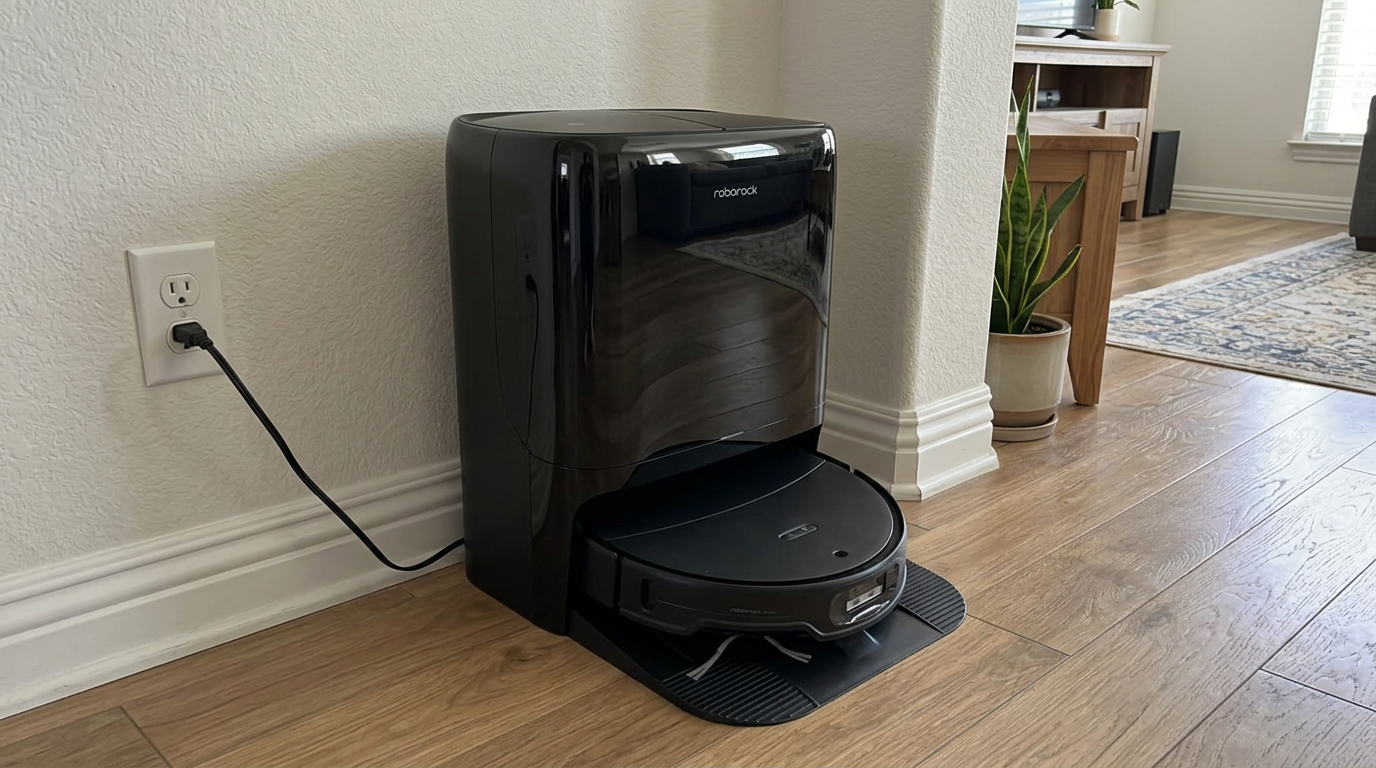
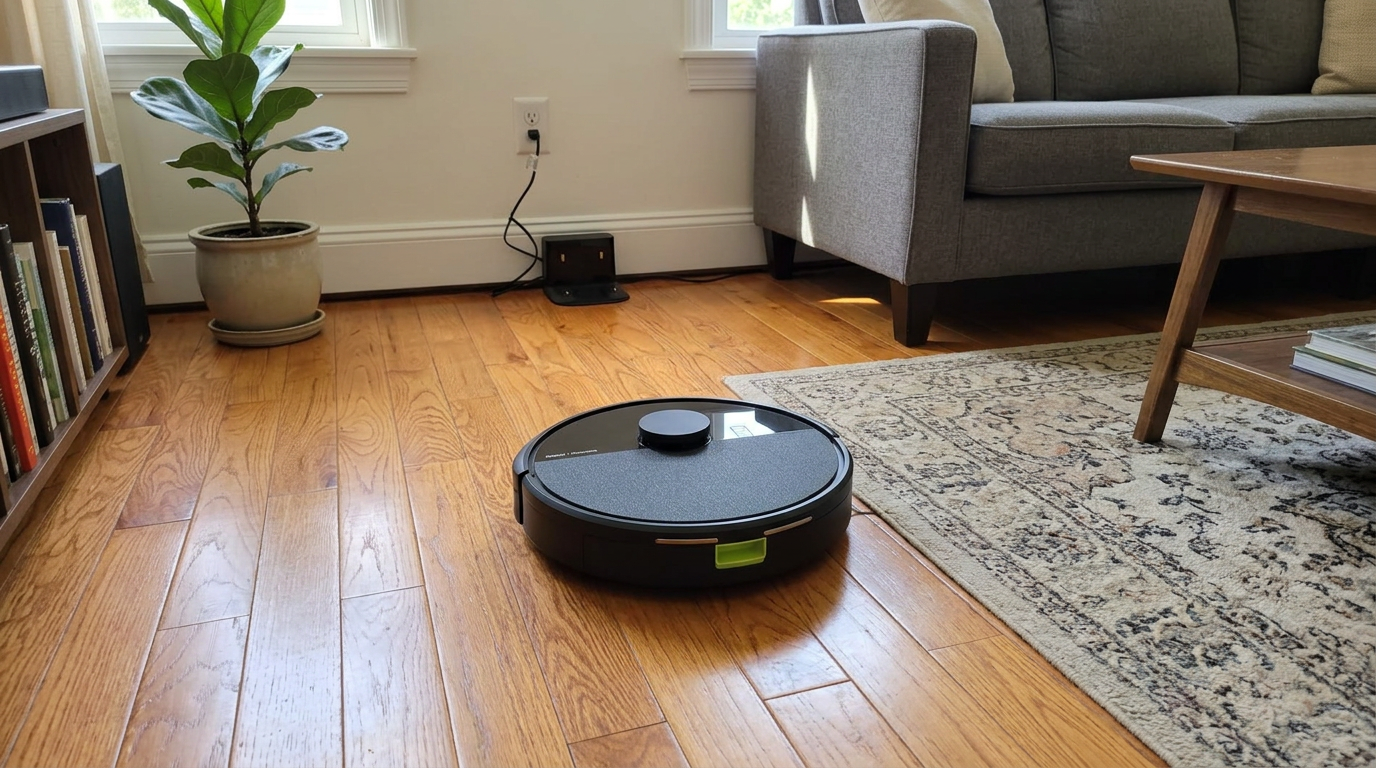
A raised turret on top, like the one on the Qrevo S Pro, is the easiest way to spot a LiDAR robot. Read my Roborock Qrevo S Pro review →
How LiDAR (LDS) navigation works
LiDAR stands for light detection and ranging. In a robot vacuum, a small laser module spins inside the turret on top and measures the distance to walls and furniture all the way around the robot.
The robot combines those distance readings with wheel and motion data to build a floor plan and track its own position on it at the same time. That combined process is what engineers call SLAM, or simultaneous localization and mapping.
The sensors themselves are surprisingly modest. Here are the published specs for two common 360-degree laser distance sensors of the type used in hobby robots and many consumer designs.
You can see the full spec sheets from Robotis and LDROBOT. A range of about 26 feet covers almost any room in a typical American home.
Because LiDAR brings its own infrared light, it works the same in a dark bedroom at 2 a.m. as in a sunny kitchen. That is its biggest practical advantage.
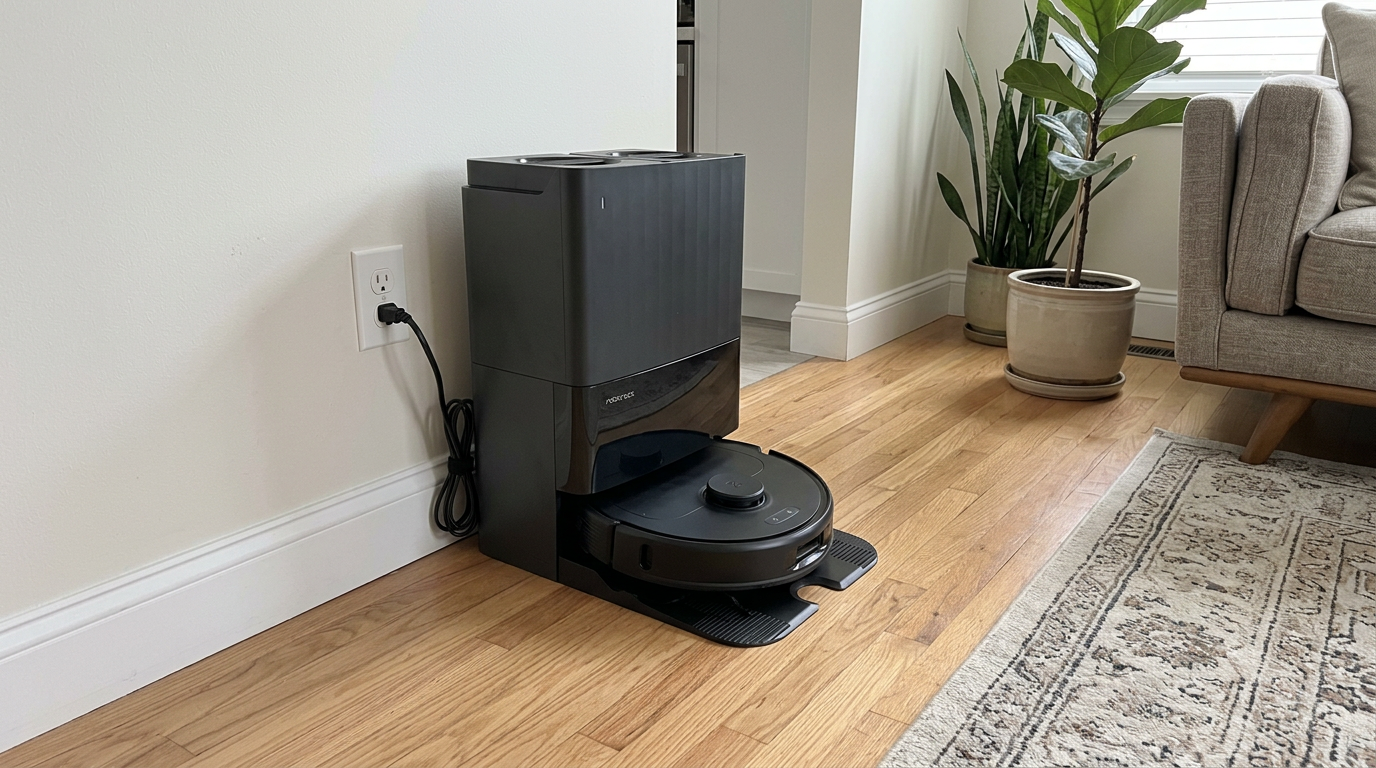
Its weak spots are things the laser cannot see well: mirrors, glass, very dark glossy furniture and anything lower than the turret. That is why most LiDAR robots add a bumper, cliff sensors and often a front camera or structured light for obstacles.
Flagships like the Qrevo Edge 3 Pro pair a LiDAR map with separate front sensors for small obstacles. Read my Roborock Qrevo Edge 3 Pro review →
How camera navigation (vSLAM) works
vSLAM is the same mapping idea, but the robot uses a camera instead of a laser. The "v" stands for visual.
The camera looks for features that don't move: door frames, the edge of a cabinet, a window, the corner where two walls meet. The robot remembers where it saw each feature and uses them as landmarks to work out its position.
iRobot popularized this approach. When IEEE Spectrum reviewed the Roomba 980, iRobot's product manager explained that the camera tags visual landmarks on the map, and that engineers added an infrared floor-tracking sensor because the camera alone struggled in really dark rooms.
That is still the core trade-off. A camera needs some light and some visual detail to work with.
The limitation in one lineStandard camera-based vSLAM cannot navigate well in complete darkness, because each image needs visible features to compare against the map.
That point is spelled out plainly in this vSLAM explainer from a robotics maker, which also lists blank walls, glare and a dirty lens as common problems.
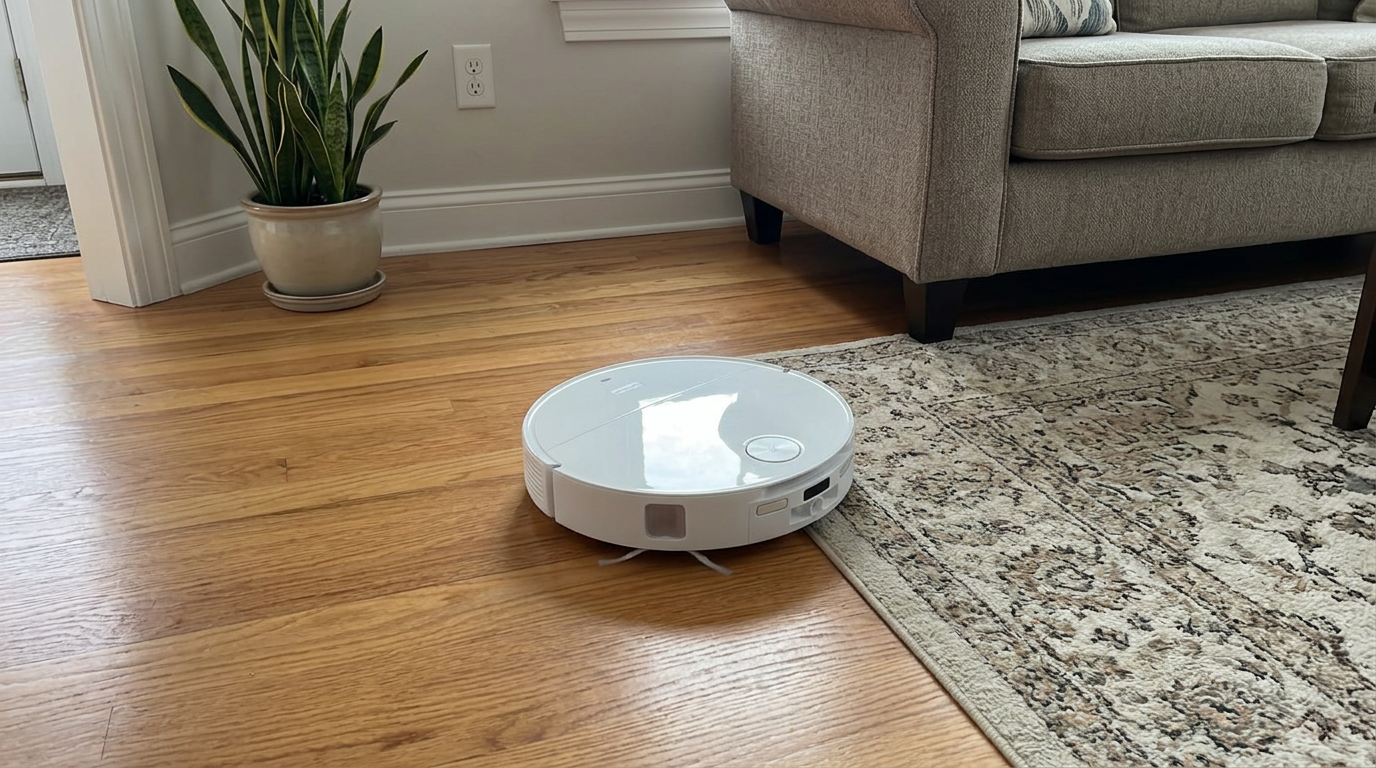
The upside is a lower, sleeker robot with no turret. That extra half inch or so can be the difference between cleaning under a couch and bumping into it.
Cameras also double as obstacle detectors. The same lens that spots a door frame can be trained to recognize a sock, a cable or a pet mess.
Robots without a raised turret can slip under lower furniture, which is one reason some brands still favor camera-based designs. Read my iRobot Roomba 105 Combo review →
Gyroscope navigation and random bounce
Gyroscope navigation is the budget option. The robot has no map of the room. Instead, a gyroscope and wheel sensors track how far it has driven and how much it has turned.
That is enough to drive in neat back-and-forth rows instead of bouncing around randomly. The robot "knows" it moved forward 10 feet and turned 180 degrees, so it can lay down the next row beside the last one.
What it cannot do is correct itself. Small errors in the wheel and gyro readings add up over a long run, which engineers call drift, and the rows slowly go crooked.
Random bounce is one step simpler still: drive until you hit something, turn a random angle, repeat. The very first Roomba worked this way, and iRobot's own coverage patent notes that a purely random robot gets less efficient the longer it runs, because more and more of its passes cover ground it has already cleaned.
A 2024 simulation study published in the National High School Journal of Science put numbers on that. In a simple 5 m by 5 m test room, a systematic zigzag pattern cut total cleaning time by about 60% and travel distance by over 70% compared with random movement.
Real homes are messier than an empty simulated room, but the direction is clear. Any systematic path beats random, and a map-based path beats a gyro-only path once rooms and doorways get involved.
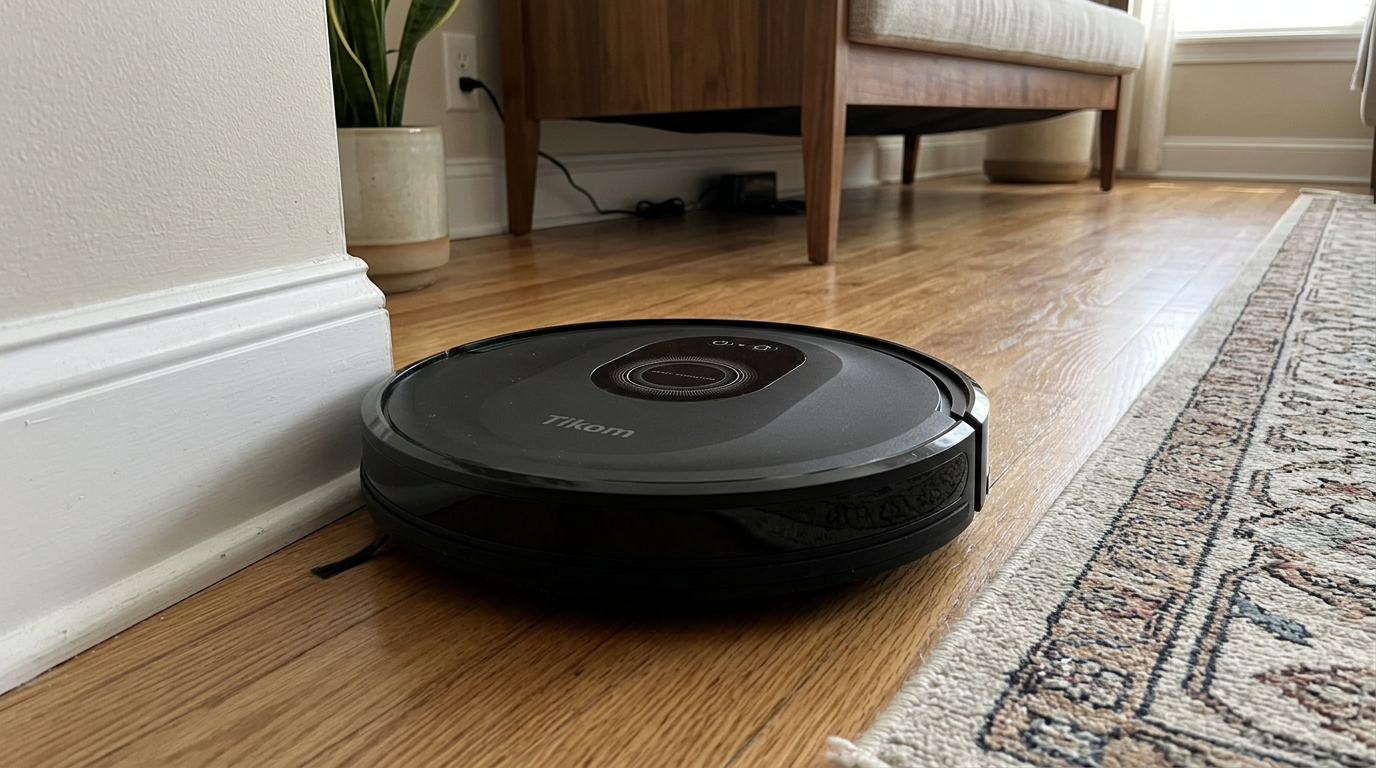
Robots around the $100 mark, like the Tikom combo, are where you most often find simpler navigation, so check the listing before you buy. Read my Tikom Robot Vacuum and Mop Combo review →
LiDAR vs. vSLAM vs. gyroscope at a glance
Here is how the three approaches stack up on the things I actually care about at home.
| LiDAR (LDS) | Camera (vSLAM) | Gyroscope | |
|---|---|---|---|
| Builds a saved map | Yes | Yes | Usually no |
| Works in the dark | Yes | Struggles | Yes, but no map |
| Room-by-room cleaning | Yes | Yes | Rarely |
| No-go zones in the app | Yes | Yes | Rarely; may use magnetic strips |
| Robot height | Taller (turret) | Lower profile | Lower profile |
| Mirrors and glass | Can confuse it | Can confuse it | Not affected the same way |
| Recognizes objects | Needs an extra camera | Can, with AI | No |
| Typical price tier | Budget to flagship | Mid to high | Entry level |
The headline: LiDAR is the most consistent all-rounder, camera navigation trades darkness performance for a lower profile and smarter object recognition, and gyroscope navigation is fine for a small, simple space where you just want straight rows.
In practice, most modern mid-range and premium robots blend these. A typical setup today is LiDAR for the map plus a front camera or structured light for obstacles, plus a gyroscope and wheel encoders underneath to smooth out position between laser readings.
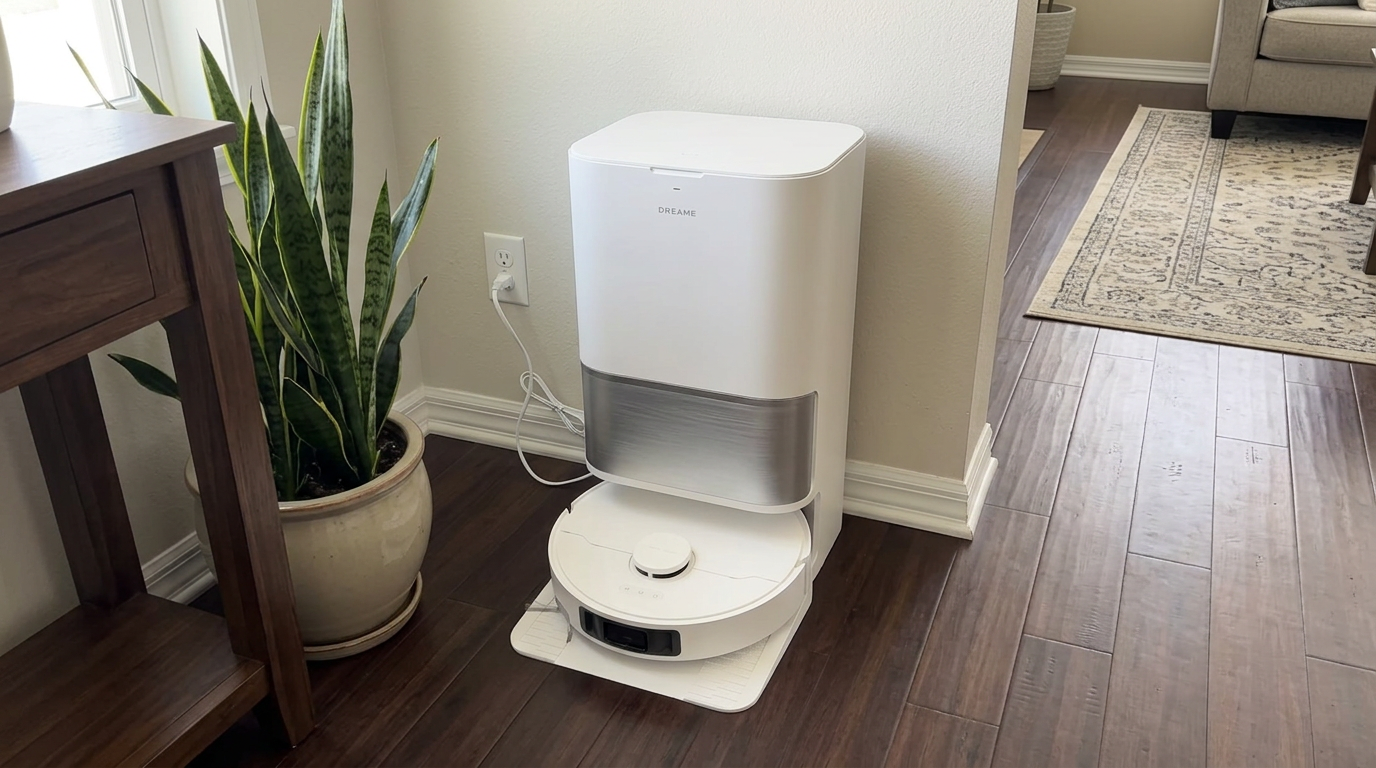
The L40 Ultra Gen 2 uses LiDAR mapping, which lets it clean room by room and return to the dock on its own. Read my Dreame L40 Ultra Gen 2 review →
What trips up each type of navigation
Every navigation system has a list of things that trip it up. Knowing yours saves a lot of frustration.
| Trouble spot | LiDAR | Camera | What I do |
|---|---|---|---|
| Dark rooms at night | Fine | Can get lost | Schedule camera robots for daytime or leave a lamp on |
| Floor-length mirrors | May see a "room" behind it | May mislocate | Add a no-go line in front of the mirror |
| Glass doors and railings | Laser passes through | Usually fine | Rely on the bumper; add a virtual wall if needed |
| Very dark furniture | Can under-read distance | Fine in good light | Check the map edge and redraw if it is off |
| Long featureless hallways | Fine | Fewer landmarks | Usually fine after a few runs |
| Moved furniture | Re-localizes quickly | Re-localizes, sometimes slower | Let it finish one full run to update the map |
Cliff sensors are the other unsung part of navigation. Most robots carry several infrared cliff sensors around the underside edge that constantly check for a drop, such as a stair. Every type of robot has them, and dusty cliff sensors cause their own odd behavior, like refusing to cross a dark rug.
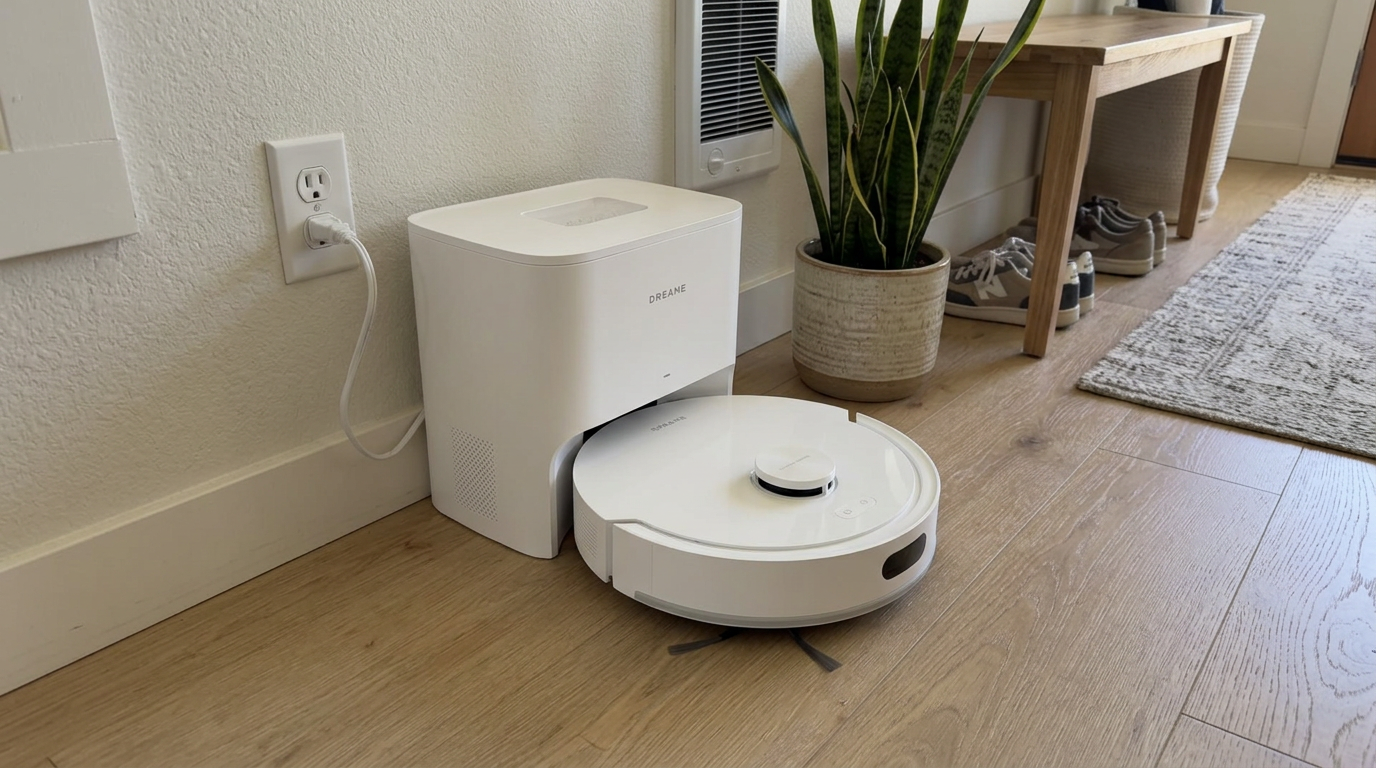
Mid-priced robots like the D20 Air Plus bring laser mapping down to a price that used to buy a gyro-only model. Read my Dreame D20 Air Plus review →
Which navigation type should you buy?
For most people buying today, I would start with LiDAR. Prices have dropped to the point where laser mapping shows up on robots under $300, and it gives you the features that make a robot genuinely hands-off: room selection, no-go zones, reliable docking and recharge-and-resume.
Camera navigation makes sense if low furniture is your main problem, or if you want a robot that is very good at recognizing and avoiding objects, and you are happy to run it while the lights are on.
Gyroscope navigation is fine for a studio apartment, a single large room or a second robot for a garage or basement. I would not choose it for a multi-room home where you want to send it to the kitchen after dinner.
- You want to clean in the dark or on a schedule at night
- You have several rooms and want room-by-room control
- You want the most consistent map between runs
- Your couch or bed has less than about 4 inches of clearance
- You have floor-length mirrors in most rooms
- You want the cheapest possible robot for one room
Measure first: Slide a ruler under your lowest piece of furniture before you shop. Compare it with the robot height on the spec sheet, including the turret.
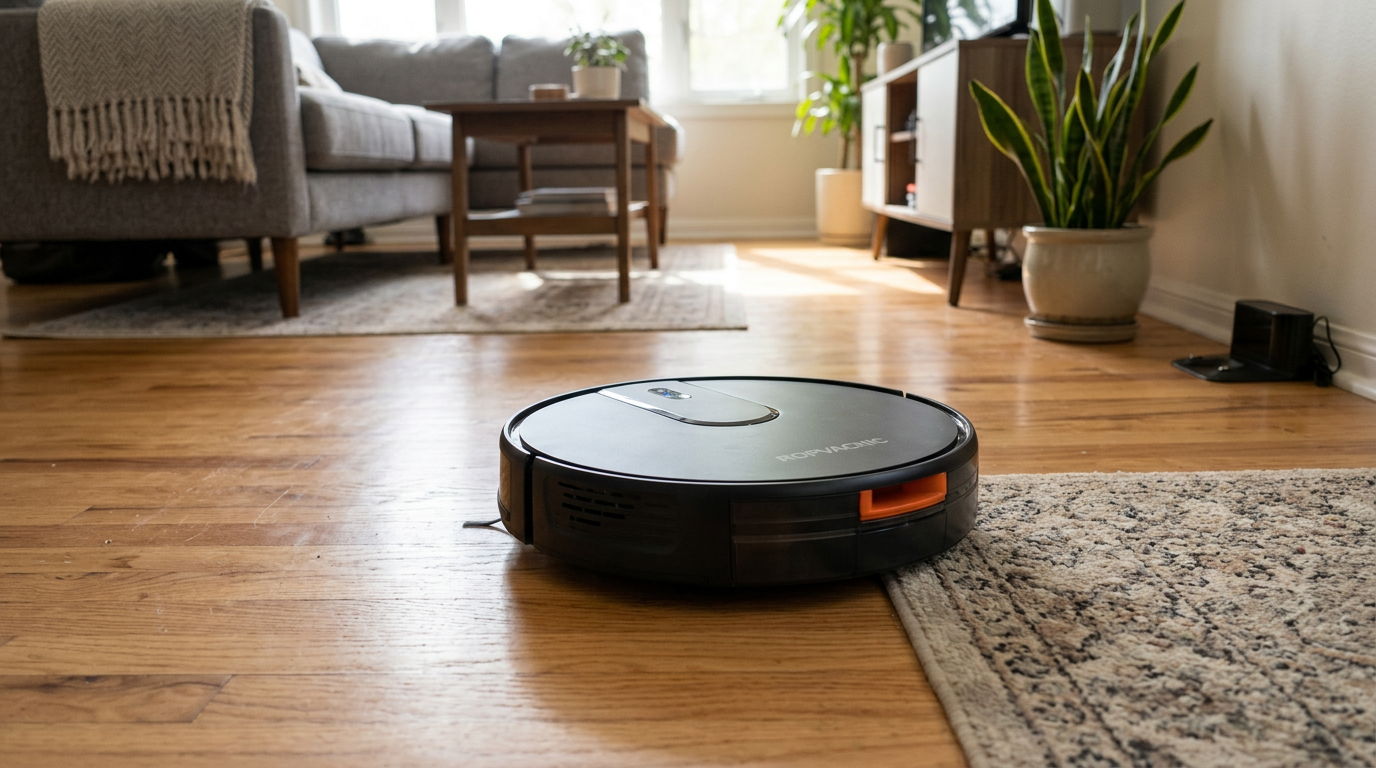
Even budget robots like the ROPVACNIC combo are worth checking for mapping support, since it changes what the app can do. Read my ROPVACNIC Robot Vacuum and Mop Combo review →
How I get the best map out of any robot
- Clear the floor for the first runPick up cords, shoes and toys and open every interior door. The first mapping run decides the room layout, and a clean floor gives the robot a clean map.
- Turn the lights on for camera robotsIf your robot uses vSLAM, run the first map during the day or with lights on. Once the map is saved, it re-localizes much more reliably.
- Check and split the roomsOpen the app after mapping and confirm the room divisions. Merge or split rooms where the robot guessed wrong, and name them so voice commands work.
- Add no-go zones and virtual wallsBlock off mirrors, pet bowls, cable nests and thick rugs the robot struggles with. This prevents most of the odd behavior people blame on navigation.
- Keep sensors cleanWipe the LiDAR window, front camera and cliff sensors with a dry microfiber cloth every couple of weeks. Dust on a sensor looks like a navigation fault.
- Re-map after big changesIf you rearrange furniture or move, delete the old map and run a fresh mapping pass instead of letting the robot patch the old one.
Frequently asked questions
Is LiDAR better than a camera on a robot vacuum?
What is vSLAM on a robot vacuum?
Do gyroscope robot vacuums make a map?
Can a LiDAR robot vacuum work in the dark?
Why does my robot vacuum get lost?
Is the LiDAR laser safe for pets and kids?

Sarah has tested vacuums, mops, air purifiers and dehumidifiers since 2017. Before joining BrasQ, she spent five years as a test coordinator at a national consumer advocacy group. She studied industrial design at Ohio State and lives in Columbus with her family and a long-haired cat.
- First published.
- Robotis: LDS-02 360 laser distance sensor specifications
- RobotShop: LDROBOT D100 LiDAR kit specifications
- IEEE Spectrum: iRobot Roomba 980 and its camera-based navigation
- Sunseeker: what is vSLAM and how visual SLAM navigation works
- National High School Journal of Science (2024): optimization of robot vacuum navigation algorithms using Webots simulations
- iRobot patent US 7,388,343: multi-mode coverage for an autonomous robot
- IEC/ASTM 62885-7: dry-cleaning robots for household use, methods for measuring performance