How much electricity a robot vacuum uses per month
A robot's battery costs well under a dollar a month to charge. The surprise is the dock: hot water washing and hot-air drying can use several times more. I run the numbers at U.S. electricity prices.
We choose products independently. We may earn a commission through links on this page; your price stays the same. Affiliate policy
On this page
The short answer
- The robot itself uses very little electricity: about 0.09 kWh per full charge, or roughly 50 cents a month for daily runs at the U.S. average price.
- All-in-one docks change the picture. Hot water washing draws over 1,000 W and hot-air drying runs for hours.
- My estimate for a robot plus all-in-one dock mopping daily: about 16 kWh a month, roughly $3 at the U.S. average.
- Drying is the biggest single use. Mopping less often or shortening drying saves the most.
The surprising answer: the robot is cheap, the dock is not
When people ask me how much electricity a robot vacuum uses, they usually expect a scary number. Running a machine every day must cost something, right?
For the robot itself, the honest answer is: very little. Its battery holds less energy than a single load of laundry in a dryer uses in a few minutes.
The twist is the dock. Modern all-in-one docks heat water to wash mops and blow warm air to dry them, and those heaters can draw well over a thousand watts. On those models, the dock can use several times more electricity than the robot.
In this guide, I break down where the electricity goes, show the math at the U.S. average electricity price, and explain which settings make the biggest difference to your bill.
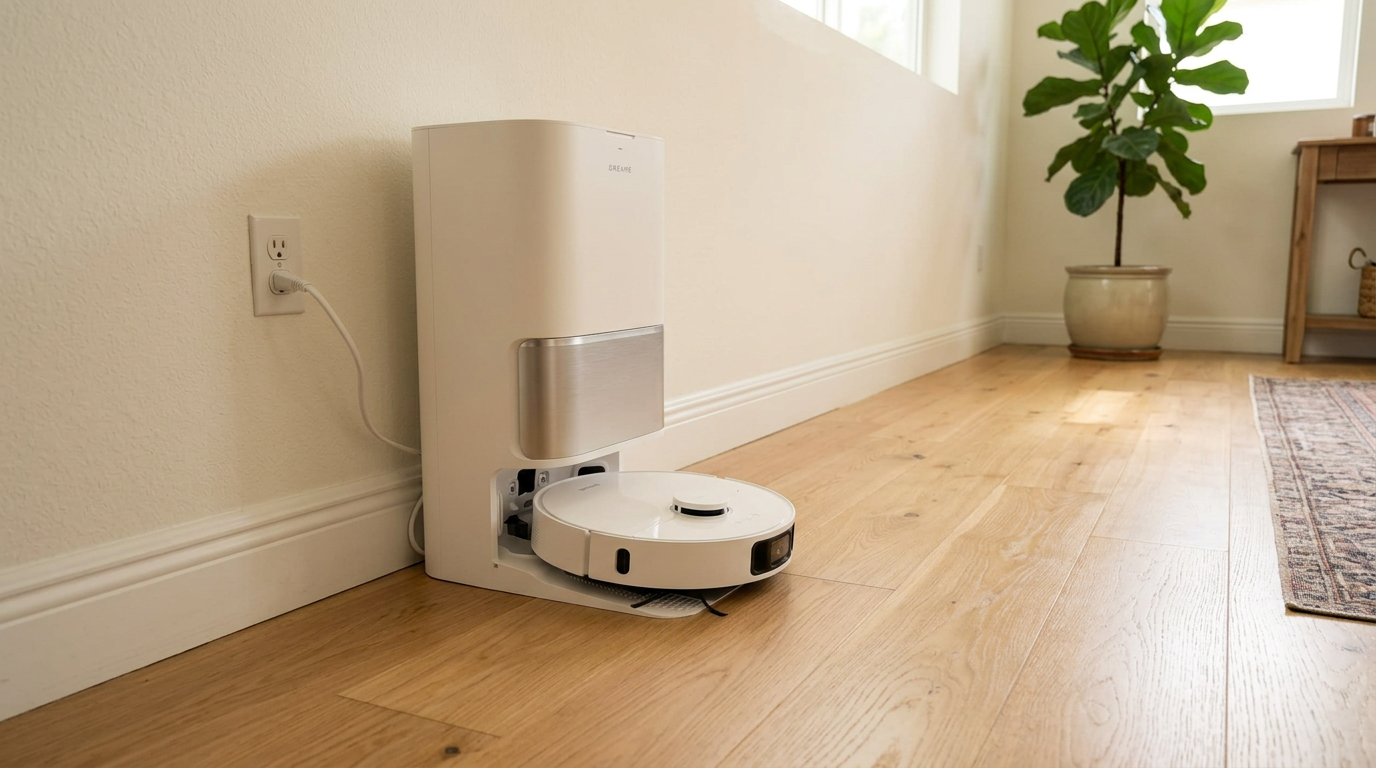
Docks that wash and dry mops, like the one with the L40 Ultra Gen 2, use far more electricity than the robot's own battery charging. Read my Dreame L40 Ultra Gen 2 review →
How much electricity the robot itself uses
Start with the robot's battery. A typical robot today uses a 5,200 mAh pack at 14.4 volts. Dreame lists exactly that on its L40 Ultra Gen 2 page. Multiply the two and you get about 74.9 watt-hours of stored energy.
Charging isn't perfectly efficient, so I assume the wall supplies about 15% more than the battery stores. That brings a full charge to roughly 88 watt-hours.
| How often it runs (full charge each time) | kWh per month | Cost per month at 18.2¢/kWh |
|---|---|---|
| Three times a week | ~1.1 kWh | ~$0.21 |
| Once a day | ~2.6 kWh | ~$0.48 |
| Twice a day | ~5.3 kWh | ~$0.96 |
The U.S. average price comes from the U.S. Energy Information Administration's outlook, which puts residential electricity at about 18.2 cents per kWh in 2026. Even running the robot twice a day, the battery side costs under a dollar a month.
Most robots don't drain to zero every run, so real numbers are often lower still.
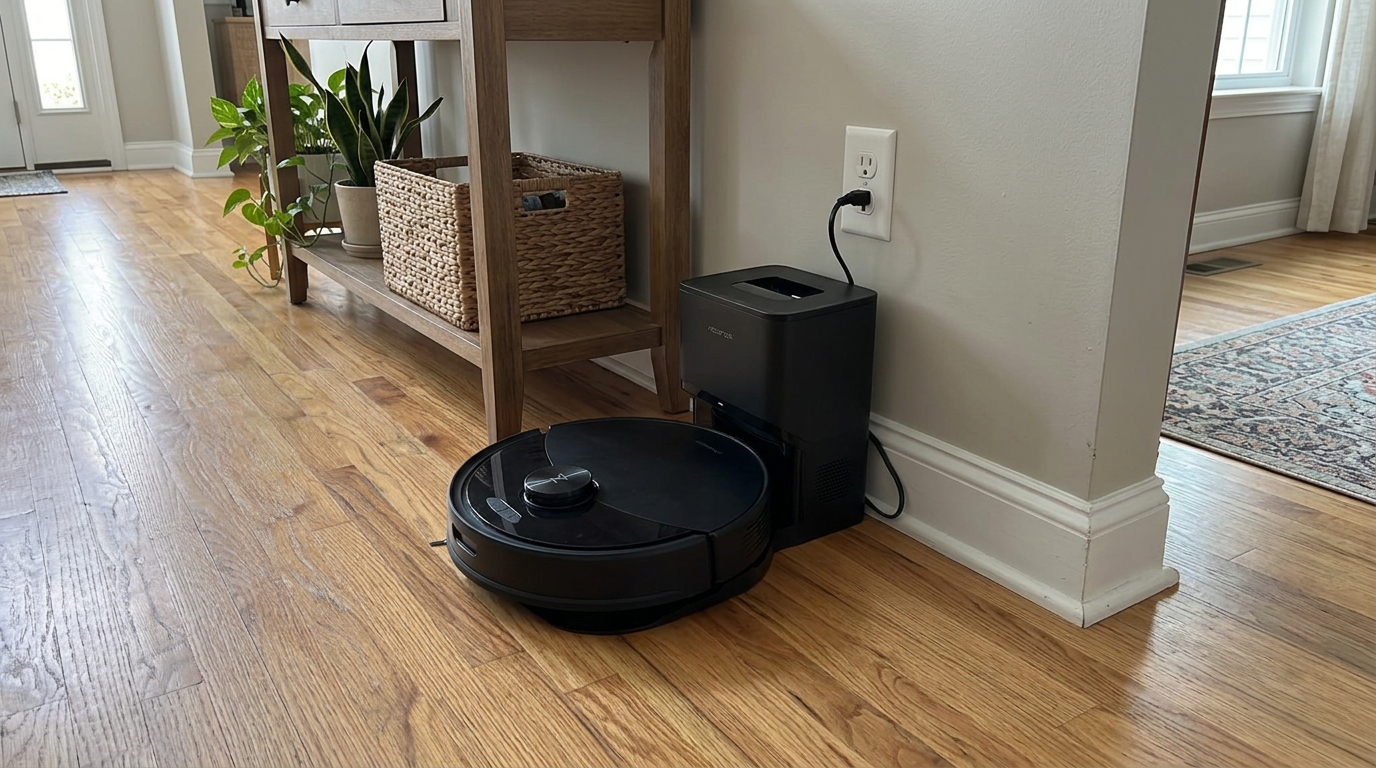
A robot like the Q10 S5+ running once a day uses only a few kWh a month to recharge its battery. Read my Roborock Q10 S5+ review →
How much power the dock draws, by function
Docks do several jobs, and each one has a very different power draw. Manufacturers that publish dock power ratings show the pattern clearly.
| Dock function | Xiaomi Robot Vacuum 5 dock | Tapo RV50 Pro Omni (US version) |
|---|---|---|
| Charging the robot | 85 W (with hot-air drying) | 30 W max charging |
| Self-emptying dust | 530 W | 600 W |
| Hot water mop washing | 1,600 W | 1,200 W |
| Hot-air mop drying | 85 W (with charging) | Warm air at 122°F |
Those figures come from the Xiaomi spec sheet and the Tapo spec sheet. Note that the Xiaomi dock listed here is rated for 220 to 240 V markets, while Tapo lists a separate US version; wattages are what matter for the math.
The key is how long each one runs. Self-emptying is a burst of a few seconds. Hot water heating runs for minutes. Hot-air drying can run for hours after every mop job.
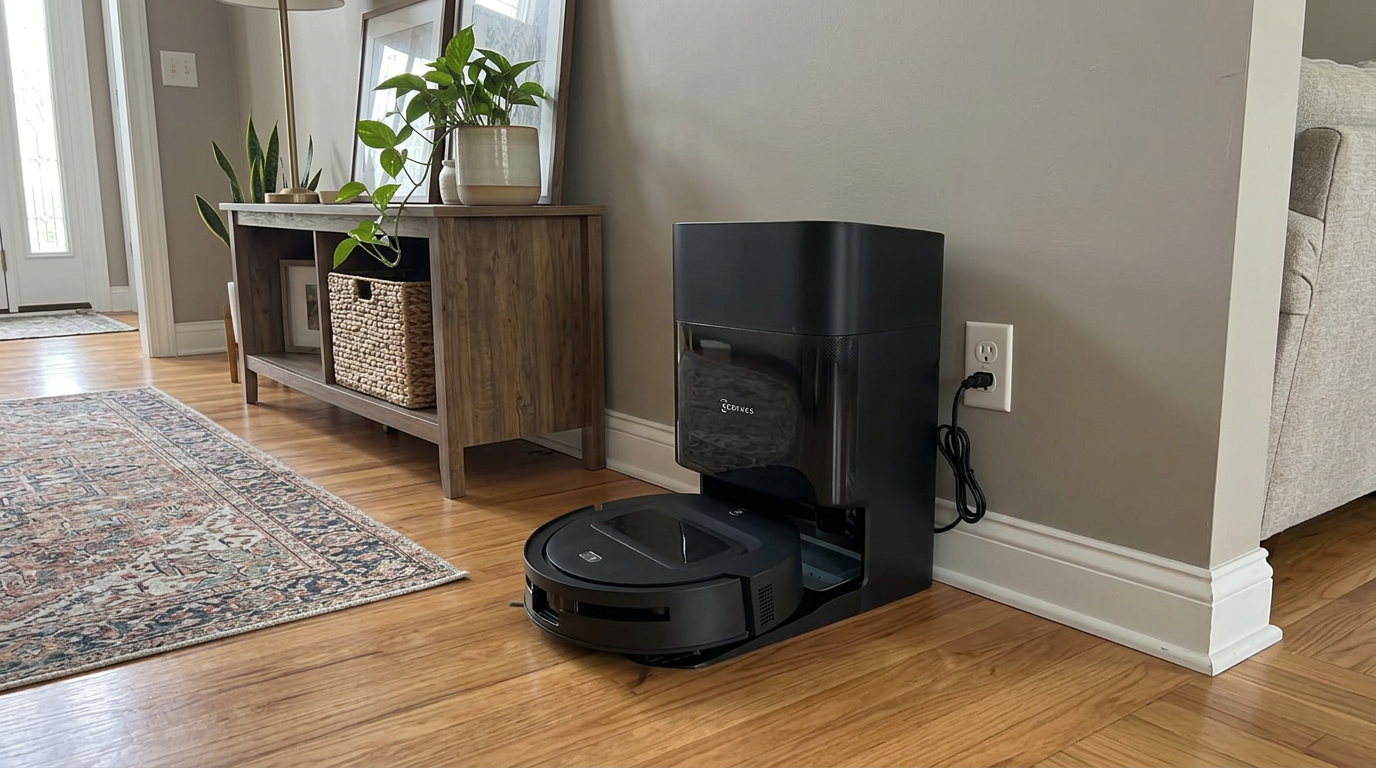
All-in-one docks like the DEEBOT T90 PRO OMNI's combine emptying, washing and drying, each with its own power draw. Read my ECOVACS DEEBOT T90 PRO OMNI review →
What a robot and all-in-one dock use per month
Here is my estimate for a robot with an all-in-one dock that vacuums and mops once a day. The wattages come from published dock specs; the run times are my own assumptions, so treat the totals as a realistic range rather than a measurement.
| Activity | Assumption | Energy per day | kWh per month | Cost per month at 18.2¢ |
|---|---|---|---|---|
| Robot charging | One full charge, ~88 Wh | ~0.09 kWh | ~2.6 | ~$0.48 |
| Self-emptying | 600 W for 15 seconds | ~0.003 kWh | ~0.08 | ~$0.01 |
| Hot water mop washing | 1,400 W for 5 minutes total | ~0.12 kWh | ~3.5 | ~$0.64 |
| Hot-air drying | 85 W for 3 hours | ~0.26 kWh | ~7.7 | ~$1.40 |
| Standby | About 3 W around the clock | ~0.07 kWh | ~2.2 | ~$0.39 |
| Total | Daily vacuum and mop | ~0.53 kWh | ~16 | ~$2.92 |
In this scenario, drying the mops uses more electricity than everything else combined. The robot's own charging is a small slice.
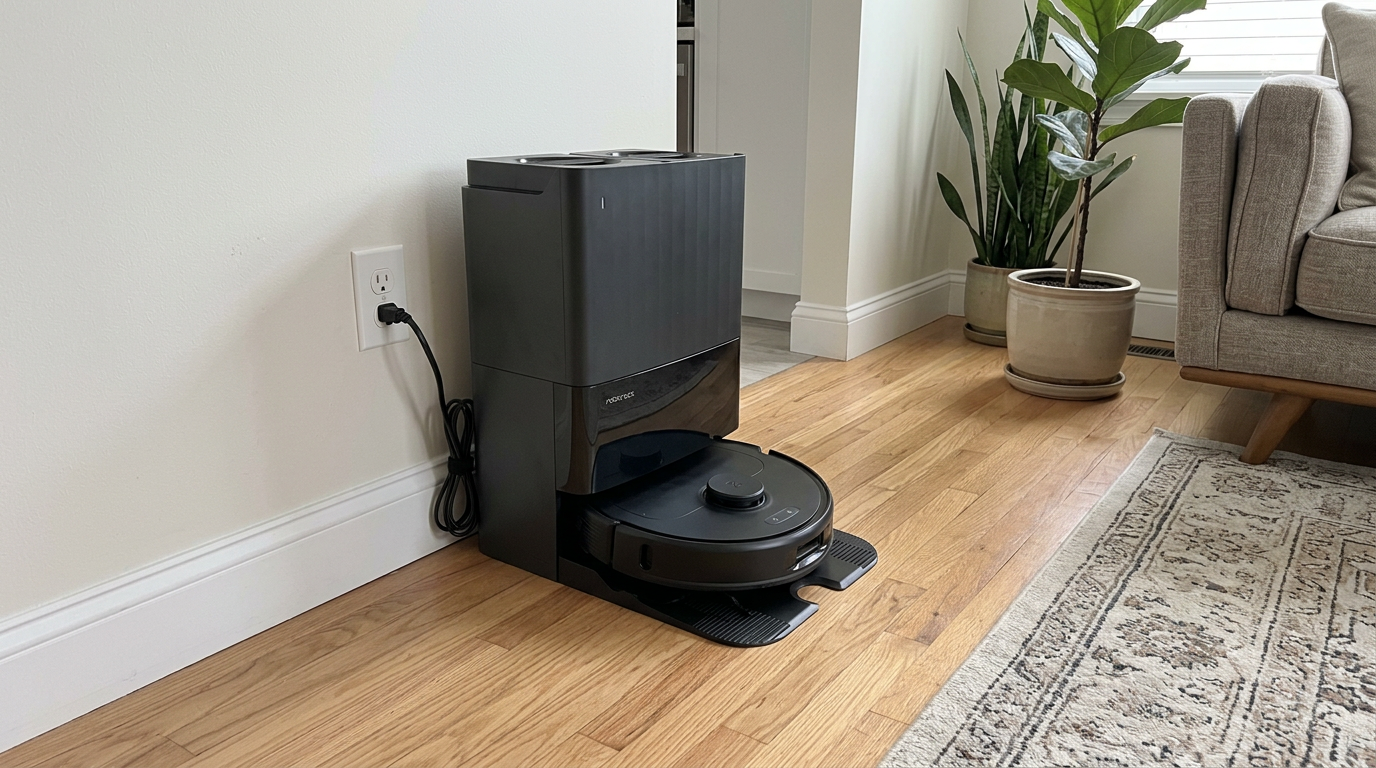
Mop-washing docks like the Qrevo S Pro's spend most of their electricity on drying, not on charging the robot. Read my Roborock Qrevo S Pro review →
What it costs where you live
Electricity prices vary a lot by state, so the same robot costs very different amounts to run. Using July 2026 averages compiled from EIA data by ElectricRates.org, here is how my two scenarios compare.
| Location (avg. residential rate) | Robot only, daily runs (~2.6 kWh/mo) | Robot + all-in-one dock, daily mop (~16 kWh/mo) |
|---|---|---|
| Louisiana (12.7¢) | ~$0.33 / month | ~$2.03 / month |
| U.S. average (18.2¢) | ~$0.48 / month | ~$2.92 / month |
| California (33.6¢) | ~$0.87 / month | ~$5.38 / month |
| Hawaii (48.0¢) | ~$1.25 / month | ~$7.68 / month |
Even in the most expensive state, the robot-only setup costs about a dollar a month. The all-in-one dock is where the bill climbs, and almost all of that is heat for washing and drying mops.
For perspective, a typical corded upright vacuum draws somewhere around 1,000 to 1,400 watts. Using one for an hour a week adds up to roughly 4 to 6 kWh a month, which is more than the robot's charging but less than an omni dock that dries mops daily.
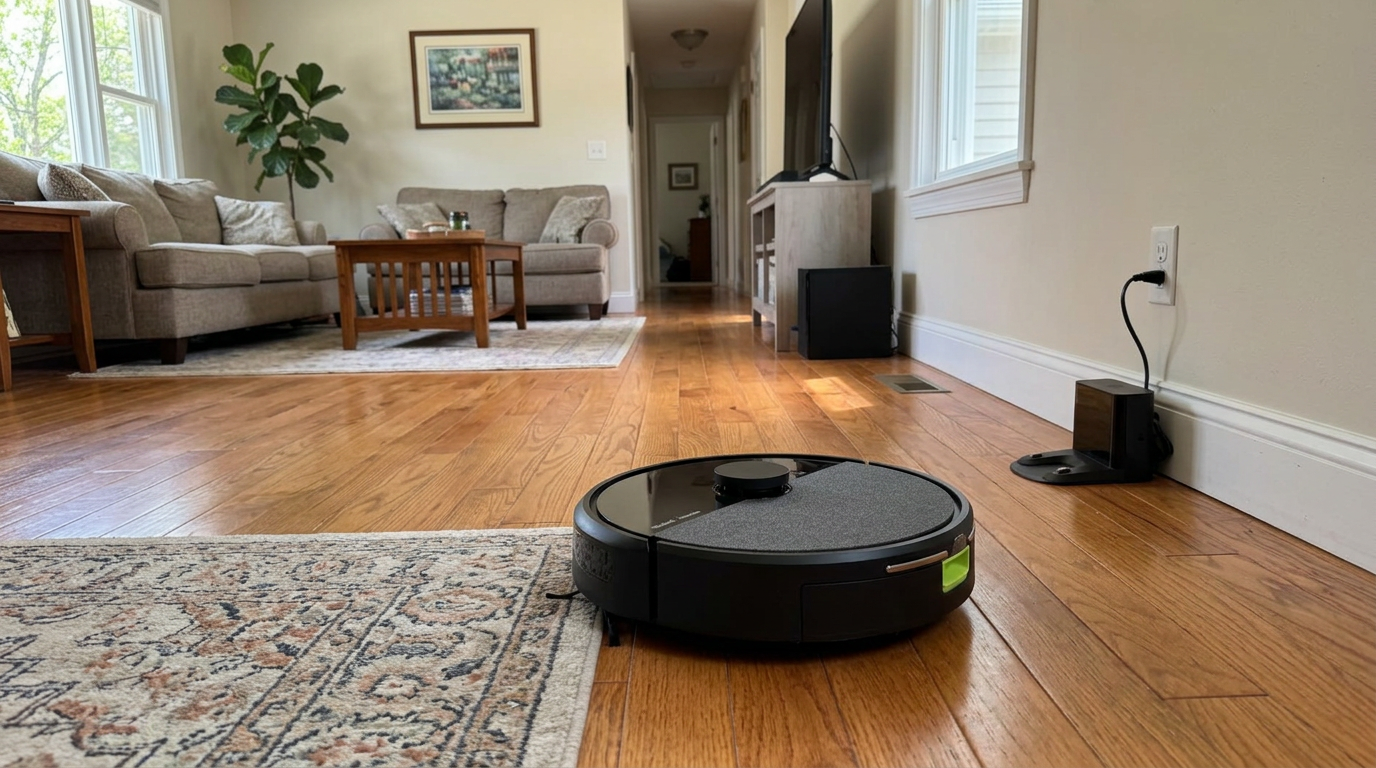
Simpler combo robots like the Roomba 105 Combo, without heated washing and drying, keep monthly electricity use very low. Read my iRobot Roomba 105 Combo review →
How it compares with other things in your home
Numbers like "2.6 kWh a month" are hard to picture, so I like to compare them with familiar devices. The figures below are rough planning estimates using typical wattages and everyday usage, not measurements.
Put that way, a robot without a heated dock uses about as much as a couple of LED bulbs left on in the evening. An all-in-one dock that mops and dries daily lands closer to a TV that runs a few hours a night.
Neither is a big line on a typical household bill, but if you are trying to trim electricity use, the dock's drying cycle is the easiest place to start.
How to cut a robot's electricity use
If you want to trim electricity use, the biggest wins are on the dock, not the robot.
| Setting or habit | Estimated saving | Trade-off |
|---|---|---|
| Shorter hot-air drying cycle (2 hours instead of 3) | ~2.5 kWh/month | Pads may stay damp longer in humid homes |
| Mop every other day instead of daily | ~5.6 kWh/month (washing + drying halved) | Slightly less frequent mopping |
| Cold or warm water wash instead of hot | Most of ~3.5 kWh/month | Less effective on greasy messes |
| Quiet or Standard instead of Max | Small | Max mainly costs runtime, not money |
| Off-peak charging (where available) | Depends on your utility's time-of-use rates | None for most people |
I don't recommend cutting drying too aggressively. Damp mop pads are the number one cause of robot odors, and a slightly higher bill is better than a dock that smells.
Off-peak charging only saves money if your utility uses time-of-use pricing. Several robot apps let you schedule charging into cheaper hours; it is worth turning on if you have that kind of plan.
My setting: I keep hot-air drying on but shorten it in dry winter months when pads dry faster. In humid summer months I leave it at the default.
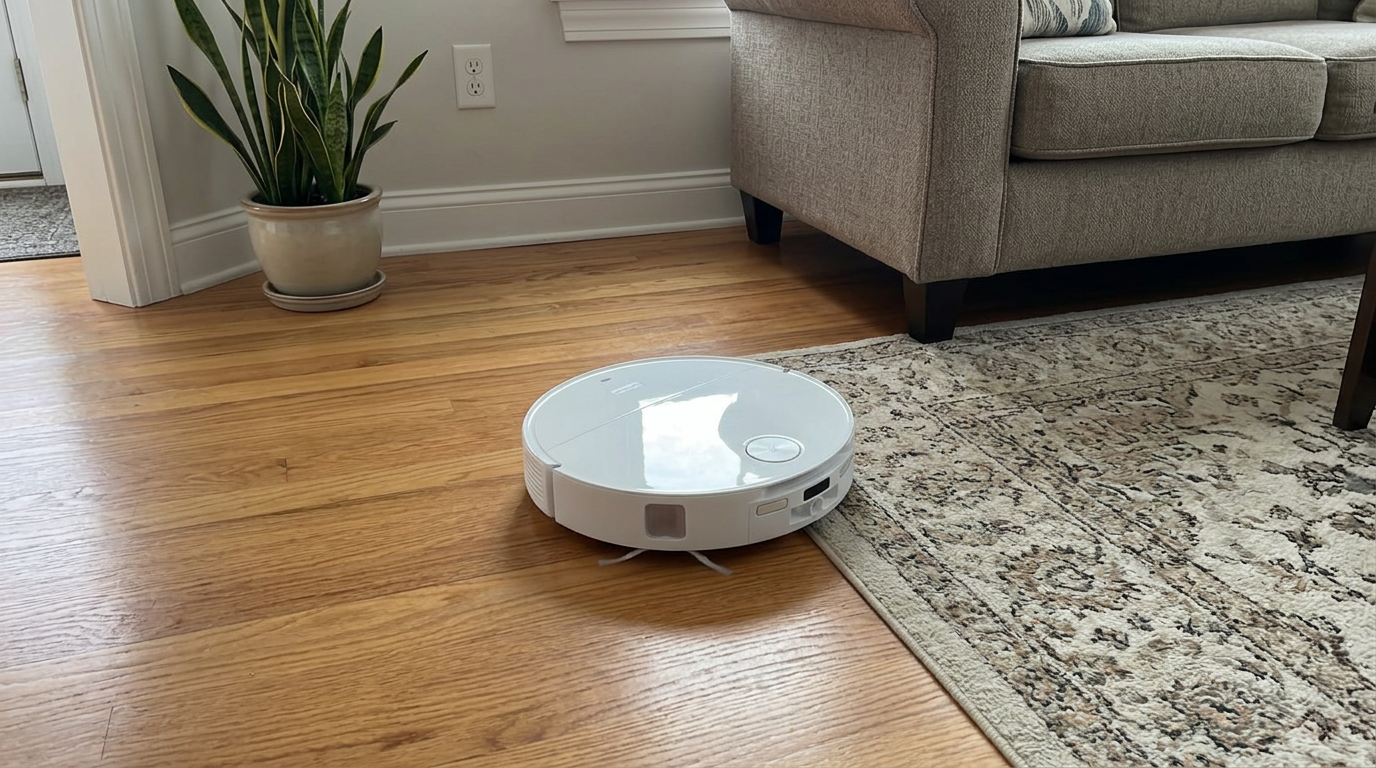
On flagship robots like the Qrevo Edge 3 Pro, check the app for dock washing and drying settings, which drive most of the electricity use. Read my Roborock Qrevo Edge 3 Pro review →
Does leaving the robot docked waste electricity?
Some people worry that leaving the robot on its dock all the time wastes electricity. The standby draw is real but small.
In my estimate above, I assumed about 3 watts around the clock for the dock and robot combined, which works out to about 2.2 kWh a month, or roughly 40 cents at the U.S. average price. Your exact number depends on the model and whether Wi-Fi and status lights stay on.
Unplugging the dock to save that amount is usually not worth it. The robot can't run on schedule, its battery sits at whatever charge it had, and you lose the convenience you paid for.
The one exception is a long trip. If you will be away for weeks, I charge the robot partway, switch it off and unplug the dock.
- Scheduled runs work
- Battery stays topped up
- Standby costs well under a dollar a month
- Away for weeks
- Dock in a spot prone to power surges
- You want to store the robot long term
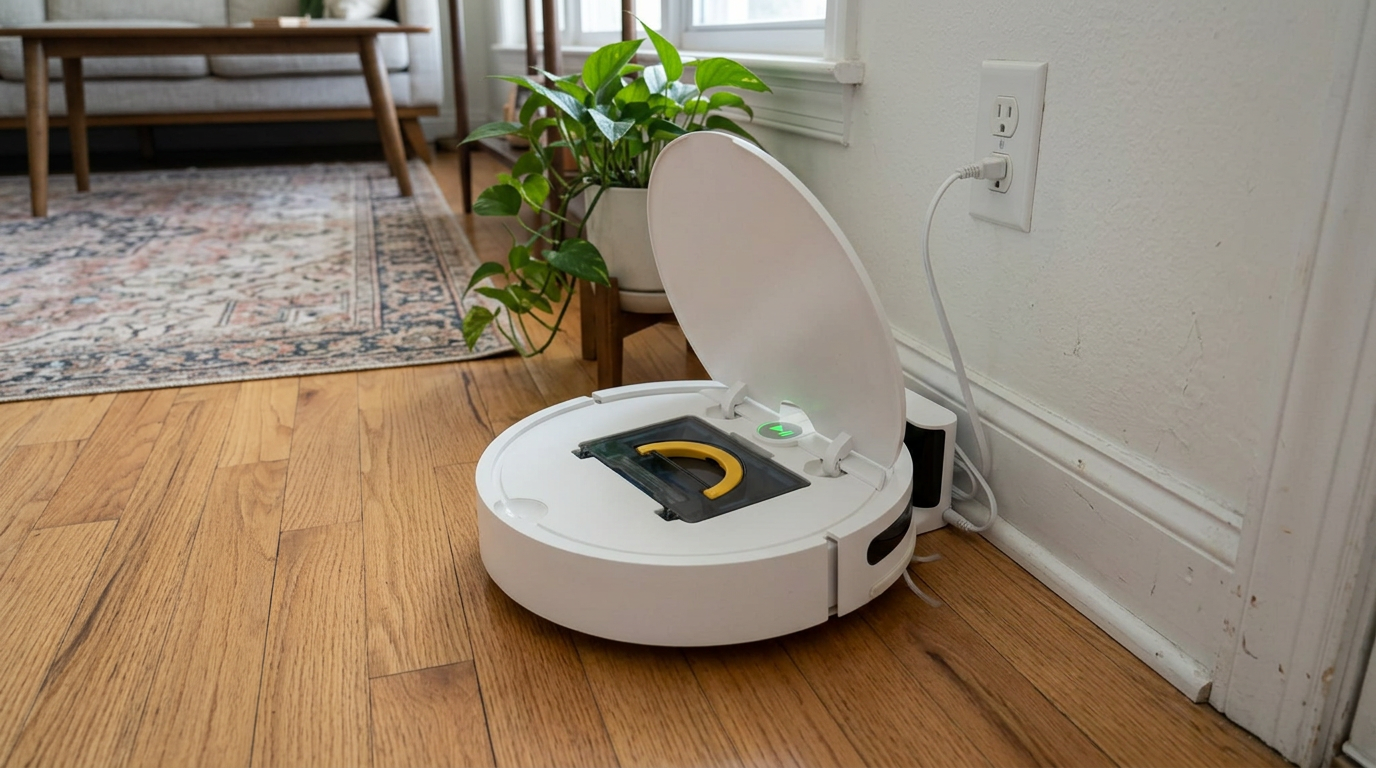
Basic robots like the ILIFE V2 with a simple charging base have very low standby and charging electricity use. Read my ILIFE V2 review →
How to estimate your own robot's electricity use
- Find the battery sizeLook up the battery in mAh and volts. Multiply mAh by volts and divide by 1,000 to get watt-hours.
- Add charging lossMultiply by about 1.15 to account for charging losses. That is the energy from the wall per full charge.
- Multiply by how often it runsMultiply by runs per month and divide by 1,000 to get kWh. Use a smaller fraction if the robot rarely drains fully.
- Add dock heatingIf your dock heats water or dries mops, multiply each heater's wattage by how long it runs per day, then by 30.
- Find your priceCheck your bill for the price per kWh, or use your state's average.
- Multiply and comparekWh per month times price per kWh gives your monthly cost. For extra accuracy, plug the dock into an inexpensive plug-in energy meter for a month.
Frequently asked questions
How much electricity does a robot vacuum use?
Do self-emptying docks use a lot of electricity?
What uses the most electricity in an all-in-one dock?
How much does a robot vacuum cost to run per year?
Is it cheaper to use a robot vacuum or a regular vacuum?
Should I unplug my robot vacuum dock when not in use?

Sarah has tested vacuums, mops, air purifiers and dehumidifiers since 2017. Before joining BrasQ, she spent five years as a test coordinator at a national consumer advocacy group. She studied industrial design at Ohio State and lives in Columbus with her family and a long-haired cat.
- First published.
- U.S. Energy Information Administration: Short-Term Energy Outlook, electricity prices
- ElectricRates.org: residential electricity rates by state (EIA data, July 2026)
- Xiaomi: Robot Vacuum 5 specifications (dock power ratings)
- Tapo: RV50 Pro Omni specifications (US version power ratings)
- Tapo: RV50 Omni specifications (charging and dock power)
- Dreame: L40 Ultra Gen 2 product page (battery capacity)