Is it worth repairing a robot vacuum, or should you buy a new one?
Most robot vacuum failures in the first few years are cheap fixes. I cover the common problems, how warranty and software support change the math, and the simple rule I use to decide between repair and replacement.
We choose products independently. We may earn a commission through links on this page; your price stays the same. Affiliate policy
On this page
The short answer
- Repair is usually worth it for batteries, brushes, filters and wheels. These are the most common failures and often simple DIY fixes.
- Check the warranty first. Some warranties exclude damage from unauthorized repairs or non-genuine parts.
- My rule: repair under about 30% of a comparable new robot, think hard between 30% and 50%, replace above 50%.
- Replace even when repair is cheap if software support has ended or parts are unreliable.
Fix it or replace it? How I make the call
Sooner or later, every robot vacuum throws an error that a quick wipe doesn't fix. The wheels grind, the battery fades, the brush motor stalls or the LiDAR stops spinning.
At that point, most people ask the same thing: is it worth repairing, or should I just buy a new one? Robot prices have dropped so much that replacement can feel like the easy answer.
My view is that most robot problems in the first few years are cheap fixes, and a surprising number are DIY jobs. But there is a point where repair stops making sense, and it is not always about money.
In this guide, I walk through the most common failures, which ones are worth fixing, how warranty and software support change the math, and the simple rule I use to decide.
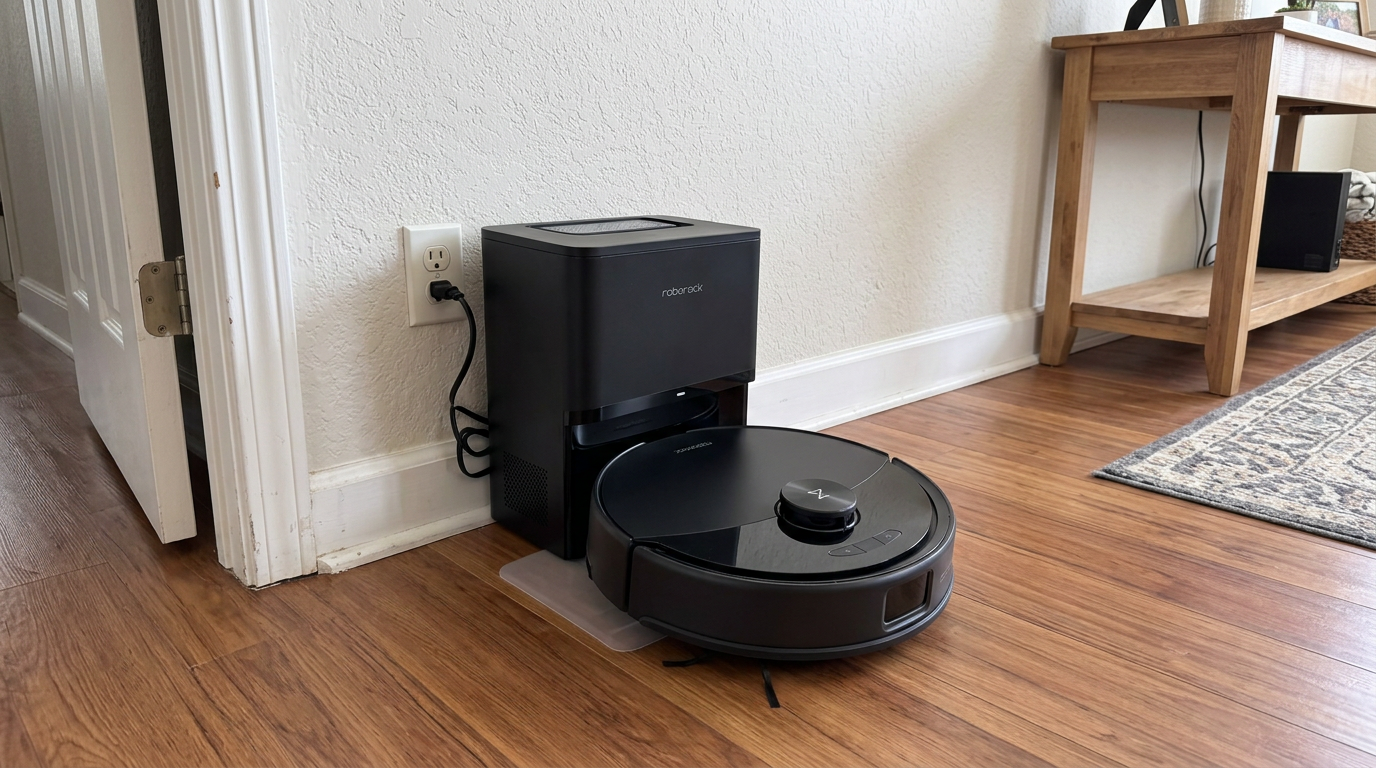
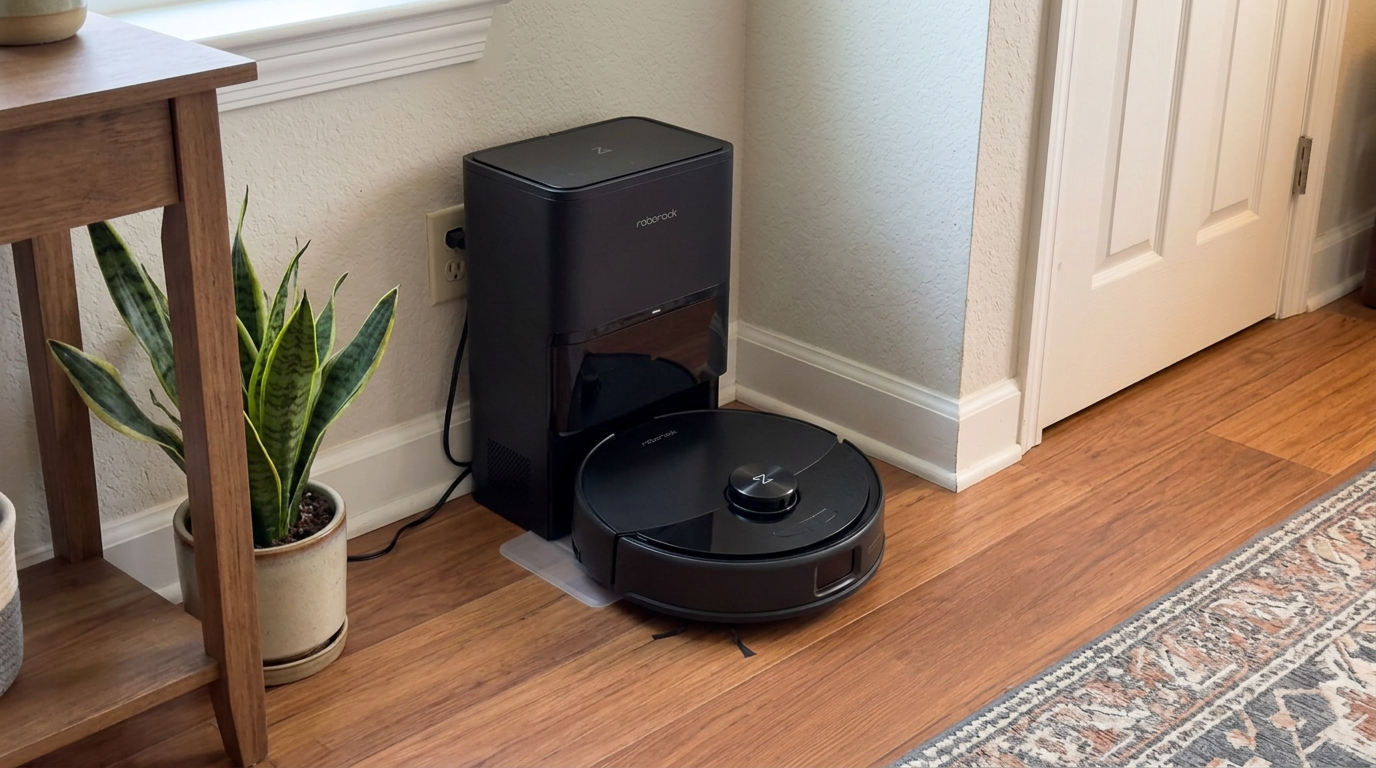
Robots like the Q10 S5+ are built around replaceable modules, so many common failures are part swaps rather than a reason to replace the whole robot. Read my Roborock Q10 S5+ review →
The most common failures and what they cost to fix
These are the failures I see most often, roughly in order of how common they are, with how I usually handle each one.
| Problem | Usual cause | DIY difficulty | Repair or replace? |
|---|---|---|---|
| Short runtime | Worn battery | Easy on many models | Repair; batteries are a fraction of robot price |
| Weak pickup | Worn brushes, clogged filter, blocked airflow | Easy | Repair with consumables |
| Brush errors | Hair at end caps, worn brush | Easy | Repair; clean or replace the brush |
| Wheel errors or grinding | Hair in axles, worn wheel module | Easy to moderate | Repair; wheel modules are usually sold separately |
| Side brush not spinning | Hair wrap or failed side brush motor | Moderate | Repair if the motor is sold as a part |
| Charging or docking errors | Dirty contacts, dock fault | Easy to moderate | Clean first; replace dock if faulty |
| LiDAR error or not spinning | Debris, failed LiDAR motor | Moderate to hard | Repair under warranty; think hard out of warranty |
| Won't power on at all | Battery, mainboard | Varies | Test battery first; mainboard often means replace |
| Dock pump or heater failure | Mechanical or heater fault | Hard | Warranty repair; out of warranty, compare dock price |
The top five rows cover most of what I see in practice, and all of them are usually worth fixing. Repair guides such as iFixit's Roborock Q5 battery guide show how approachable many of these jobs are with a single screwdriver.
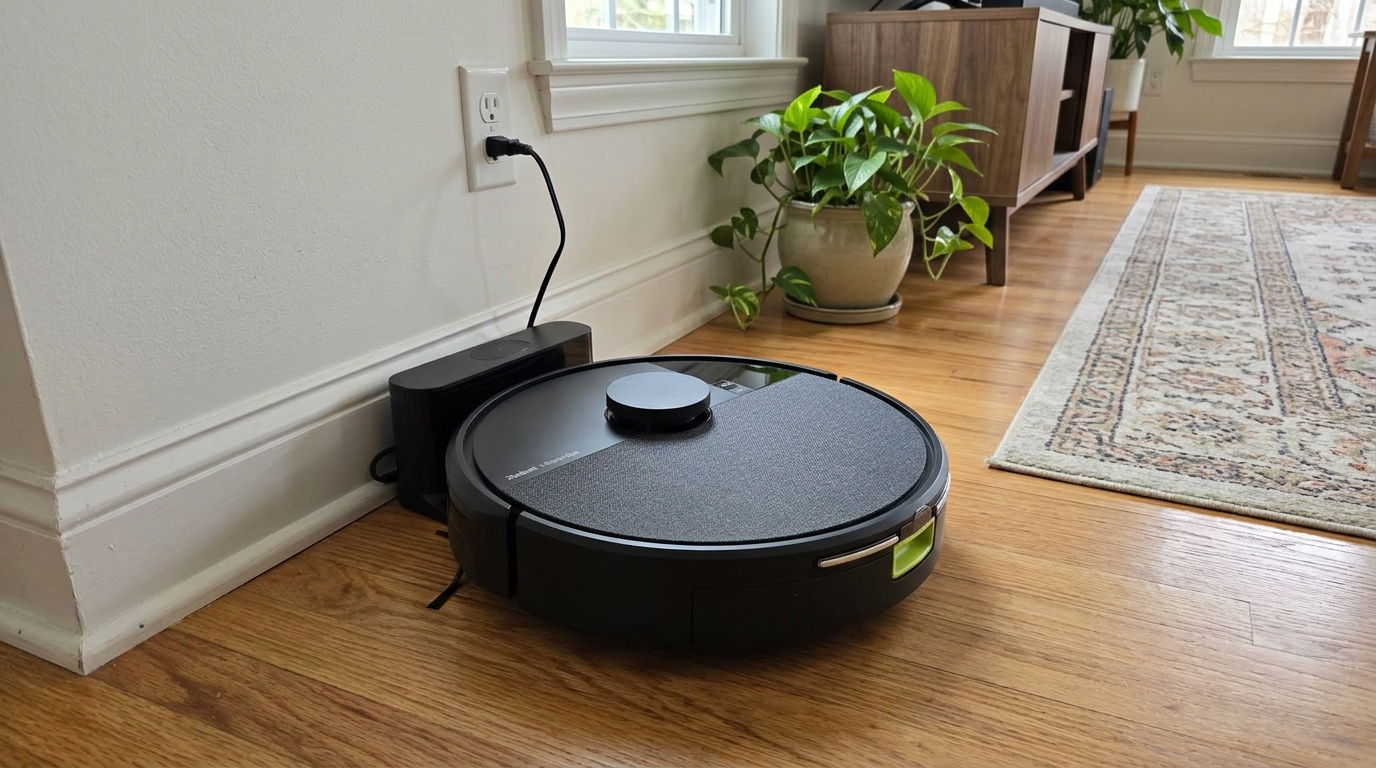
Brush and wheel problems on robots like the Roomba 105 Combo are usually fixed with a cleaning or a replacement part. Read my iRobot Roomba 105 Combo review →
Check the warranty before anything else
Before you buy any part or pick up a screwdriver, check whether the robot is still under warranty. That one step can change the whole decision.
Roborock's limited warranty covers new products for one year from purchase against defects in materials and workmanship, and its US terms exclude consumable items such as filters and brushes. Roborock also sells extended warranty coverage at checkout on eligible products. Some brands go further; Dreame lists a 3-year warranty on its L40 Ultra Gen 2 product page.
The fine print matters. Roborock's terms exclude damage from improper or unauthorized repair and from parts not supplied by Roborock. Opening the robot and installing a third-party part while it is under warranty can cost you that coverage.
Out of warranty, the calculation becomes simpler: what does the fix cost compared with a robot you would actually want to buy instead?
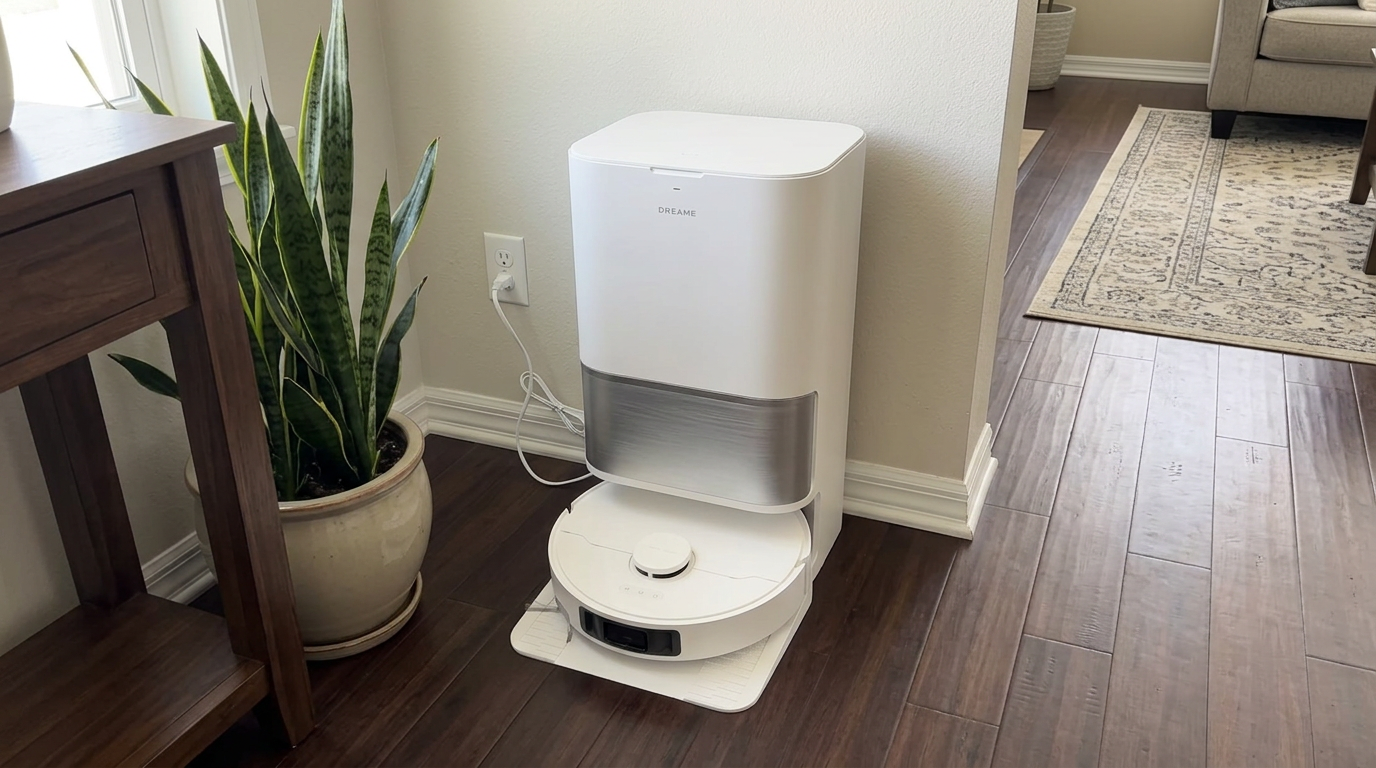
Dreame lists a 3-year warranty on the L40 Ultra Gen 2, which is worth checking before paying for any repair. Read my Dreame L40 Ultra Gen 2 review →
The rule I use to decide
Out of warranty, I use a simple rule of thumb. It is not an industry standard, just the framework that has served me well.
| Scenario | Repair cost vs. new | Robot age | My call |
|---|---|---|---|
| New battery for a $400 robot | Well under 30% | Any age | Repair |
| New wheel module for a $500 robot | Under 30% | Any age | Repair |
| LiDAR replacement on a $350 robot | 30% to 50% | 2 years, still updated | Probably repair |
| LiDAR replacement on a $350 robot | 30% to 50% | 5 years, no updates | Replace |
| Mainboard on a $250 robot | Over 50% | Any age | Replace |
| Dock pump on an $800 all-in-one | Varies | Under 3 years | Repair if the part is sold |
"Comparable new robot" matters. If your five-year-old robot cost $600, compare the repair with what a robot of similar ability costs today, which is often much less than you paid. That can tip a borderline repair toward replacement.
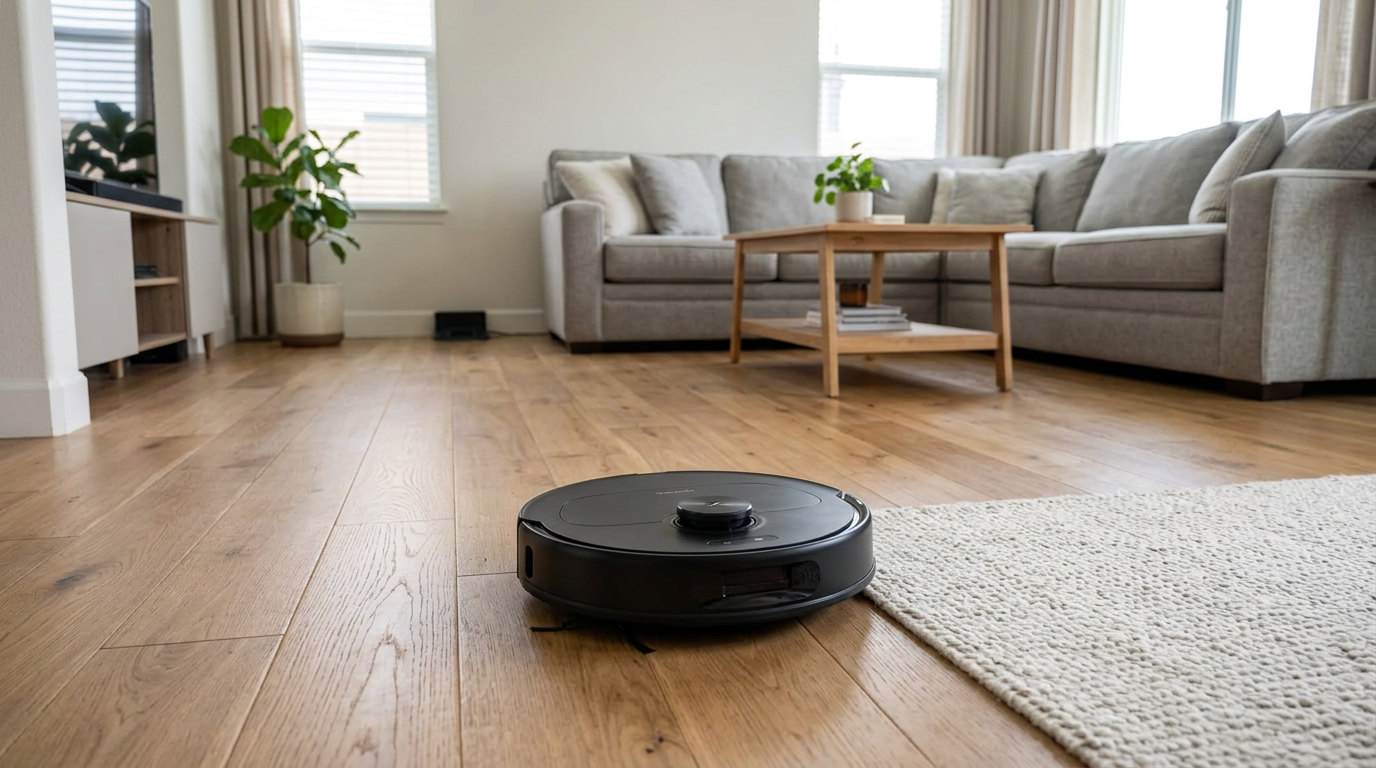
A mid-range robot like the Qrevo S Pro is a good benchmark for "comparable new robot" when you price out a repair. Read my Roborock Qrevo S Pro review →
When to replace even if repair is cheap
Money is not the only factor. These are the situations where I replace even when a repair is technically cheap.
The first is software. A robot that no longer gets firmware updates, or whose app is being shut down, has a limited future no matter how good its hardware is. Neato owners saw this when cloud services were phased out years earlier than promised, as Engadget reported.
The second is parts availability. If the part you need is only available from unknown sellers with no returns, the repair becomes a gamble.
The third is when your needs have changed. If you now have a dog, more rugs or a second floor, a repair that keeps an old robot limping along may not serve you as well as a robot that fits your home today.
- Under warranty or a cheap consumable fix
- The brand still sells parts and updates firmware
- The robot still fits your home
- You are comfortable with simple DIY
- Mainboard or multiple major parts have failed
- Software or cloud support has ended
- Parts are unavailable or unreliable
- A modern robot would clearly serve you better
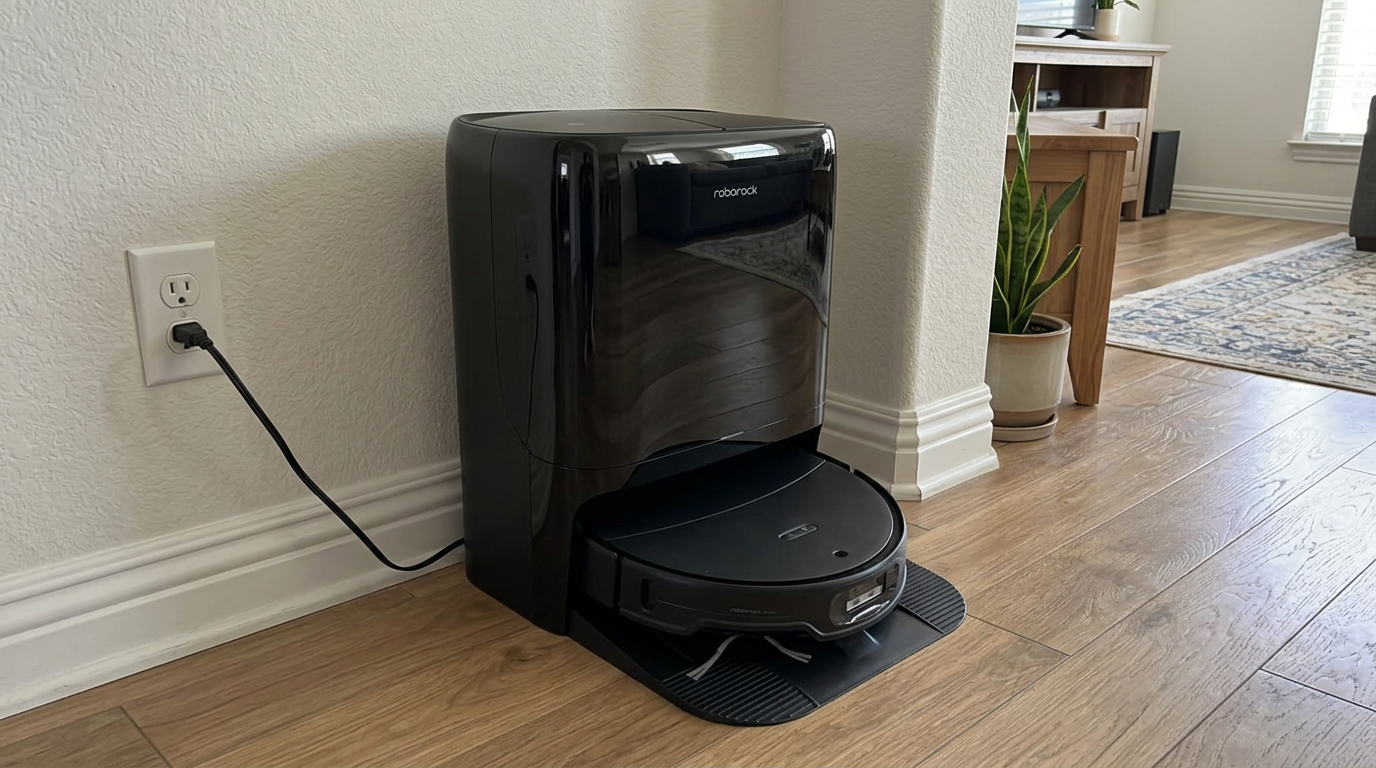
Newer robots like the Qrevo Edge 3 Pro can make replacement the better choice when an older robot no longer gets updates. Read my Roborock Qrevo Edge 3 Pro review →
The e-waste angle
There is also a bigger-picture reason to repair when it makes sense. Electronics are one of the fastest-growing waste streams in the world.
The United Nations' Global E-waste Monitor 2024 found that a record 62 million tonnes of e-waste were generated in 2022, and only 22.3% was documented as properly collected and recycled. For the category of small devices, which the report says includes vacuum cleaners, the documented recycling rate was just 12%.
A robot vacuum that gets a new battery and brushes instead of going in the trash is a small but real win. And when a robot truly is done, taking it to a proper electronics or battery recycler, rather than the curbside bin, keeps its lithium-ion battery and metals out of a landfill.
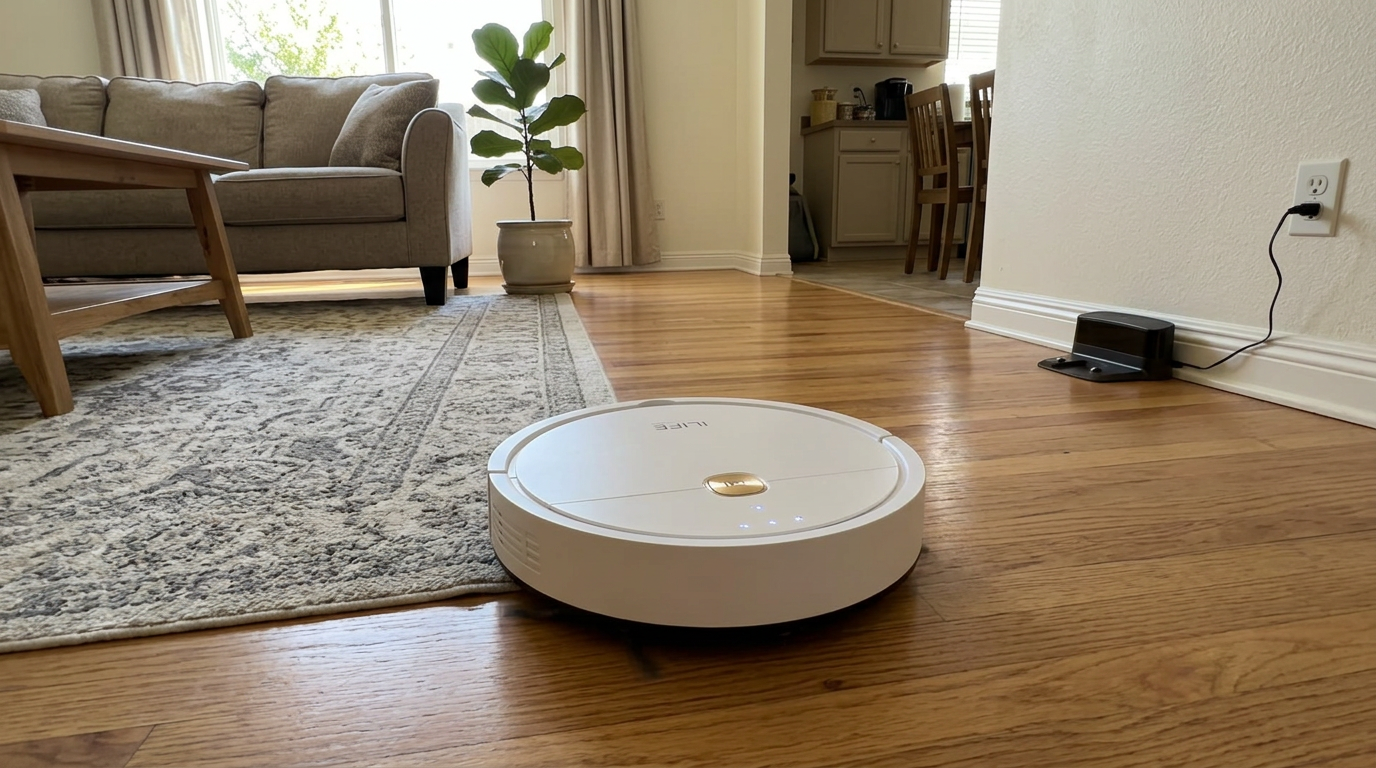
Even budget robots like the ILIFE V2 are worth a battery or brush replacement before they become e-waste. Read my ILIFE V2 review →
DIY, manufacturer service or a repair shop?
If you decide to repair, you have three main routes. Each has a place.
| Route | Best for | Watch out for |
|---|---|---|
| DIY with genuine parts | Batteries, brushes, wheels, side brushes, filters | Warranty status; follow the brand's guide |
| Manufacturer service | In-warranty faults, LiDAR, mainboard, dock pumps | Shipping time and possible service fees out of warranty |
| Independent repair shop | Out-of-warranty repairs you can't do yourself | Parts quality and the shop's warranty on its work |
For DIY, I start with the manufacturer's own support articles. iRobot's brush care guide, for example, walks through removing brushes and clearing end caps and bearings, which solves a large share of "brush error" calls before any part is needed.
Before ordering a part, I always confirm the exact model number from the sticker under the robot. Many robots look nearly identical across generations but use different batteries, brushes and wheel modules.
Photograph before you open: Take a photo of each step as you take the robot apart. It makes reassembly far easier and helps support if you need to call them later.
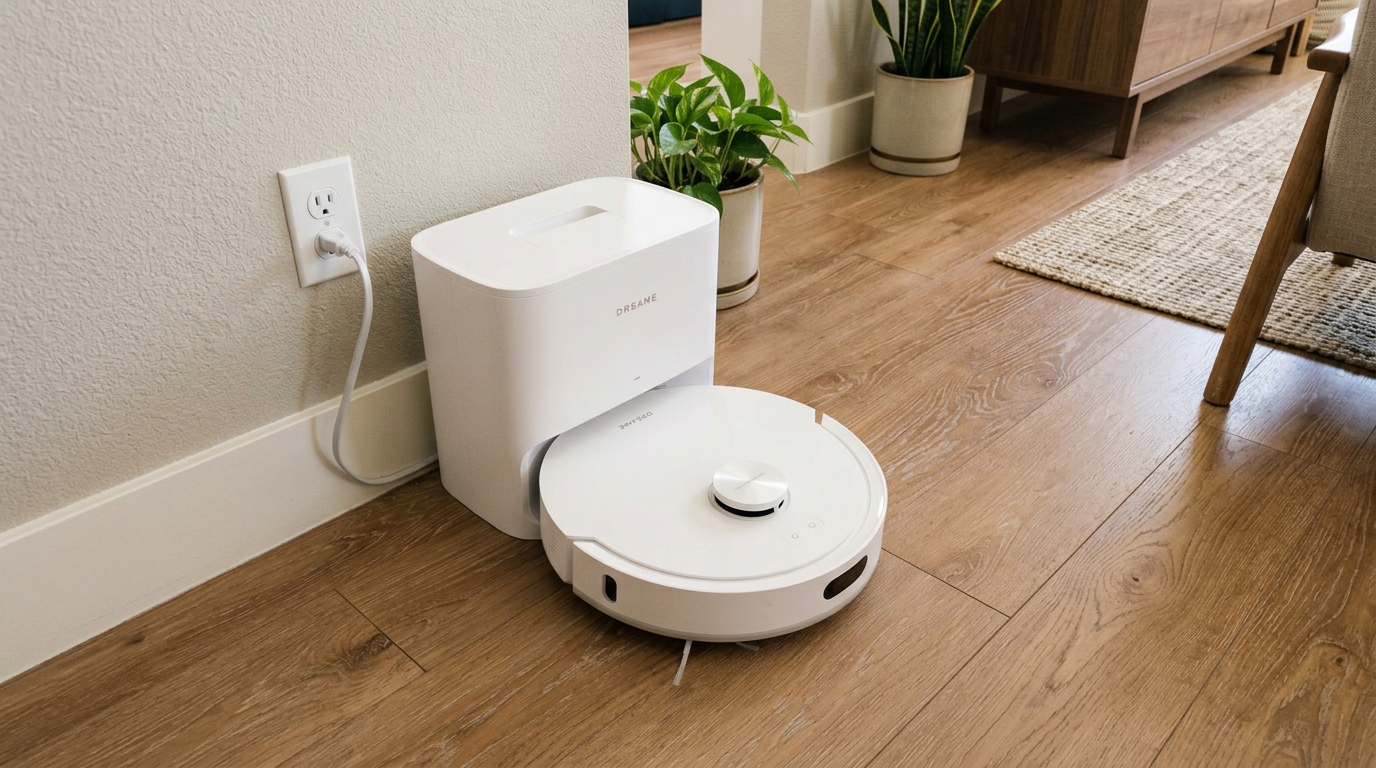
Mid-range robots like the D20 Air Plus are worth repairing through the brand's service channel when a major part fails under warranty. Read my Dreame D20 Air Plus review →
My repair-or-replace checklist
- Do the free fixes firstClean the brushes, wheels, sensors and charging contacts, replace the filter if it is old, and restart the robot. Many errors disappear here.
- Check the warrantyFind your purchase date and the brand's warranty length. If it is covered and the issue is not a consumable, contact support.
- Identify the failed partUse the error code, the app's troubleshooting and the brand's support articles to pin down the part.
- Price the fixLook up the genuine part or a service quote. Compare it with a comparable new robot today, not what you originally paid.
- Check software supportConfirm the robot still receives firmware updates and that the app and cloud are actively supported.
- Decide and recycle responsiblyRepair if it passes the rule of thumb. If you replace, reset the robot, remove it from your account and take it to an electronics or battery recycler.
Frequently asked questions
Is it worth repairing a robot vacuum?
How much does it cost to repair a robot vacuum?
Will opening my robot vacuum void the warranty?
When should I replace my robot vacuum instead of fixing it?
Can I replace a robot vacuum battery myself?
What should I do with a robot vacuum I am replacing?

Sarah has tested vacuums, mops, air purifiers and dehumidifiers since 2017. Before joining BrasQ, she spent five years as a test coordinator at a national consumer advocacy group. She studied industrial design at Ohio State and lives in Columbus with her family and a long-haired cat.
- First published.
- Roborock: limited warranty (new products, one year)
- Roborock US: limited warranty terms and exclusions
- Roborock US: extended warranty service terms
- Dreame: L40 Ultra Gen 2 product page (warranty)
- UNITAR and ITU: Global E-waste Monitor 2024
- iFixit: Roborock Q5 battery replacement guide
- iRobot support: main brush care, all Roomba models
- Engadget: Neato ending cloud services sooner than planned